zahta/machine-learning
In this repository, I have written about my experiences in studying Machine learning. Also, I have included the solutions of some Machine learning exercises and my educational projects.
| 🍀 My Path to Machine Learning 🍀 |
|---|
💡 Do not follow where the path may lead. Go instead where there is no path and leave a trail. Ralph Waldo Emerson |
| What Is Machine Learning? |
|---|
| 📗 Machine Learning is the science (and art) of programming computers so they can learn from data. |
| 📘 A slightly more general definition: Machine Learning is the field of study that gives computers the ability to learn without being explicitly programmed (Arthur Samuel-1959) |
| 📙 A more engineering-oriented one: A computer program is said to learn from experience E with respect to some task T and some performance measure P, if its performance on T, as measured by P, improves with experience E (Tom Mitchell-1997) |
Table of contents
✏️ Machine Learning Important Concepts
Books and Resources
Theoretical and Conceptual Machine Learning Books
- Understanding Machine Learning: From Theory to Algorithms by Shai Shalev-Shwartz and Shai Ben-David
Practical Machine Learning Books
- Hands‑On Machine Learning with Scikit‑Learn, Keras, and TensorFlow 2 by Aurélien Geron
Time Series Books
- Free online ebook: Forecasting: principles and practice by Rob J Hyndman, and George Athanasopoulos
Blogs
- Brief visual explanations of machine learning concepts with diagrams: Machine Learning Glossary
- Made With ML: A collection of the best ML tutorials, toolkits and research organized by topic
Algorithms and Models
Blogs
- Difference Between Algorithm and Model in Machine Learning by Jason Brownlee
Evaluation Metrics or Loss Functions for Regression
Blogs
Train, Validation and Test Sets in Machine Learning
Blogs
- What is the Difference Between Test and Validation Datasets? by Jason Brownlee
- Why exactly using a test set for model evaluation is a bad idea?
Datasets and Projects
Datasets Resources
Blogs
- Famous Machine Learning Datasets You Need to Know by Uniqtech
- 10 Standard Datasets for Practicing Applied Machine Learning by Jason Brownlee
- 5 Data Science Projects That Will Get You Hired in 2020
- 5 free resources every data scientist should start using today by Yitaek Hwang
- Breaking the curse of small datasets in Machine Learning: Part 1 by Jyoti Prakash Maheswari
- Breaking the curse of small datasets in Machine Learning: Part 2 by Jyoti Prakash Maheswari
- Imbalanced Data : How to handle Imbalanced Classification Problems
Hyperparameter Optimization
Slides
Hyperparameter Optimization for Machine Learning
- Hyperparameter Optimization for Machine Learning by Zahra Taheri
Tutorials
Hyperparameter Optimization with Pytorch and Ray Tune
- A Classification Task by Zahra Taheri
- A Regression Task by Zahra Taheri
Papers
Cross Validation for Hyperparameter Tuning
- Performance-Estimation Properties of Cross-Validation-Based Protocols with Simultaneous Hyper-Parameter Optimization by Ioannis Tsamardinos, Amin Rakhshani and Vincenzo Lagani
Best Tools for Hyperparameter Optimization
Tools
- Ray Tune
- Optuna
- HyperOpt
- Scikit-Optimize
- Microsoft’s NNI (Neural Network Intelligence)
- Google’s Vizer
- AWS Sage Maker
- Azure Machine Learning
Blogs
- Best Tools for Model Tuning and Hyperparameter Optimization by Bunmi Akinremi
- Top Hyperparameter Optimisation Tools by Ram Sagar
Videos and courses
- Hyperparameter Optimization for Machine Learning by Soledad Galli
Blogs
General Concepts and Techniques
- What is the Difference Between a Parameter and a Hyperparameter? by Jason Brownlee
- Hyperparameter Tuning in Python: a Complete Guide by Shahul ES and Aayush Bajaj
- Hyperparameter Optimization for Machine Learning Models by Nagesh Singh Chauhan
- Practical Hyperparameter Optimization by Pier Paolo Ippolito
- Hyperparameter Optimization Techniques to Improve Your Machine Learning Model's Performance by Davis David
- Hyper-parameter optimization algorithms: a short review by Aloïs Bissuel
- How to Evaluate Machine Learning Models: Hyperparameter Tuning by Alice Zheng
Hyperparameter Tuning in Deep learning
- How To Make Deep Learning Models That Don’t Suck by Ajay Uppili Arasanipalai
- Improving Neural Networks – Hyperparameter Tuning, Regularization, and More (deeplearning.ai Course #2) by PulkitS
Random Search VS Grid Search
- Why Is Random Search Better Than Grid Search For Machine Learning by Kishan Maladkar
Bayesian Optimization
- Bayesian optimization by Martin Krasser
- How to Implement Bayesian Optimization from Scratch in Python by Jason Brownlee
- Gaussian Processes for Dummies by Katherine Bailey
Cross Validation
- Cross-Validation by Ritchie Ng
- Cross Validation With Parameter Tuning Using Grid Search by Chris Albon
Nested Cross Validation
- Nested Cross-Validation — Hyperparameter Optimization and Model Selection by Satyam Kumar
- Nested versus non-nested cross-validation from Scikit-Learn
- Nested cross validation explained by Weina Jin
Markdown
Docs
Cheat Sheets
Git
Docs
Cheat Sheets
Videos and courses
- Git by Amir Hasan Azimi (in Persian)
✏️ Projects and Exercises
Numpy, Pandas, and Matplotlib
Classification and Regression with Scikit-learn
- Some Regression tasks
- Classification on Cifar10 Dataset
- Classification on Cifar100 Dataset
- Classification on MNIST Dataset
- Regression on California Housing Dataset
- Classification on Titanic Dataset
- Classification on Student Dataset
Classification and Regression Using SVM
- Classification on Cifar10 Dataset Using SVM
- Classification on Cifar100 Dataset Using SVM
- Classification on Fashion MNIST Dataset Using SVM
- Classification on Pima Indian Diabetes Dataset Using SVM
- Regression on Abalone Dataset Using SVM
- Regression on California Housing Dataset Using SVM
Clustering
PCA and SVD
✏️ Notes and Experiences
Anaconda
-
Install Miniconda3 on Linux:
-
Download the latest shell script:
wget https://repo.anaconda.com/miniconda/Miniconda3-latest-Linux-x86_64.sh -
Make the miniconda installation script executable:
chmod +x Miniconda3-latest-Linux-x86_64.sh -
Run miniconda installation script:
./Miniconda3-latest-Linux-x86_64.sh
-
-
1️⃣
conda --version(in a terminal command line) ➡️ Conda version number (if it is installed properly).2️⃣
conda update condaand theny(if needed) ➡️ Update conda to the current version.- Anaconda Prompt: 1️⃣ Start menu 2️⃣ search for and open "Anaconda Prompt".
- Windows Command Prompt: 1️⃣ Start menu 2️⃣ search for and open "cmd".
- When I typed
conda --versionin the Command Prompt, I encounteredconda is not recognized as an internal or external command, operable program or batch file. This issue was resolved by Method 3 of this page.
- When I typed
-
-
Some useful terminal commands:
1️⃣
conda create --name envnameorconda create -n envname➡️ Create the environment "envname".2️⃣
conda activate envname➡️ Activate the environment "envname".3️⃣
conda info --envs➡️ A list of all your environments (active environment with an asterisk (*)).4️⃣
conda install pkgname➡️ Install the package "pkgname" in the active environment.5️⃣
conda list -n envnameorconda list➡️ A list of all packages installed in the active environment.6️⃣
conda list -n envname pkgname➡️ To see if the package "pkgname" is installed in "envname".7️⃣
conda install --revision=0orconda install --rev 0➡️ Restore active environment to the default version.8️⃣
conda deactivate➡️ Deactivate environment.9️⃣
conda remove --name envname --all➡️ Remove the environment "envname". -
If you encontered the Error 403 while
conda update condaorconda create -n envname:conda config --add channels conda-canary conda config --remove channels defaultsor refer to Troubleshooting (403 Error).
-
-
Python and Jupyter Lab
-
Python Installation (by a terminal command line): Type
conda install python=vnumberto install version "vnumber" of Python in the active environment. -
Jupyter Lab Installation (by a terminal command line): Type
conda install jupyterlabto install Jupyter Lab in the active environment. -
Use
jupyter labto start Jupyter Lab. -
- Terminal command:
python -m ipykernel install --user --name envname --display-name "Python (envname)"
- Terminal command:
-
-
-
Installing packages from conda-forge:
-
conda config --add channels conda-forge➡️ Register the conda-forge channel as a package source for conda -
conda config --set channel_priority strict➡️ Activate the strict channel priority.
-
-
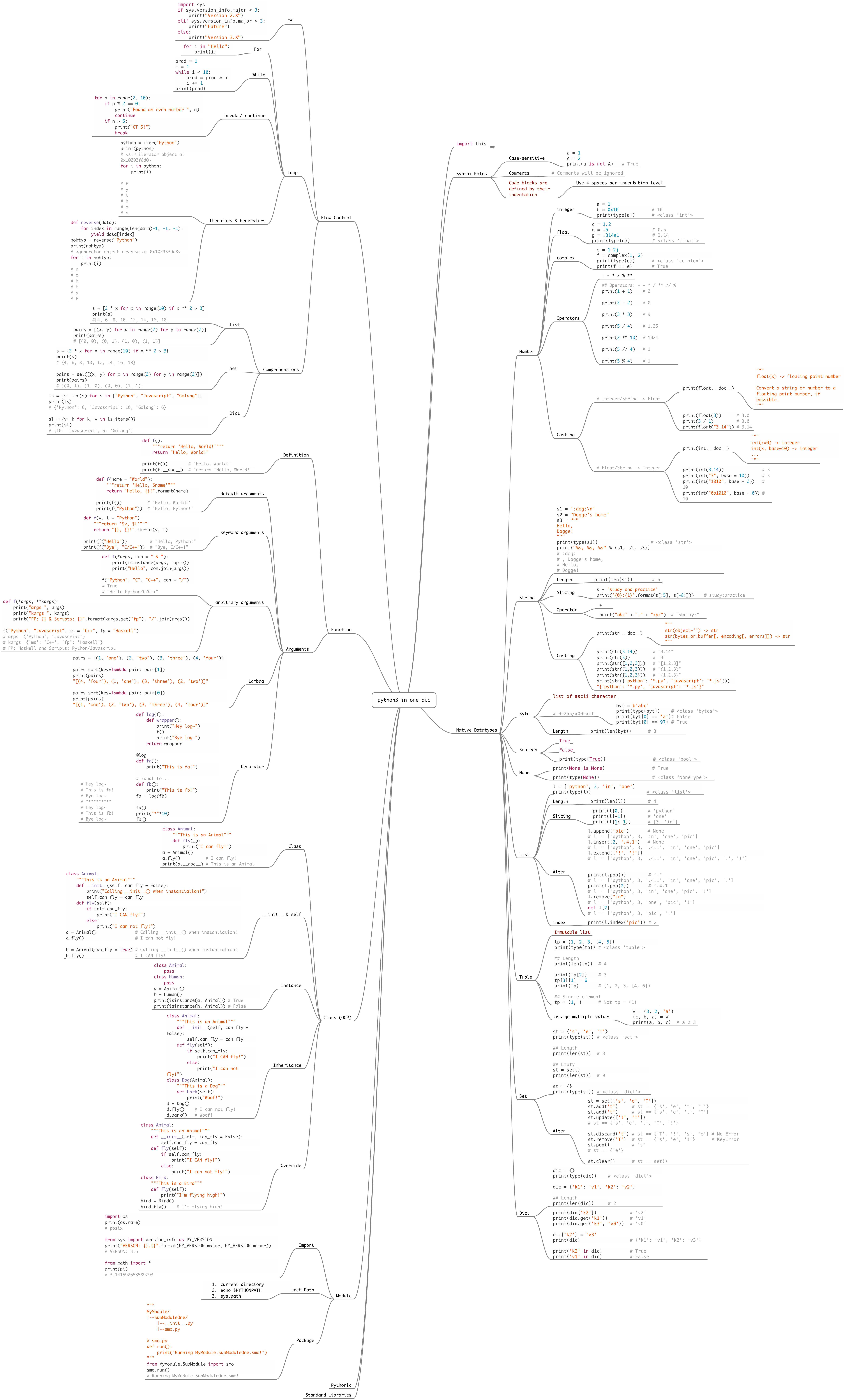
Python
-
GitHub Repository: Practical Python
-
Installation of python libraries:
-
Installing libraries with the command
conda install "libname":Some libraries could not be installed with the above command line. Then, you can either do
pip install "libname"or download the source and install that manually as follows. -
Installing libraries manually:
Download the source file of the library containing the file
setup.py➡️ Launch the anaconda prompt and
navigate to the folder that contains the extracted downloaded files , e.g., with the commandcd /d d:\anaconda3\tflearn- master➡️ Runpython setup.py install
-
Colab
-
A good approach to import local datasets into the Colab:
1️⃣ Compress the dataset, i.e., as a
zipfile 2️⃣ Upload the compressed file to your Google drive 3️⃣ Mount your Google drive into the colab 4️⃣ Unzip the compressed file in Colab. -
A good approach to unzip dataset files from Google drive into the content folder in colab:
import os if not os.path.exists("/content/dataset"): print("unzip files!") !unzip -q "/content/drive/My Drive/dataset.zip" -
To prevent Google Colab from disconnecting:
Google Colab notebooks have an idle timeout of 90 minutes and absolute timeout of 12 hours. This means, if user does not interact with his Google Colab notebook for more than 90 minutes,
its instance is automatically terminated. Also, maximum lifetime of a Colab instance is 12 hours.To prevent Google Colab from disconnecting, Open developer settings in your web browser with
Ctrl+Shift+I➡️ Click on console tab ➡️ Type the following code block in the console prompt:function ClickConnect(){ console.log("Working"); document.querySelector("colab-toolbar-button").click() }setInterval(ClickConnect,60000)