vhyran/Cipher
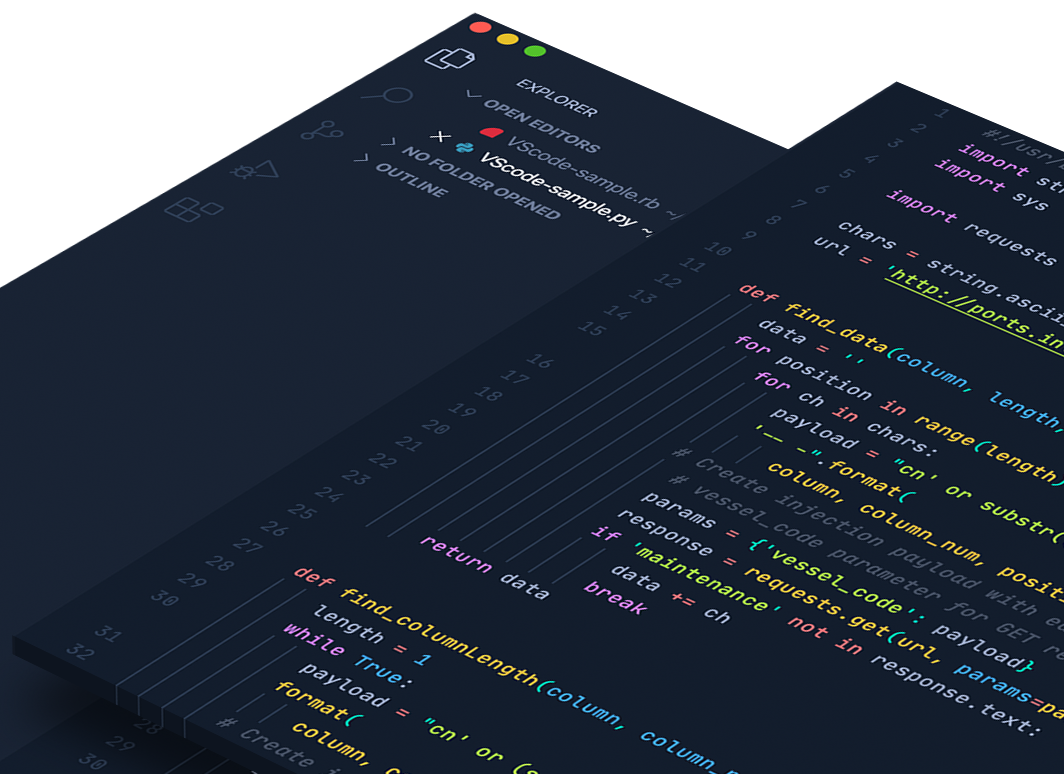
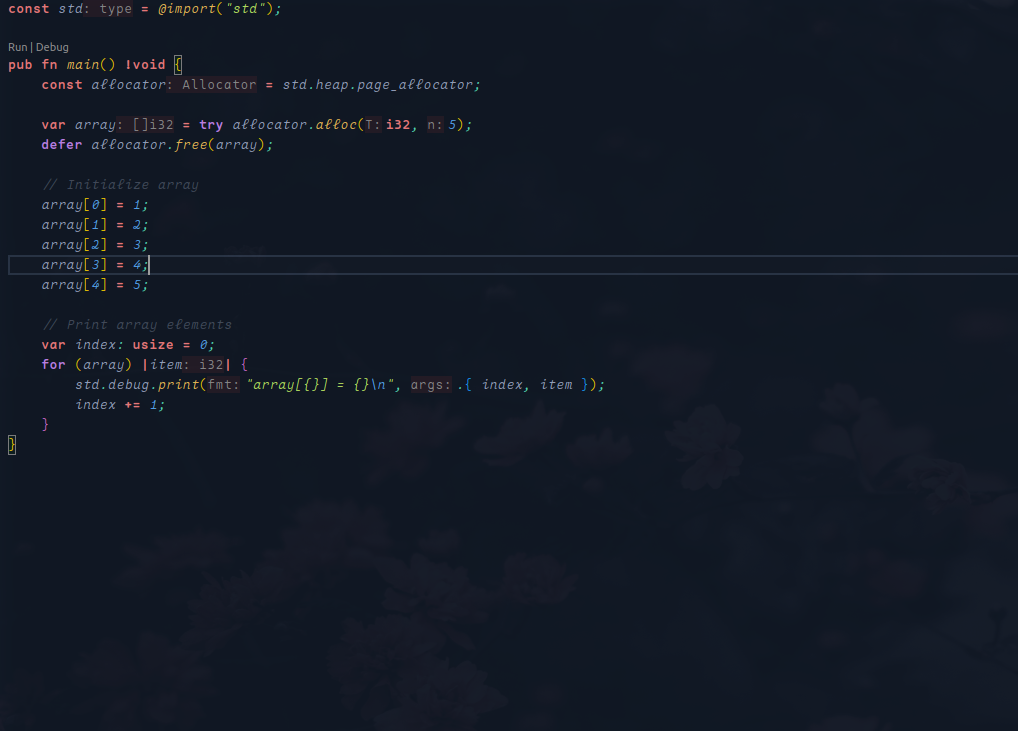
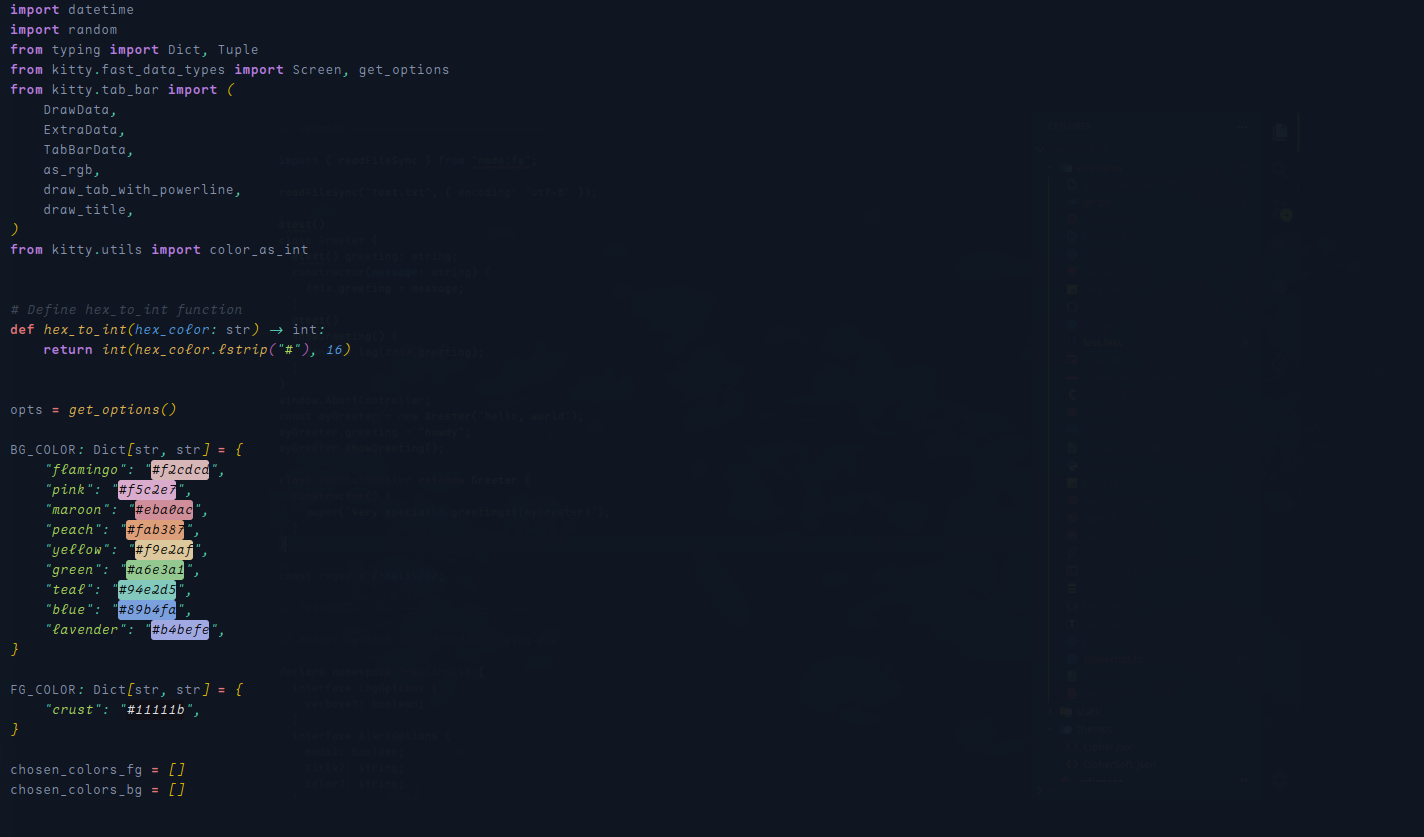
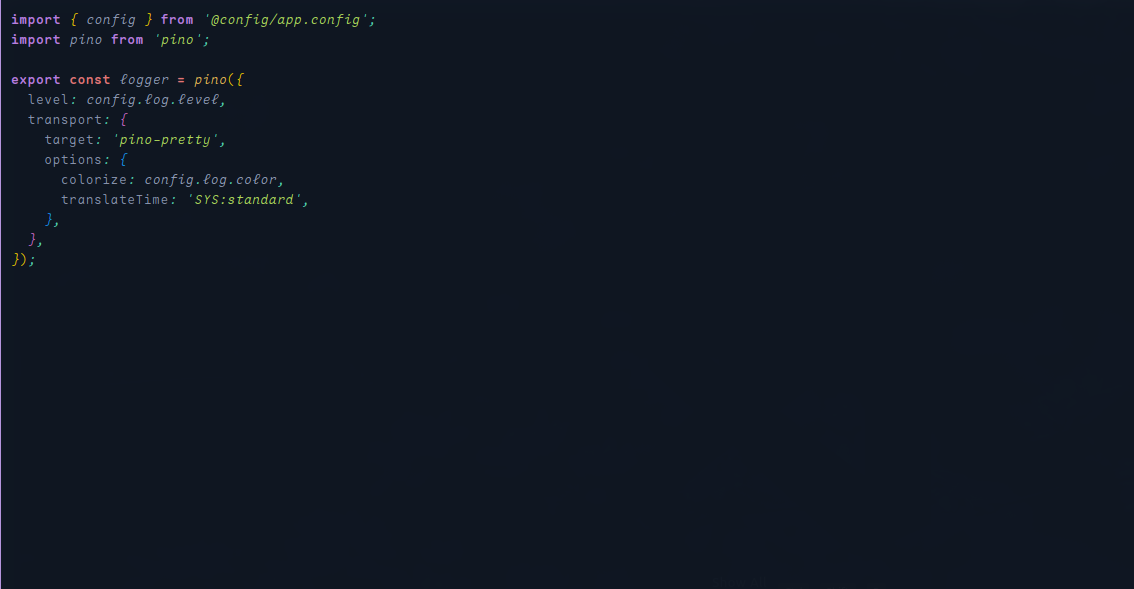
A Visual Studio Code theme designed for hackers, inspired by the 'HackTheCode' aesthetic. With bold, high-contrast colors and sleek syntax highlighting, it's perfect for those who thrive in dark, immersive coding environments
Cipher Theme for VS Code
A custom Visual Studio Code theme inspired by Hack The Box, designed to provide a comfortable and focused coding experience for hackers and developers. Developed with 💚 by vhyran.

Theme Preview
This theme puts the focus on your code, no distractions or overly saturated colors that might look good in a preview, but in reality, burns your eyes after a day of coding. We put extra effort in making sure your syntax and semantic highlighting are on par with your favorite coding languages. The Hack The Box theme is a constant work in progress, always looking to improve were we can. Share your thoughts over on github.
Getting Started
To install the Cipher theme, follow the steps below:
Installation via Visual Studio Code Marketplace
- Open the Extensions sidebar in VS Code (
View → Extensions). - Search for
Cipher. - Click Install to add the theme to your editor.
- Click Reload to activate the theme.
- Set the theme by navigating to File > Preferences > Settings > Workbench > Color Theme and select Cipher.
Installation via Command Line
You can also install the theme via Git by running the following commands:
$ git clone https://github.com/vhyran/cipher.git ~/.vscode/extensions/cipher
$ cd ~/.vscode/extensions/cipher
$ npm install && npm run build
Recommended Visual Studio Code Settings
For the best experience using the Cipher theme, apply these settings in your settings.json:
- Open settings.json by pressing ctrl+shift+p or going to File > Preferences > Settings.
- Add or update the following settings:
{
  "editor.fontFamily": "Maple Mono SC NF",
  "editor.fontSize": 12,
  "editor.fontWeight": "300",
  "editor.lineHeight": 20,
  "editor.letterSpacing": 0.5,
  "editor.fontLigatures": true,
  "editor.wordWrap": "on",
  "editor.formatOnPaste": true,
  "editor.cursorBlinking": "smooth"
}- Maple Mono SC NF Font: You can download it here.
- Material Icon Theme: Enhance your VS Code with the Material Icon Theme, available here.
$ git clone https://github.com/vhyran/cipher.git ~/.vscode/extensions/cipher
License
Feedback and Contributions
$ git clone https://github.com/vhyran/cipher.git ~/.vscode/extensions/Cipher
We’re always working to improve the theme. If you have feedback or suggestions, please feel free to open an issue or contribute via our GitHub Repository.