GNU-IceCat
GNU-IceCat package for Debian based distro's.
FOR BUG REPORTS, VISIT: bug-gnuzilla
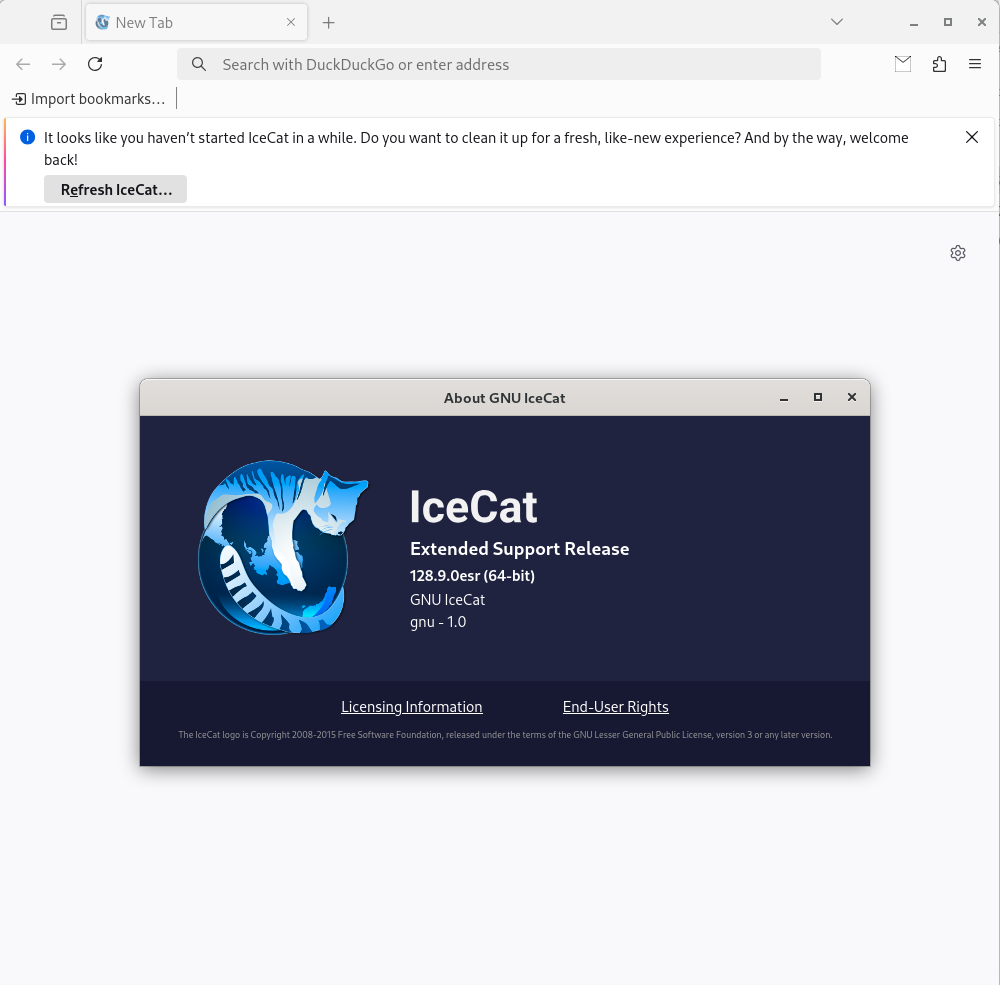
Tested and working on Debian 12 - Version 128.9.0
- (20.06.2025)
Install on Debian/Ubuntu
Should work on other Debian based distro's, such as Linux Mint.
Repository
$ sudo curl -SsL -o /etc/apt/sources.list.d/tmiland.list https://deb.tmiland.com/debian/tmiland.list$ curl -SsL https://deb.tmiland.com/debian/KEY.gpg | gpg --dearmor | sudo tee /etc/apt/trusted.gpg.d/tmiland.gpg >/dev/null$ sudo apt update$ sudo apt install gnu-icecatNote
Package icecat has changed to gnu-icecat
To reinstall:
$ sudo apt remove icecat && sudo apt install gnu-icecatFor most recent version, use the repo
IceCat hasn't been uploaded to their repo since 2019, and the repo option will install from icecat from home:losuler:icecat project
IceCat will be downloaded from icecatbrowser.org
Repo: deb.tmiland.com
Manual install
Make sure you have the "menu" package and git:
$ sudo apt-get install menu && sudo apt-get install gitUsing git, grab the latest code for the GNU-IceCat browser package builder:
$ git clone https://github.com/tmiland/GNU-IceCat.gitCD into the newly cloned git folder, and execute the build tool to generate a new package.
$ cd GNU-IceCat$ ./package.shPackage.sh will build a DEB package.
Use the dpkg command in terminal to install:
$ sudo dpkg -i icecat_[<version>]_amd64.debUninstall the GNU IceCat browser with:
$ sudo apt-get remove gnu-icecat