PCE.js
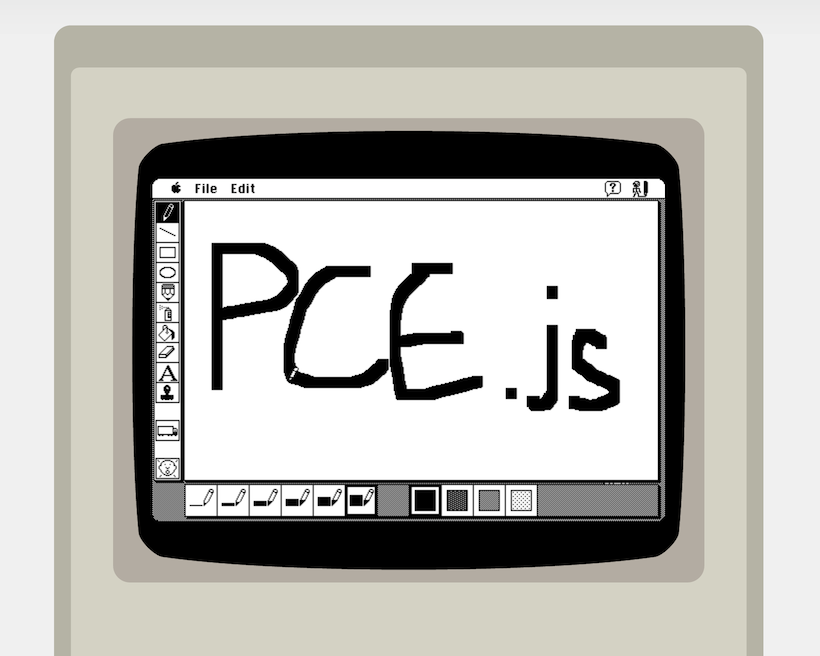
PCE.js runs classic computers in the browser. It's a port of Hampa Hug's excellent PCE emulator, put together by James Friend.
PCE.js currently emulates Mac Plus, IBM PC/XT and Atari ST functionally in recent versions of Chrome and Firefox.
More info:
How to run PCE.js on your own website
See this CodePen example.
I recommend installing the native version of PCE on your computer to create your own disk images. Alternatively, you could use Mini vMac.
Installing from npm
PCE.js is available from npm as a set of browserify compatible node packages, which also include UMD bundles.
There is one for each emulator build:
- pcejs-macplus - Mac Plus
- pcejs-ibmpc - IBM PC/XT
- pcejs-atarist - Atari ST
See each of the above links for install and usage instructions
How to build PCE.js from source
Note: I recommend instead just using the npm packages listed above, unless you want to hack on the C source of the emulators themselves (which is not necessary if you just want to get them running on a page).
Make sure you've installed node.js
These instructions assume you're working with my fork of PCE on the
pcejs branch. Presumably that's where you're reading this right now.
Run npm install in this directory (the source root). This should install the
required node.js tools to build the commonjs modules and run the examples.
Install the Emscripten SDK.
Install and activate the latest version of the SDK
cd ../path/to/emsdk/
./emsdk install latest
./emsdk activate latest
source ./emsdk_env.sh
Check that running emcc -v successfully returns current Emscripten version.
Detailed installation instructions are on the Emscripten SDK page.
In the same terminal, return to the pcejs repository. Run ./pcejs_build env once which will create a pcejs_build_conf.sh file if it
doesn't already exist.
Similarly you should be working with my fork of PCE on the
pcejs branch, but presumably that's where you're reading this right now.
Most of the build process involves running the ./pcejs_build bash script in the
root of the repo. Commands should be run like ./pcejs_build [command] or pcejs_build [command] [arg]
Run ./pcejs_build build [target] to build the emulator, where [target] is macplus,
ibmpc or atarist. This will output a pce-[target].js file to dist/.
Once the output file for the target you're interested in has been built, you can:
- run the examples in the
example/directory withexample/run_example.sh [target] - build the npm packages in the
commonjs/[target]/directories by running
npm run prepublishin the respective directory.
Commands you might be interested in:
- build [target]: Configure, build and compile emulator to JS. [target] is either
one ofmacplus,ibmpc,ataristornative. Specifiying an emulator arch
builds the in-browser emulator JS file for that architecture.nativebuilds all PCE
executables normally. If you don't specify a [target] then all JS targets will
be built. - rebuild: Build last again
- clean: Clean source tree
- [nothing]: Build all emulator JS targets and (commonjs modules for each)
Other commands (used internally by build scripts)
- env: Print build environment variables
- configure: Configure emulator build
- make: Compile emulator source to LLVM bitcode (used by 'build')
- remake: Recompile only changed files of emulator source to LLVM bitcode
- afterbuild: installs the just build files along with needed support files
- module: Build commonjs module (used by commonjs module prepublish scripts)
Run ./pcejs_build build [target] to build the emulator, where [target] is macplus,
ibmpc or atarist. This will output a pce-[target].js file to dist/.
Once the output file for the target you're interested in has been built, you can:
- run the examples in the
example/directory withexample/run_example.sh [target] - build the npm packages in the
commonjs/[target]/directories by running
npm run prepublishin the respective directory.