quocbao238/Smart-Connect
SmartConnect is a smart home automation system that utilizes Altium, ESP8266, Pzem004T, Flutter app, and Firebase backend. The system monitors and controls electrical devices in the home, providing real-time power consumption monitoring and alerts for abnormal power usage
Smart-Connect
SmartConnect is an innovative solution that combines Altium, ESP8266, Pzem004T, Flutter app, and Firebase backend to create a smart home automation system. The system is designed to monitor and control electrical devices in the home, providing users with a convenient and efficient way to manage their power usage.
The system consists of the ESP8266 microcontroller, Pzem004T power monitoring module, and Altium PCB design. The ESP8266 is used to connect the devices to the internet, while the Pzem004T monitors the power consumption of each device. The Altium PCB design ensures the system is reliable and secure.
The Flutter app serves as the user interface, allowing users to view and control their devices remotely. The app is integrated with Firebase backend, providing secure cloud storage and real-time data synchronization.
- My IoT Project Altium + ESP8266 + Pzem004T + Flutter APP with Firebase Backend
- I have developed all by myself and I would be happy to share my design,source and APK for testing purposes.
- If you have any copyright issues please contact us via email: baobondev@gmail.com
Alitum Desgin
Smart Controller Board
- Schematic
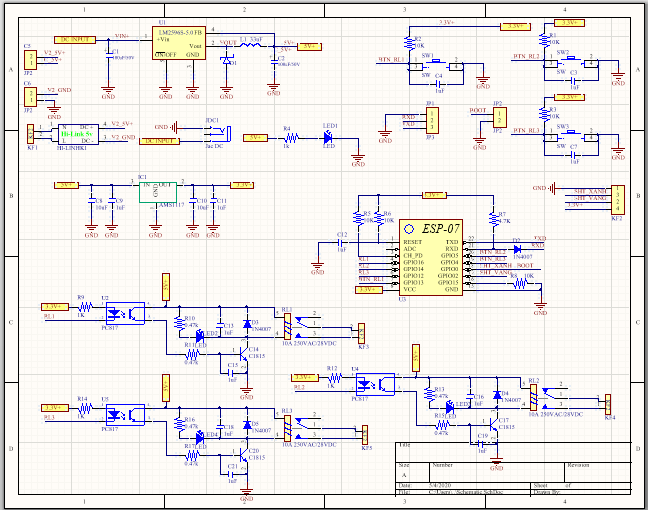
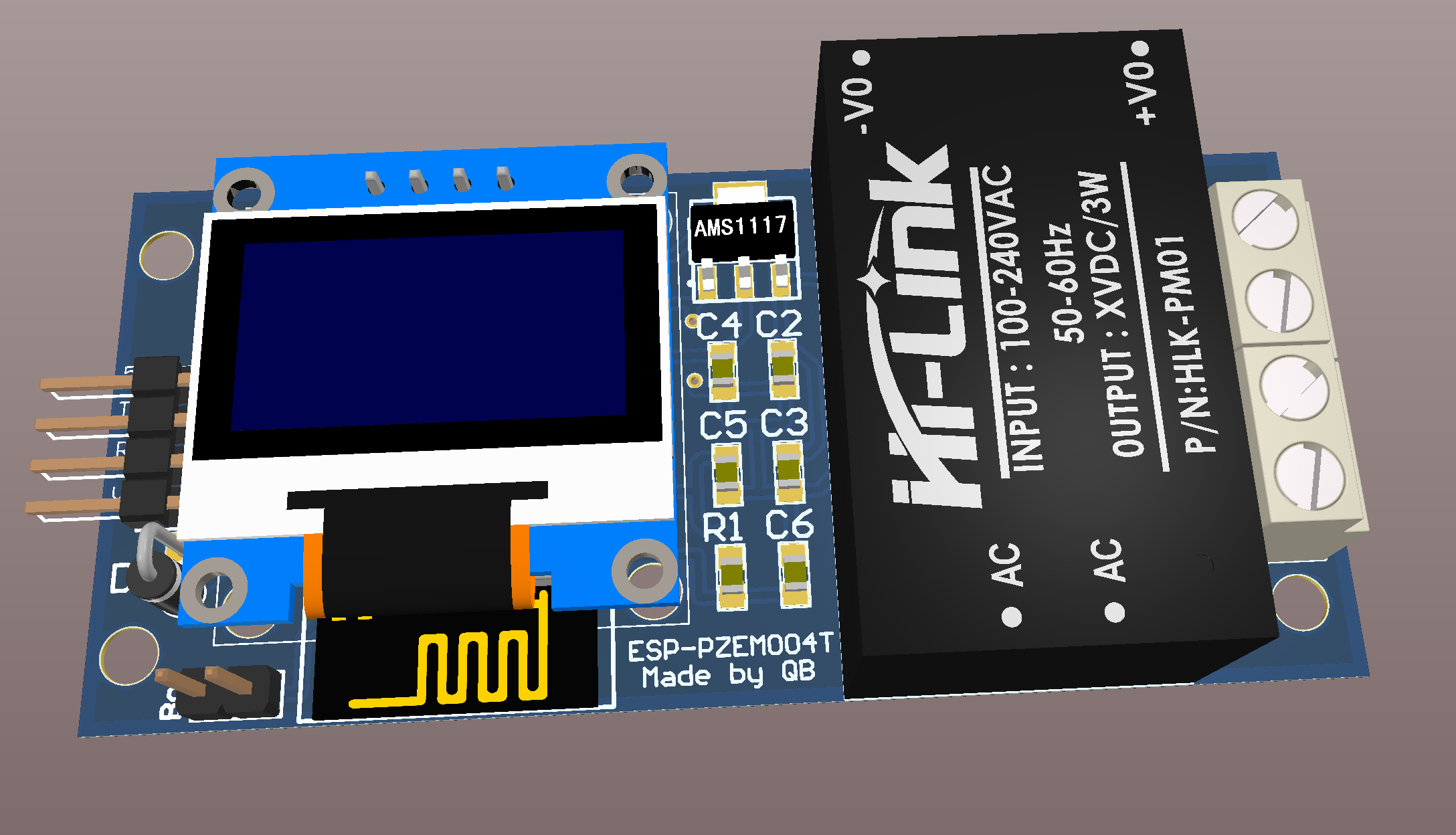
- Pcb 3D


Smart Energy Board
- Schematic
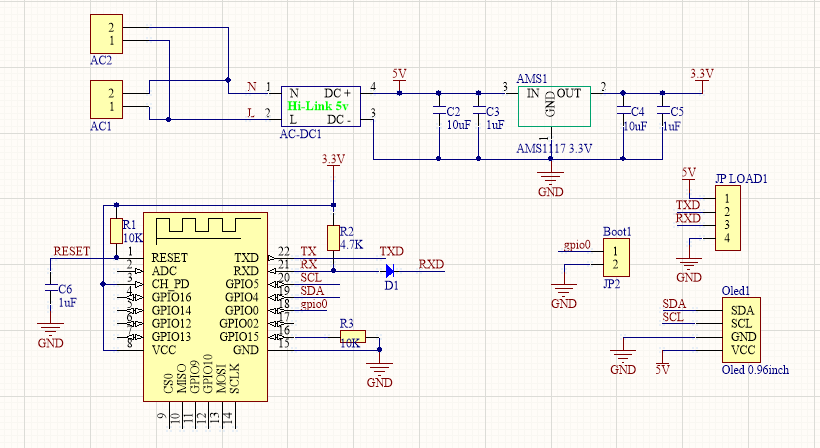
- Pcb 3D

Embedded
- Source code in EmbeddedSource
- I use ESP8266-V12 and ESP8266-V7 with Pzem004T
- You need to install Arduino IDE and setup ESP8266 Tool Board to Update Code
- You need import library in EmbeddedSource to Arduino IDE
Mobile App Design
- Smart Connect help controller Smart Connect Controller && read Energy Smart Powwer
- My Flutter design animation challenge
Feature
- This source code support to do project in school and learn Flutter
- I have developed this app all by myself and I would be happy to share the APK of the app for testing purposes.
Dowload

Screenshot
- Intro && Login Screen
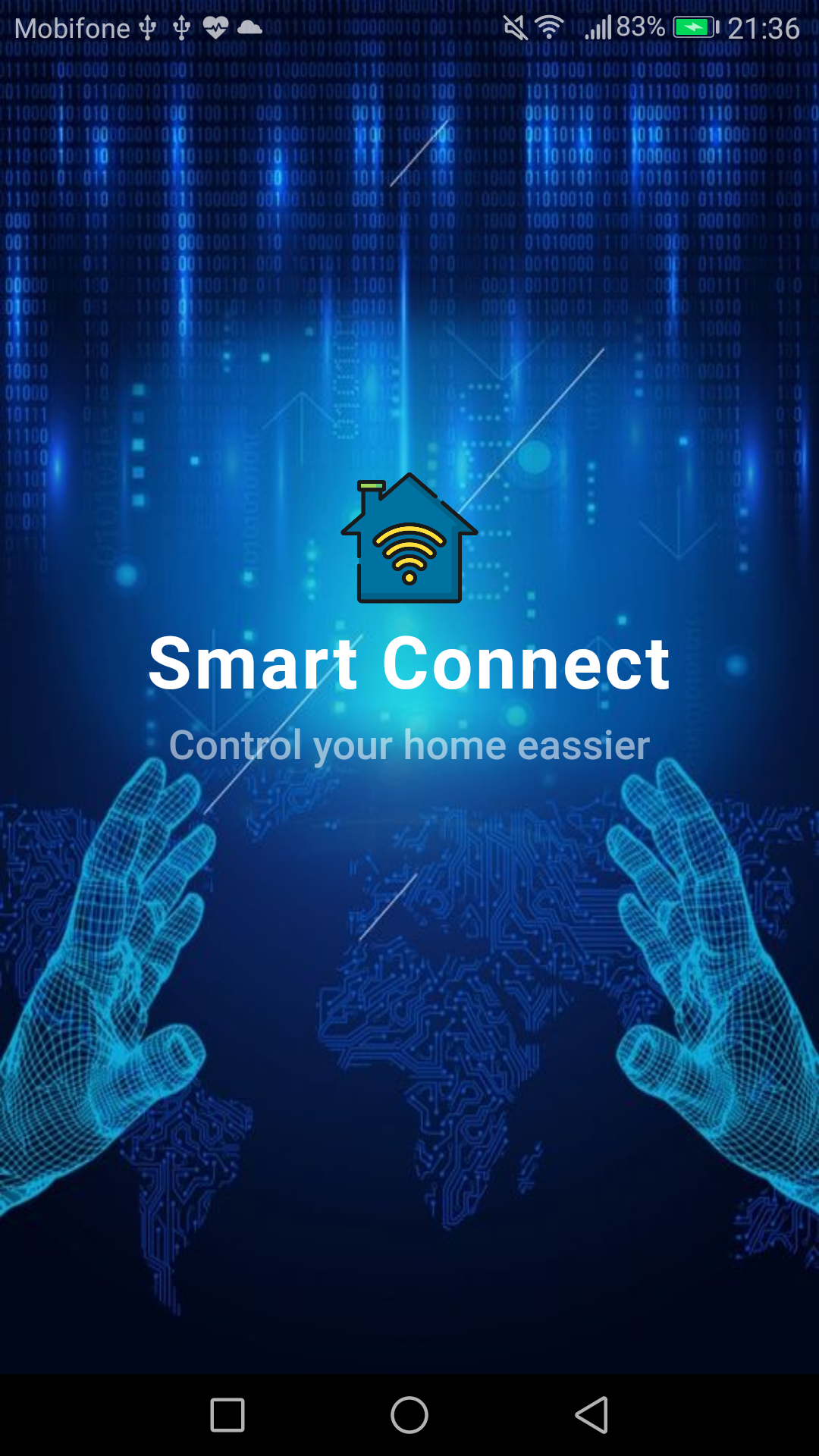
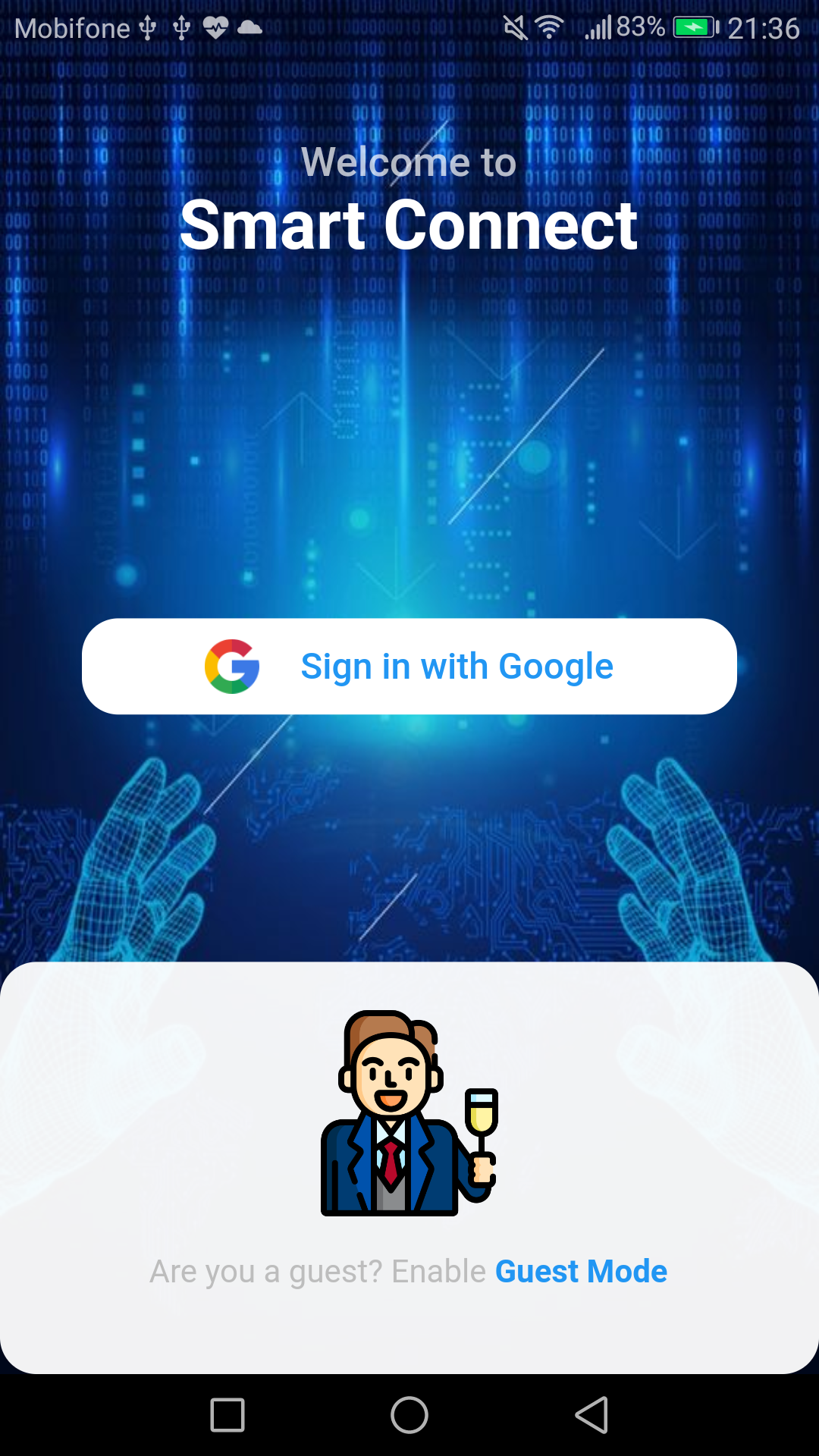
- Home Screen
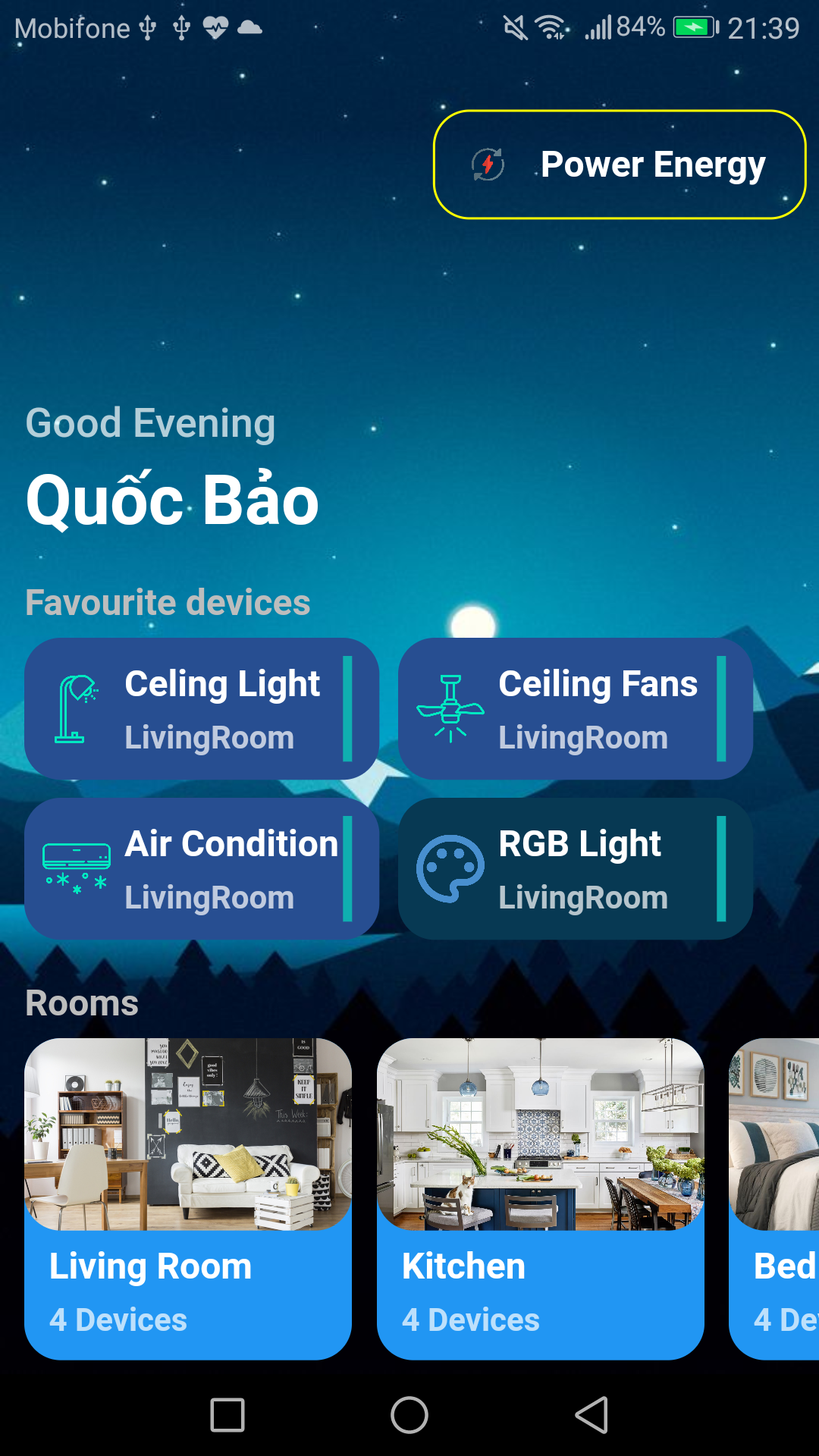
- Favorite Devices Screen
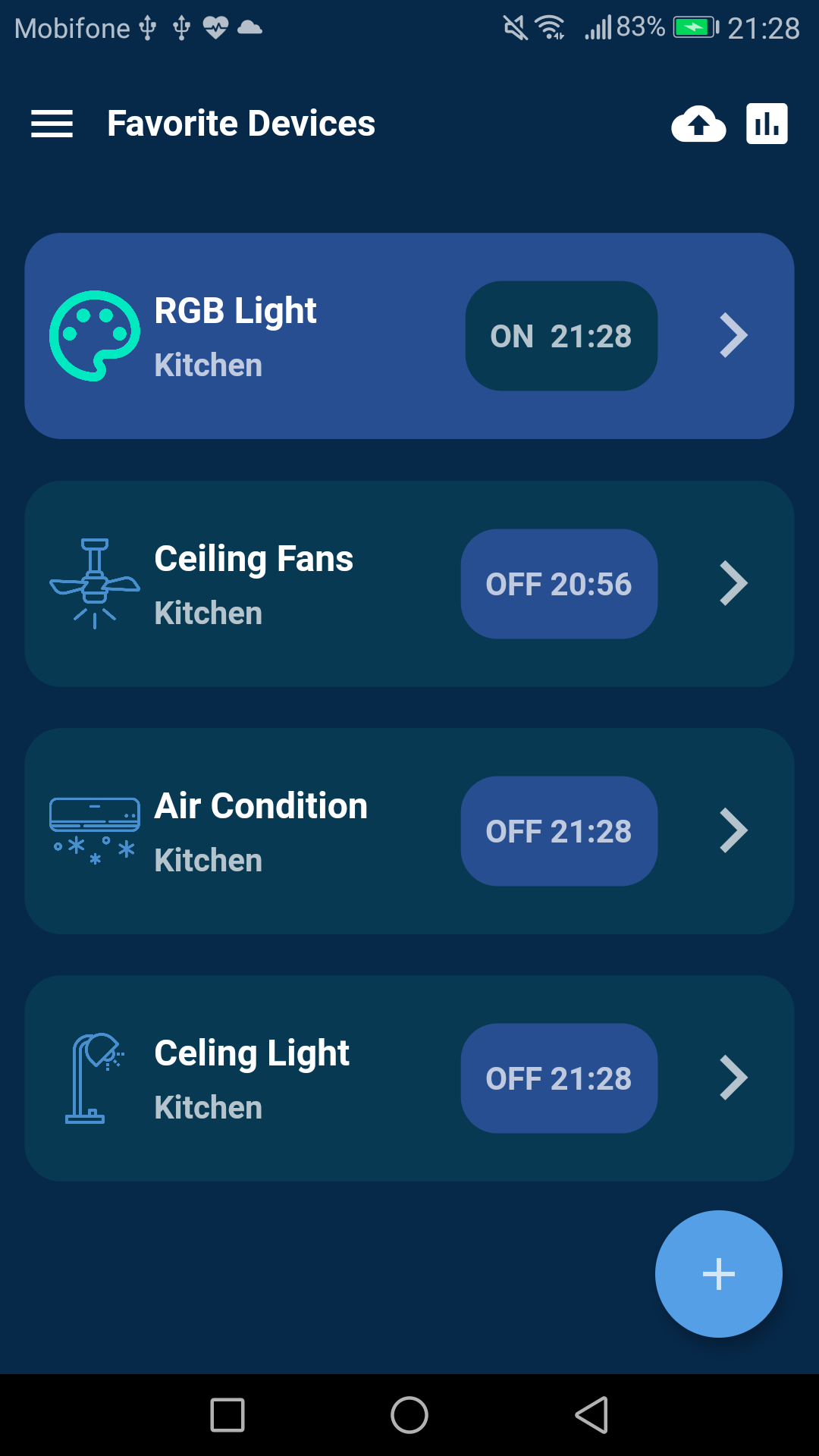

- Rooms Screen


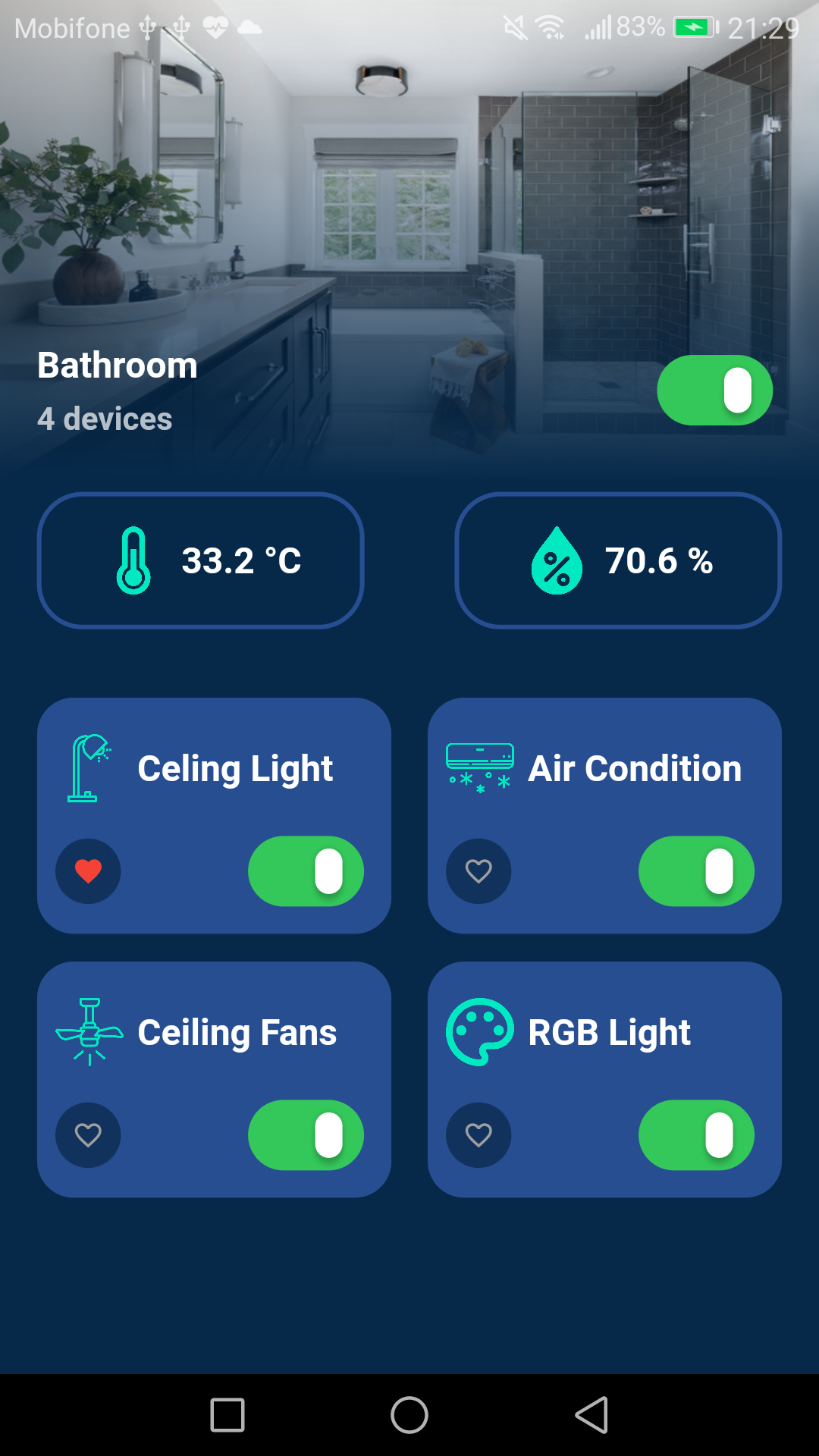

- Power Screen


- Mobile App Video : https://youtu.be/gOho6wkSMA8
- Smart Connect Project Video : https://youtu.be/59hG29KTUPE
Prequisites
- simple_animations
- supercharged
- toast
- fl_chart
- xlive_switch
- firebase_core
- firebase_database
- intl
- loading_animations
- flutter_launcher_icons
Android Version
5.0 or up
Documenttation style & source
- https://dribbble.com/shots/7201905-Smart-Home-V2-0
- https://dribbble.com/shots/7188415-Smart-Home-App-Login-Splash-Screen
- https://dribbble.com/shots/7185723-Smart-Home-App
- https://dribbble.com/shots/7166274-Smart-Home
Contact
If you have any copyright issues please contact us via email: baobondev@gmail.com