pftf/RPi3
Raspberry Pi 3 UEFI Firmware Images
Raspberry Pi 3 UEFI Firmware Images



Summary
This repository contains installable builds of the official
EDK2 Raspberry Pi 3 UEFI firmware.
The use of this firmware can greatly simplify the installation of generic Linux
distributions such as Debian
or Ubuntu
as well as Windows 10 (in regular GUI mode, not IoT mode),
straight from their ISO images.
The original development of this firmware was carried out by
Ard Biesheuvel and
Andrei Warkentin.
Installation
-
Download the latest archive from the Releases repository.
-
Create an SD card (or USB drive if you plan to use USB Boot)
inMBRmode with a single partition of type0x0c(FAT32 LBA) or0x0e
(FAT16 LBA). Then format this partition toFAT32.Note: Do not try to use
GPTfor the partition scheme or0xef(EFI System Partition) for the type, as these are unsupported by the CPU-embedded bootloader. -
Extract all the files from the archive onto the partition you created above.
Note that outside of thisReadme.md, which you can safely remove, you should not
change the name of the extracted files and directories. -
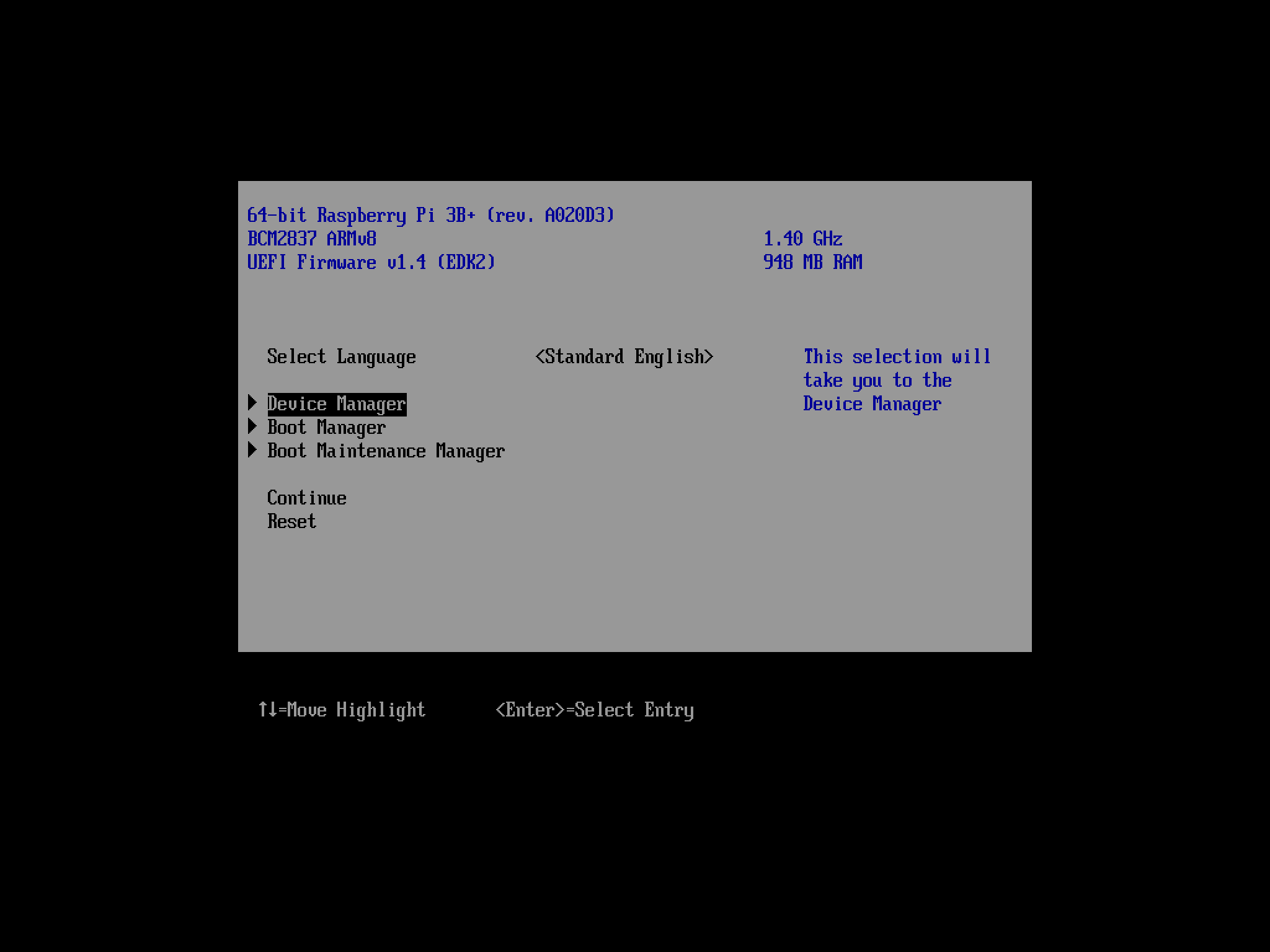
With recent Linux installs, please assure that the firmware is running in DT mode, either via
"Device Manager"->"Raspberry Pi Configuration"->"Advanced Configuration"->"System Table Selection"
or the Linux/Grub command line with "acpi=off".
Usage
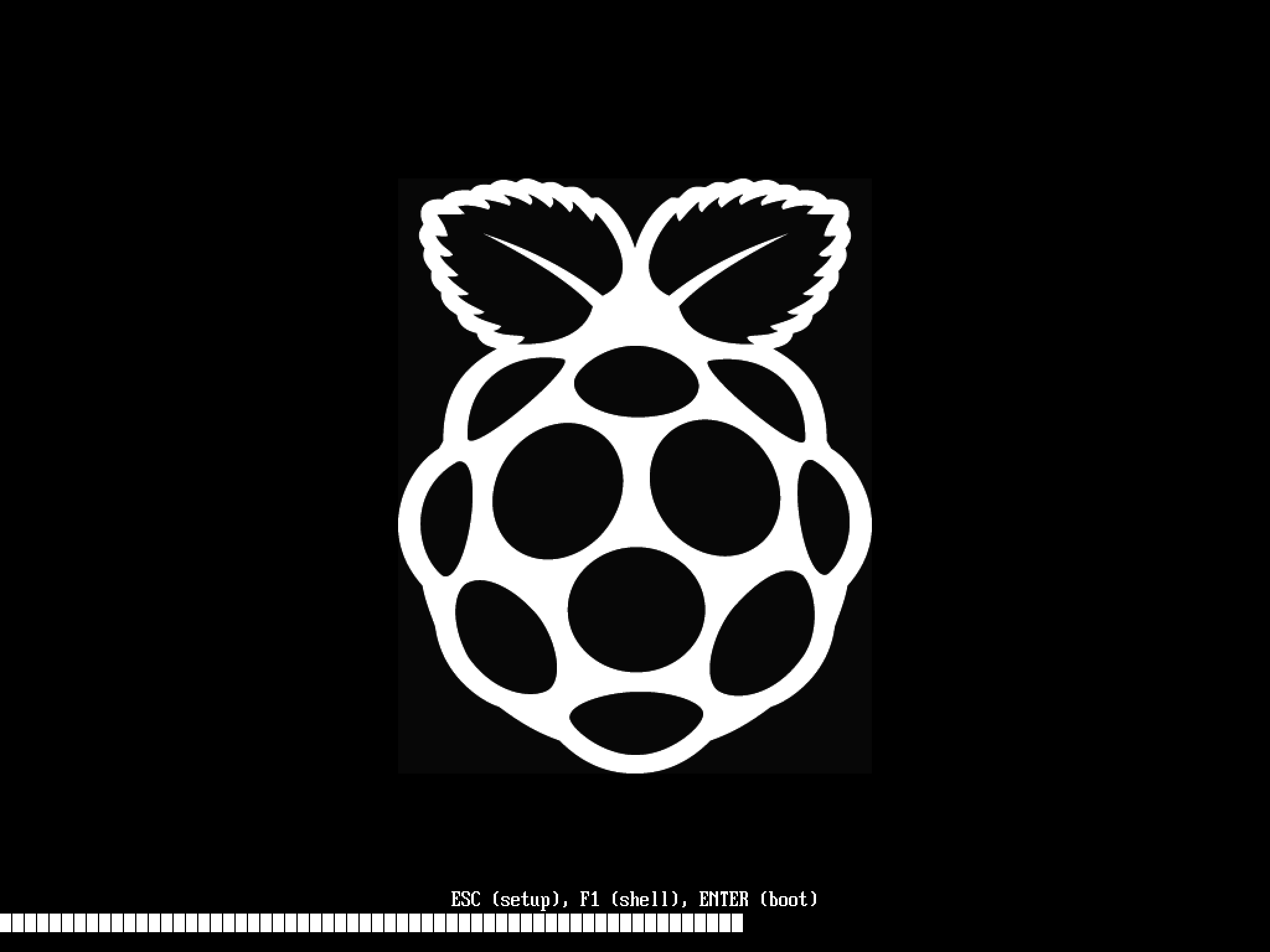
Insert the SD card/plug the USB drive and power up your Raspberry Pi. You should see a
multicoloured screen (which indicates that the CPU-embedded bootloader is reading the
data from the SD/USB partition) and then the Raspberry Pi black and white logo once the
UEFI firmware is ready.
At this stage, you can press Esc to enter the firmware setup, F1
to launch the UEFI Shell, or, provided you also have copied an UEFI bootloader in
efi/boot/bootaa64.efi, you can let the UEFI system run that (which it should do by
default if no action is taken).
License
The firmware (RPI_EFI.fd) is licensed under the current EDK2 license, which is
BSD-2-Clause-Patent.
The other files at the root of the zip archives are licensed under the terms described in the
Raspberry Pi boot files README.
The binary blobs in the firmware/ directory are licensed under the Cypress wireless driver
license that is found there.