migueldeicaza/SwiftTerm
Xterm/VT100 Terminal emulator in Swift
SwiftTerm
SwiftTerm is a VT100/Xterm terminal emulator library for Swift applications that can be
embedded into macOS, iOS applications, text-based, headless applications or other
custom scenarios. It has been used in several commercially available SSH clients, including
Secure Shellfish,
La Terminal and CodeEdit
Check the API Documentation
This repository contains both a terminal emulator engine that is UI agnostic, as well as
front-ends for this engine for iOS using UIKit, and macOS using AppKit. A curses-based
terminal emulator (to emulate an xterm inside a console application) is available as
part of the TermKit library.
Sample Code There are a couple of minimal sample apps for Mac and iOS showing how to
use the library inside the TerminalApp directory.
- The sample Mac app has much of the functionality of MacOS' Terminal.app, but without the configuration UI.
- The sample iOS application uses an SSH library to connect to a remote system (as there is no native shell
on iOS to run) and includes a login UI to configure the connection.
Companion Apps
SwiftTermApp builds
an actual iOS app that uses this library and is more complete than the
testing apps in this module and provides a proper configuration UI.
It is a proof of concept for what you would need to do.
Pane is a terminal
multiplexor, similar to tmux.
History
This is a port of my original
XtermSharp, which was itself
based on xterm.js. At this point, I consider SwiftTerm
to be a more advanced terminal emulator than both of those (modulo
Selection/Accessibility) as it handles UTF, Unicode and grapheme clusters better
than those and has a more complete coverage of terminal emulation. XtermSharp
is generally attempting to keep up, but has lagged behind.
Plenty of test cases have been extracted from xterm.js and Ghostty and
this also relies extensively on esctest to ensure compatibility.
Features
- Pretty decent terminal emulation, on or better than XtermSharp and xterm.js (and more comprehensive in many ways)
- Unicode rendering (including Emoji, and combining characters and emoji)
- Reusable and pluggable engine allows multiple user interfaces to be built on top of it:
- Selection engine (with macOS support in the view)
- Search support with a built-in macOS find bar and programmable search APIs
- Supports colors (ANSI, 256, TrueColor)
- Supports text attributes including bold, italic, underline, strikethrough, and dim/faint (SGR 2)
- Supports mouse events
- Supports terminal resizing operations (controlled by remote host, or locally)
- Hyperlinks in terminal output
- Local process and SSH connection support (some assembly required for the last one)
- Proper CoreText rendering can munch through the hardened Unicode test suites.
- Graphics support:
- Sixel (Use img2sixel to test)
- iTerm2-style graphic rendering (Use imgcat to test)
- Kitty graphics (Use kittyimg to test)
- Terminal session recording and playback with termcast
- Thread-safe Terminal instances
- Fuzzed and abused
- Seems pretty fast to me
SwiftTerm library
The SwiftTerm library itself contains the source code for both
the engine and the front-ends. The front-ends are conditionally
compiled based on the target platform.
The engine is in this directory, while code for macOS lives under Mac, and
code for iOS, lives under iOS. Given that those two share a lot of common
traits, the shared code is under Apple.
Using SwiftTerm
SwiftTerm uses the Swift Package Manager for its build, and you can
add the library to your project by using the url for this project or a
fork of it.
MacOS NSView
The macOS AppKit NSView implementation TerminalView is a reusable
NSView control that can be connected to any source by implementing the
TerminalViewDelegate.
I anticipate that a common scenario will be
to host a local Unix command, so I have included
LocalProcessTerminalView
which is an implementation that connects
the TerminalView to a Unix pseudo-terminal and runs a command there.
iOS UIView
There is an equivalent UIKit UIView implementation for
TerminalView
which like its NSView companion is an embeddable and reusable view
that can be connected to your application by implementing the same
TerminalViewDelegate. Unlike the NSView case running on a Mac, where
a common scenario will be to run local commands, given that iOS does
not offer access to processes, the most common scenario will be to
wire up this terminal to a remote host. And the safest way of
connecting to a remote system is with SSH.
Shared Code between MacOS and iOS
The iOS and UIKit code share a lot of the code, that code lives under the Apple directory.
Link Reporting in Apple Views
Both AppKit and UIKit TerminalView expose linkReporting:
.nonedisables link tracking..explicittracks only explicit OSC 8 hyperlinks..implicit(default) tracks explicit links first, then falls back to implicit URL detection from terminal text.
linkReporting controls link discovery/tracking. Link activation is additionally gated by linkHighlightMode.
When the user activates a link, TerminalView calls TerminalViewDelegate.requestOpenLink(source:link:params:).
For explicit OSC 8 hyperlinks, params includes parsed key/value metadata (if provided); implicit links use empty params.
On macOS, the default delegate implementation opens links via NSWorkspace. On iOS/visionOS, handle requestOpenLink in your delegate.
- On macOS, tracking is hover-based. The default highlight mode is
.hoverWithModifier, so Command-hover and Command-click are the default link interaction. - On iOS/visionOS, tracking is driven by pointer/hover interactions (
UIPointerInteraction/UIHoverGestureRecognizer), and tap activation depends on the activelinkHighlightMode(including modifier requirements for modifier-based modes).
Using SSH
The core library currently does not provide a convenient way to connect to SSH, purely
to avoid the additional dependency. The iOS sample app demonstrates how to integrate SSH
using a modern SSH stack with swift-nio-ssh. See
UIKitSshTerminalView
and SSHLoginView
for an example of connecting the TerminalView for iOS to an SSH connection.
Termcast - Terminal Recording and Playback
SwiftTerm includes a termcast command-line tool that can record and playback terminal sessions in the asciinema .cast format. This tool is built using SwiftTerm's LocalProcess functionality.
Recording Sessions
To record a terminal session:
swift run termcast record output.castOptions:
--command/-c: Specify a command to run (defaults to your shell)--timeout/-t: Set an automatic timeout in seconds
Examples:
# Record an interactive shell session
swift run termcast record my-session.cast

# Record a specific command
swift run termcast record -c "ls -la && echo 'Done'" command-demo.cast

# Record with a 30-second timeout
swift run termcast record --timeout 30 timed-session.cast
Playing Back Sessions
To playback a recorded session:
swift run termcast playback my-session.castThe playback will show the recorded terminal session with proper timing, including both input and output as they occurred during recording.
Features
- Full input/output capture: Records both user input and program output with precise timing
- Raw terminal mode: Properly handles terminal control sequences and special keys
- asciinema compatibility: Uses the standard
.castformat for interoperability - Live display: Shows the session live while recording
- Proper terminal handling: Maintains correct line endings and terminal state
Working on SwiftTerm
If you are using Xcode, there are two toplevel projects, one for Mac
and one for iOS in the TerminalApp directory, one called "iOSTerminal.xcodeproj"
and one called "MacTerminal.xcodeproj".
This is needed because Xcode does not provide code completion for iOS if you
have a Mac project in the project. So I had to split them up. Both
projects reference the same SwiftTerm package.
When working with these projects, if you choose the terminal application
it will run this one. To run the test suite, select the 'SwiftTerm' target
instead, and you can use 'SwiftTermFuzz' to run the fuzzer.
You can use swift build to build the package, and swift test to
run the test suite. For better test coverage, clone the esctest
repository which contains comprehensive terminal emulator tests:
make clone-esctest
swift test
This clones the esctest
repository (Python 3 branch) and enables the full terminal compliance
test suite to run.
If using Xcode, you can select the "SwiftTerm" project, and then use Command-U
to run the test suite.
Screenshots
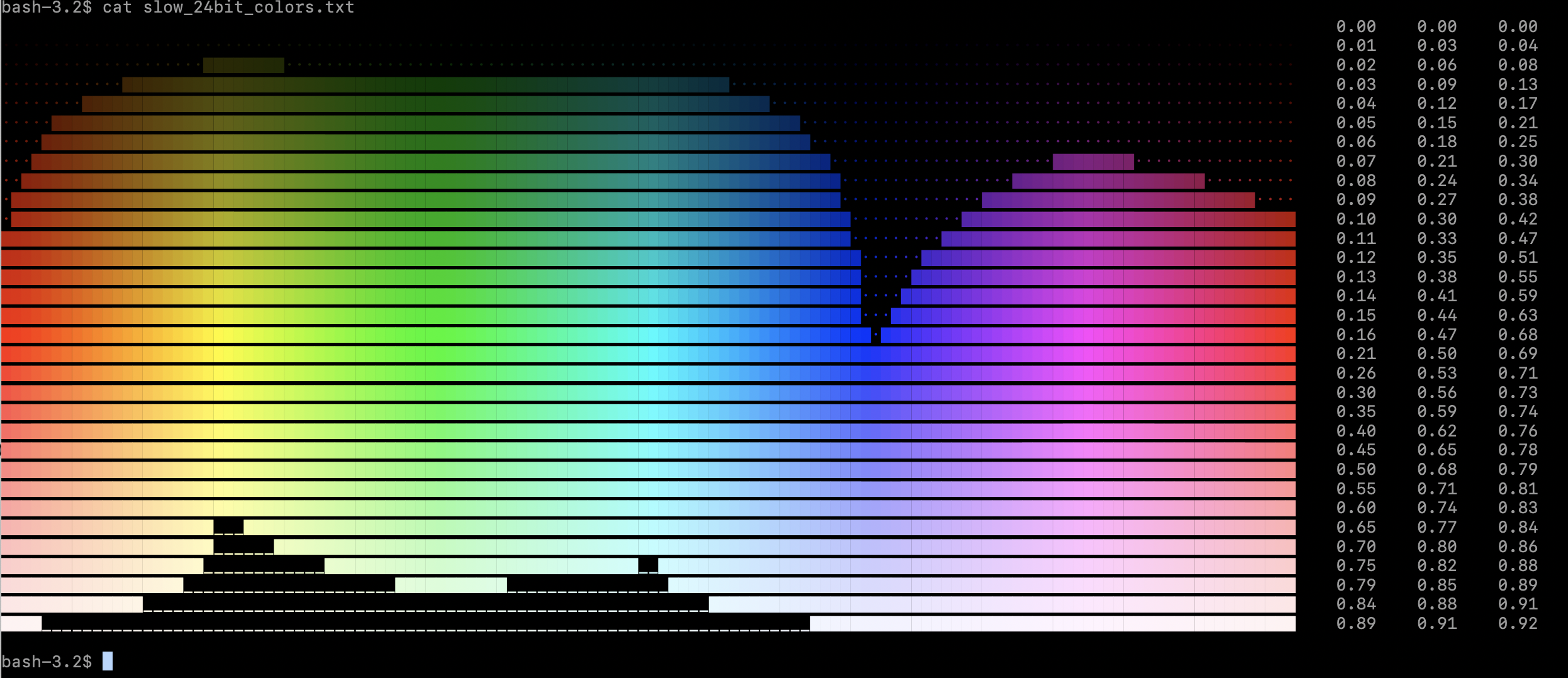
24 Bit Color
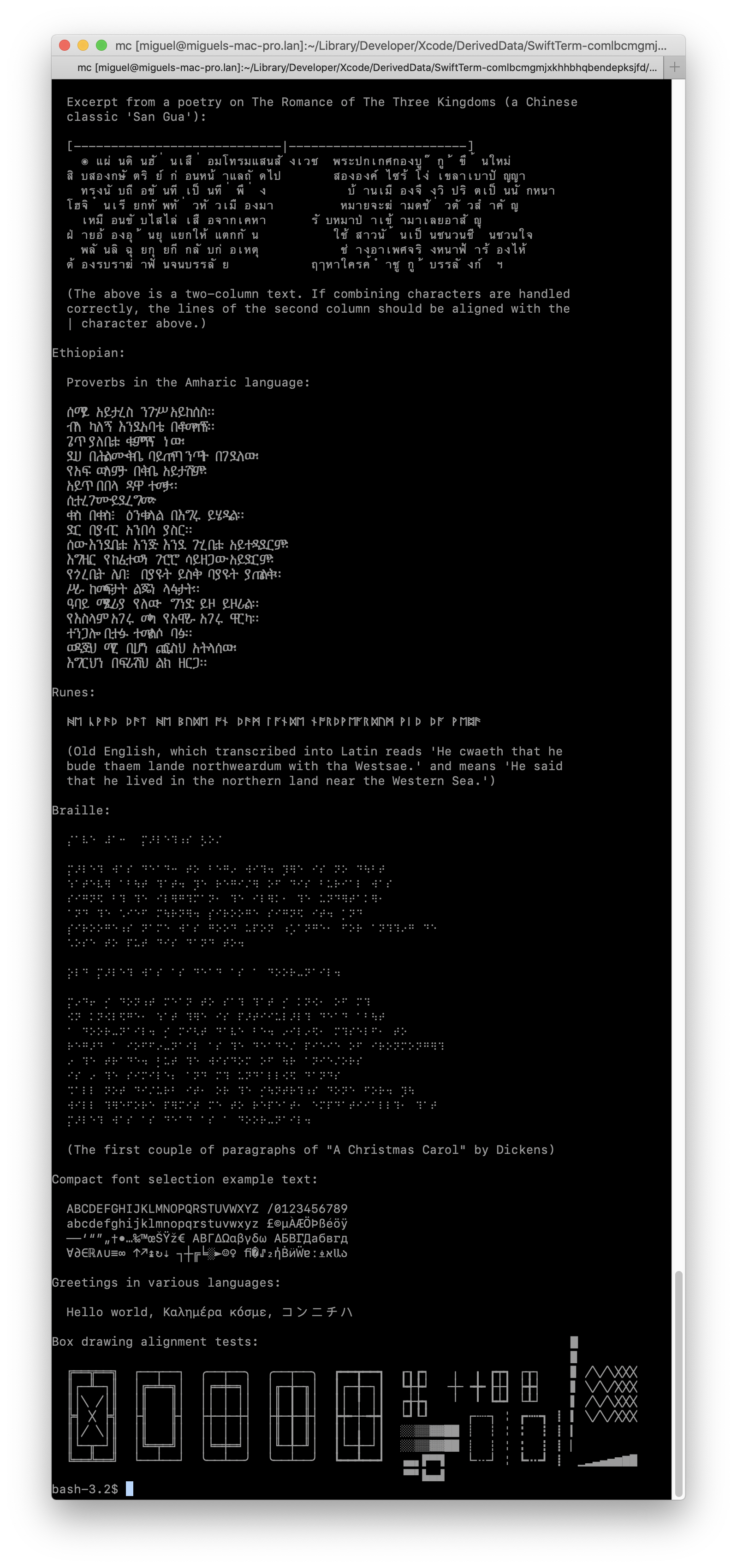
Midnight Commander

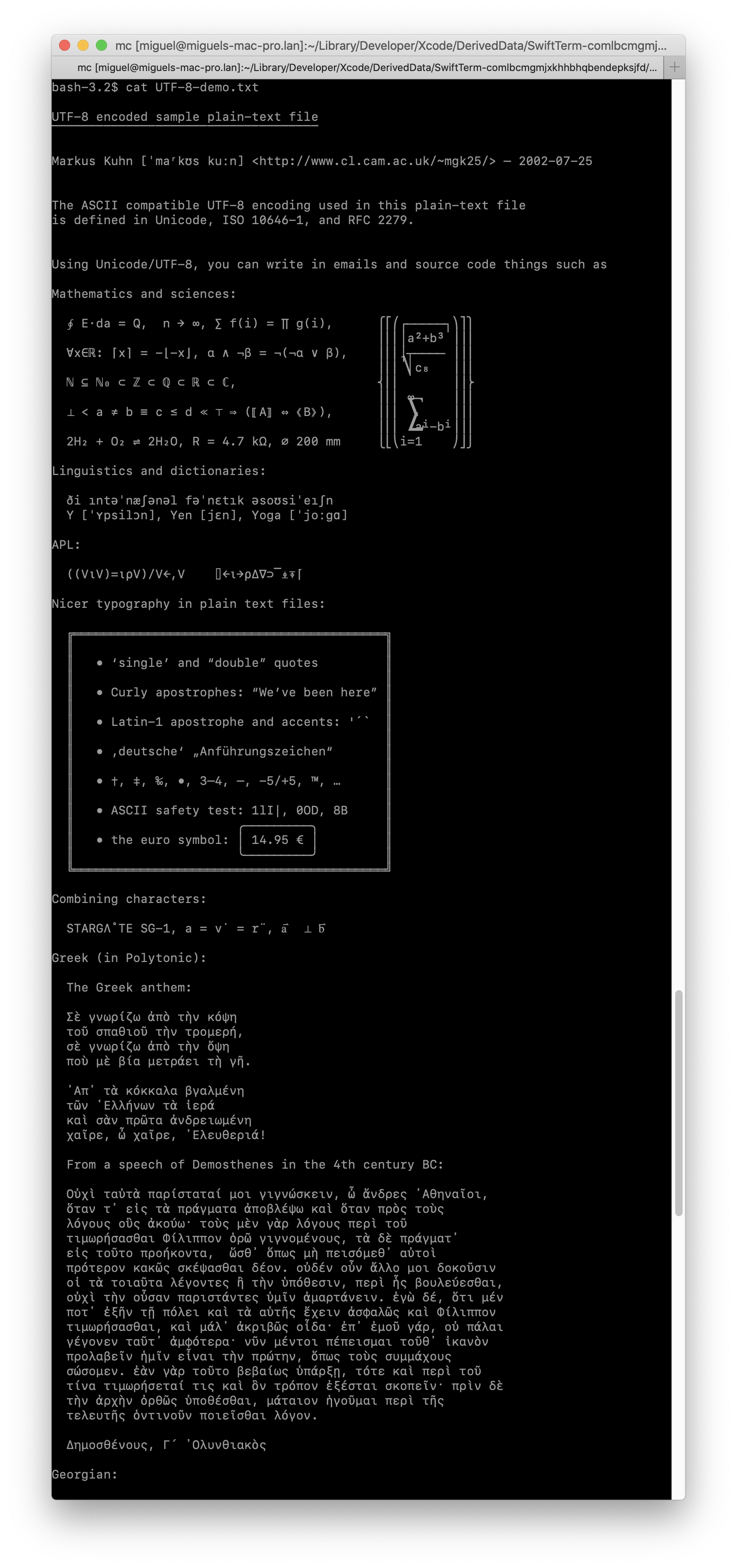
Solid UTF-8 support, excellent rendering:
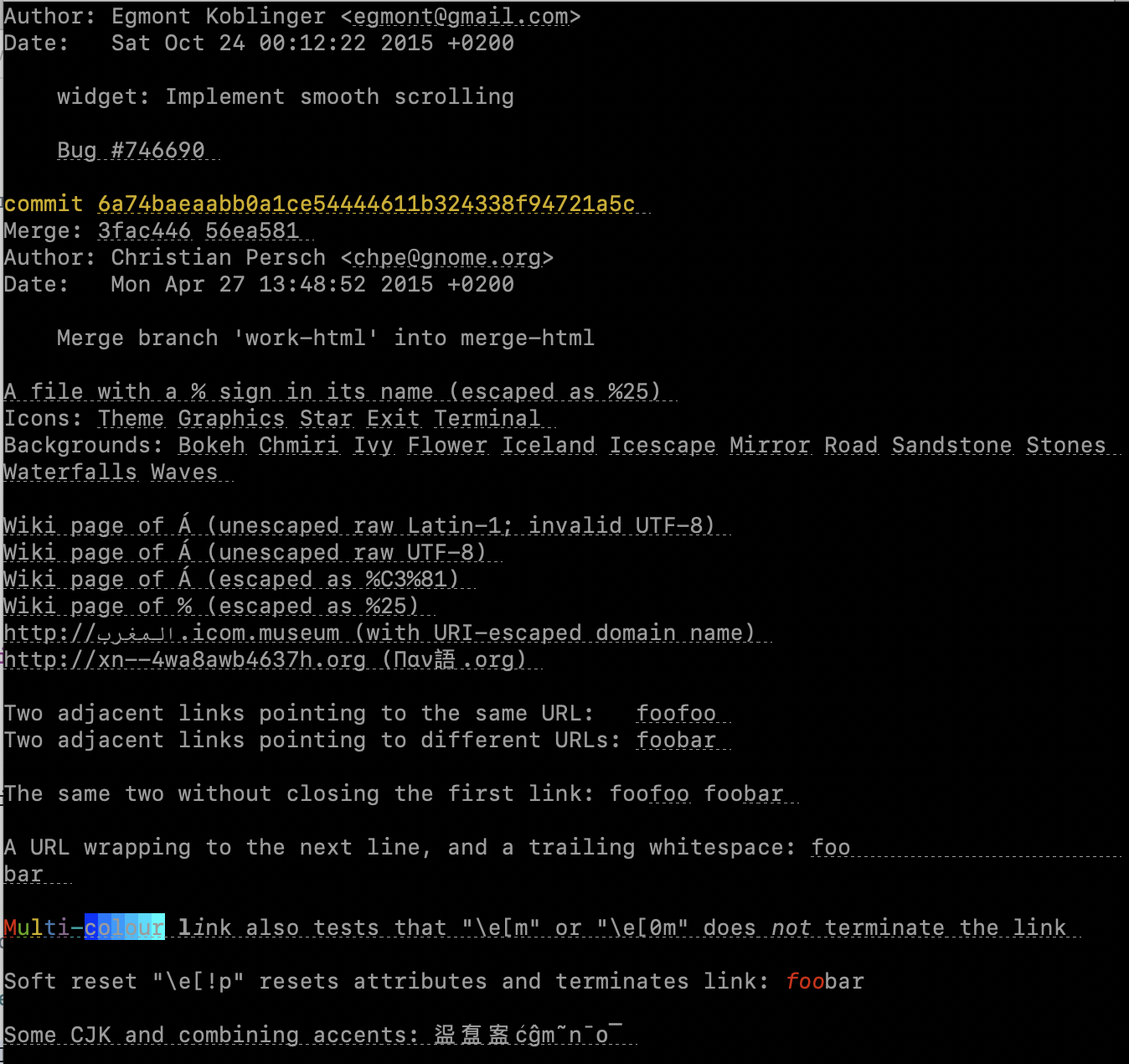
Supports hyperlinks emitted by modern apps:
iOS support:

Sixel support:


Resources
- Digital's VT100 User Guide
- Terminal Guide - very nice and visual, but not normative
- Xterm Control Sequences
- VT510 Video Terminal Programmer Information
Additional and useful documents:
- VT330/VT340 Programmer Reference Manual Volume 2: Graphics Programming
- A parser for DEC’s ANSI-compatible video terminals
- Codes and Standards
- Linux Console Docs they are a subset of vt100, but often simple to follow.
- Sixel Graphics
Test suites:
- VTTest - old, but still good
- EscTest - fantastic: George Nachman, the author of iTerm, created this test suite, and it became a FreeDesktop standard. Since then, Thomas E. Dickey, the xterm maintainer and maintainer of many text apps has contributed to this effort.
Authors
- Thanks go to the xterm.js developers that originally wrote a terminal emulator
that was licensed under a license that allowed for maximum reuse. - Marcin Krzyzanowski who masterfully improved and curated the rendering engine on AppKit/CoreText to be the glorious renderer that it is today - and for his contributions to the rendering engine
- Greg Munn that did a lot of work in XtermSharp to support the needs of Visual Studio for
Mac - Anders Borum has contributed reliability fixes, the sixel parser and changes required to put SwiftTerm to use in production.
- Miguel de Icaza -me- who have been looking for an excuse to write some Swift code.