LX
lxfriday/vscode-osu2
Your code is powerful, unleash it! The extension made popular by Code in the Dark has finally made its way to VS Code.
VSCODE OSU Mode
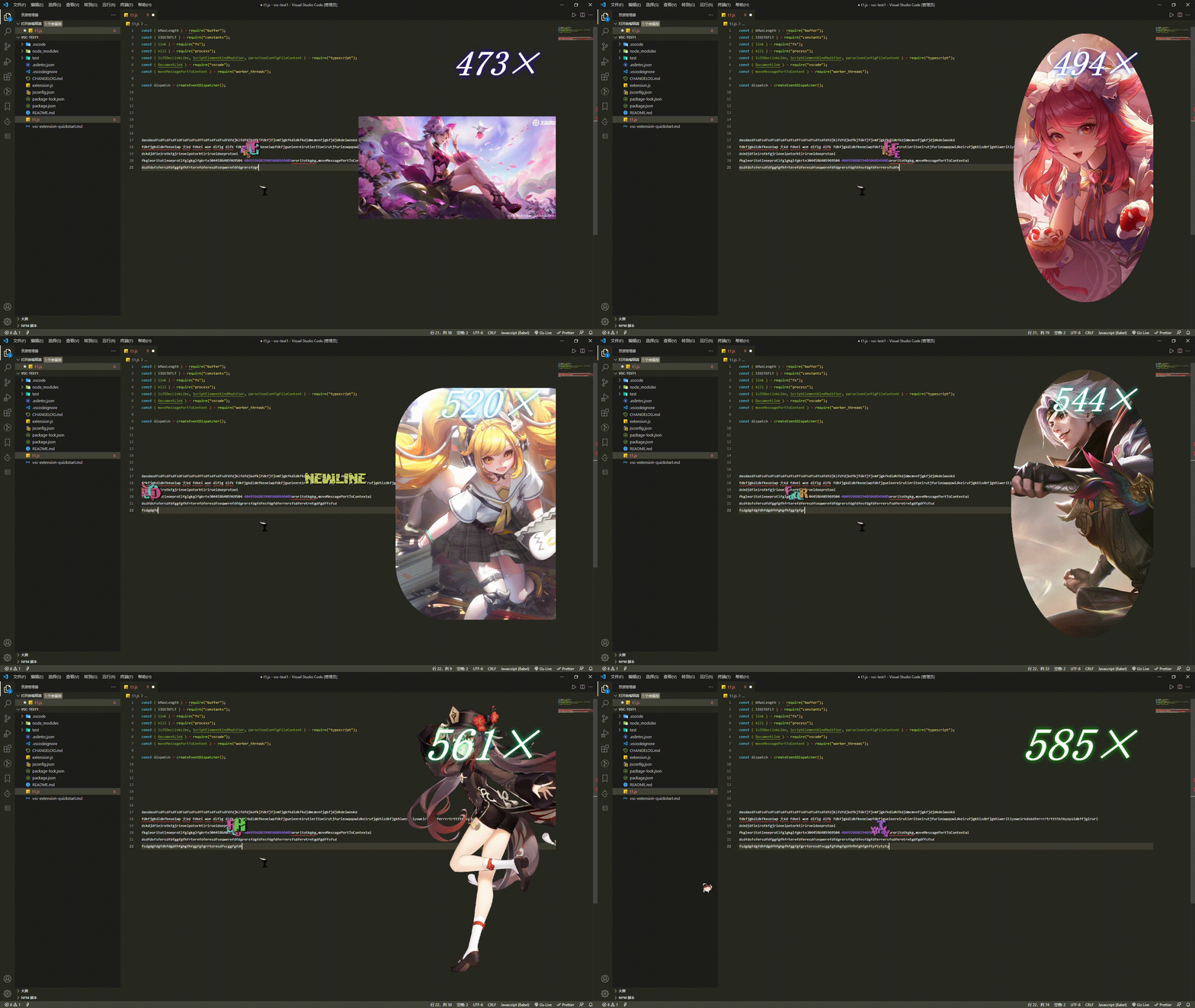
osumode.enabled: To disable OSU mode, add"osumode.enabled": falseto your settings, defaulttrue.osumode.enableComboCounter: To disable combo counter, add"osumode.enableComboCounter": falseto your settings, defaulttrue.osumode.enableCursorExplosions: To disable letter explosions at the cursor when you type, add"osumode.enableCursorExplosions": false,to your settings, defaulttrue.osumode.enableBackImg: To disable back imgs when you type, add"osumode.enableBackImg": falseto your settings, defaulttrue.
The four settings above are enabled by default.osumode.enabled controlls the whole extension, if it is set false, the extension will not work.
- Set your own imgs, add
"osumode.preferImgList": ['https://img.png', ...]array- note: imgs can not be local imgs,
C:\\folder\\xzxzx.png... will be useless, imgs must behttp://fdsfsdf.png - you can upload imgs to https://imgurl.org/, then copy the address to
osumode.preferImgList
- note: imgs can not be local imgs,
- Set back img frequency, add
"osumode.imgInterval" : number,numbercan be any number,better not too small or too big, default50. - To disable default imgs(by the extension), add
"osumode.enableDefaultImgs": falseto your settings, defaulttrue. - To disable random imgs, add
"osumode.enableRandomPlayImgs": falseto your settings, defaulttrueand imgs will be played in order, defaulttrue.
Default settings.
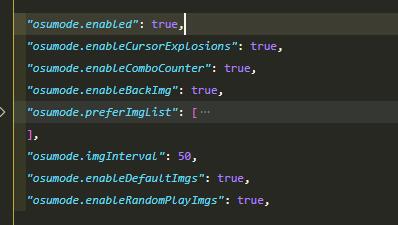
在 imgList.json 文件中有一个图片列表,存储了一些王者荣耀英雄皮肤图片。如果你也喜欢,可以尝试替换使用。【请求量有点大,所以我换到了 GitHub、Gitee 图床】
- GitHub 图床 imgList.json 可能存在访问不畅通(for global users)
- Gitee 图床 imgList.json (for china users)国内流畅访问
展开查看 (点我 点我)


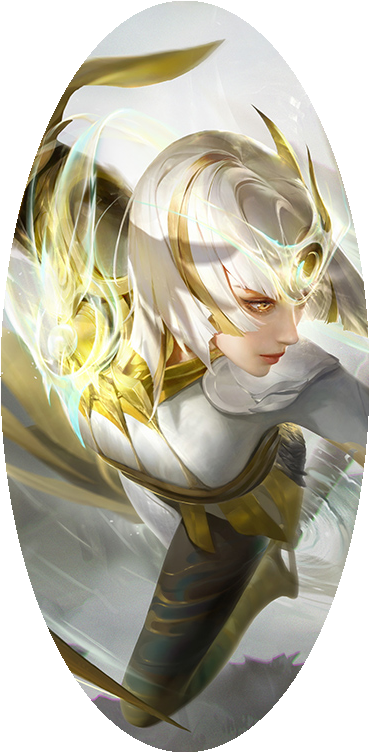
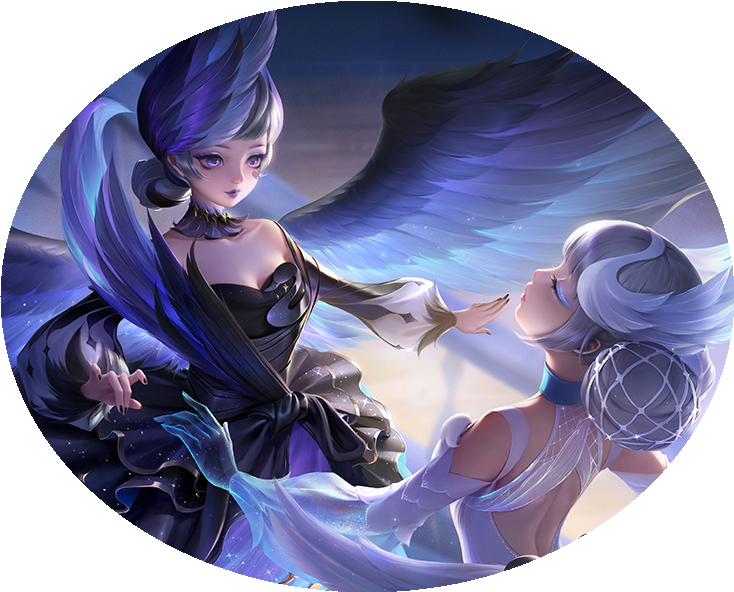
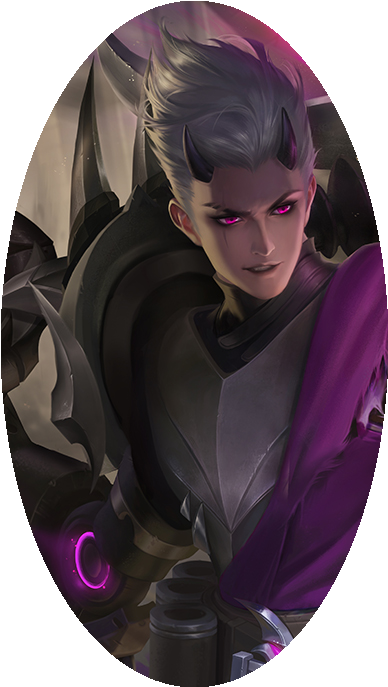

Notice
内置图片存放于 GitHub 图床,在国内可能由于某些原因加载速度会很慢,需要耐心等待。你可以试着打开下面的图片测试你的电脑能否正常显示背景图片。
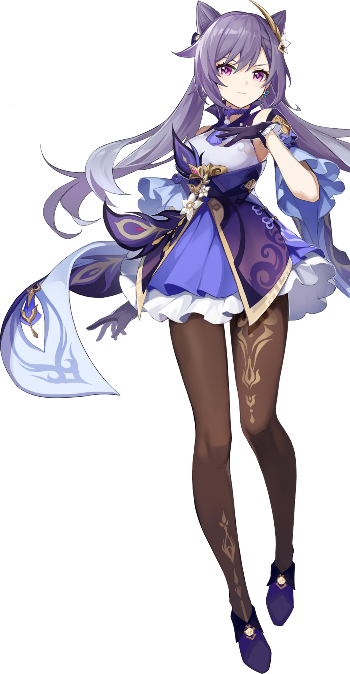
如果显示不了可以禁用掉默认的背景图片,然后添加国内(gitee)图床图片。
操作
- 到设置中把 Enable Default Imgs 去掉勾选。
"osumode.enableDefaultImgs": false,- Prefer Img List 添加以下图片。
  "osumode.preferImgList": [
    "https://gitee.com/lxfriday/vscode-osu-mode2/raw/master/images/Character_Diona_Portrait.png",
    "https://gitee.com/lxfriday/vscode-osu-mode2/raw/master/images/Character_Fischl_Portrait.png",
    "https://gitee.com/lxfriday/vscode-osu-mode2/raw/master/images/Character_Ganyu_Portrait.png",
    "https://gitee.com/lxfriday/vscode-osu-mode2/raw/master/images/Character_Hu_Tao_Portrait.png",
    "https://gitee.com/lxfriday/vscode-osu-mode2/raw/master/images/Character_Keqing_Portrait.png",
    "https://gitee.com/lxfriday/vscode-osu-mode2/raw/master/images/Character_Klee_Portrait.png",
    "https://gitee.com/lxfriday/vscode-osu-mode2/raw/master/images/Character_Qiqi_Portrait.png",
  ],
Acknowledgements:
Changelog:
- v3.3.6
- Updated readme, add gitee images!
- v3.3.5
- Updated readme!
- v3.3.4
- Updated imgList.json!
- v3.3.3
- Updated icon!
- v3.3.2
- Updated readme and icon!
- v3.3.1
- Updated readme and compress package size!
- v3.3.0
- Added
enableBackImg!
- Added
- v3.2.2
- Updated readme gif!
- v3.2.1
- Fixed background image
z-index
- Fixed background image
- v3.2.0
- Added
preferImgList! - Added
imgInterval! - Added
enableDefaultImgs! - Added
enableRandomPlayImgs!
- Added
- v3.1.0
- Updated Settings to be "osumode" instead of "powermode"!
- Removed existing powermode presets, now you can install Osumode and Powermode separately!
- Removed extra settings that only pertained to Powermode features!
- Removed status bar combo counter!
- v3.0.1
- Updated Readme!
- v3.0.0
- Forked from Power Mode!
- Added per character cursor explosions!
- Added combo counter animations!
- Added combo images!