React Native Quick SQLite
The **fastest** SQLite implementation for react-native.
    Copy typeORM patch-package from example dir
    npm i react-native-quick-sqlite typeorm
    npx pod-install
    Enable decorators and configure babel


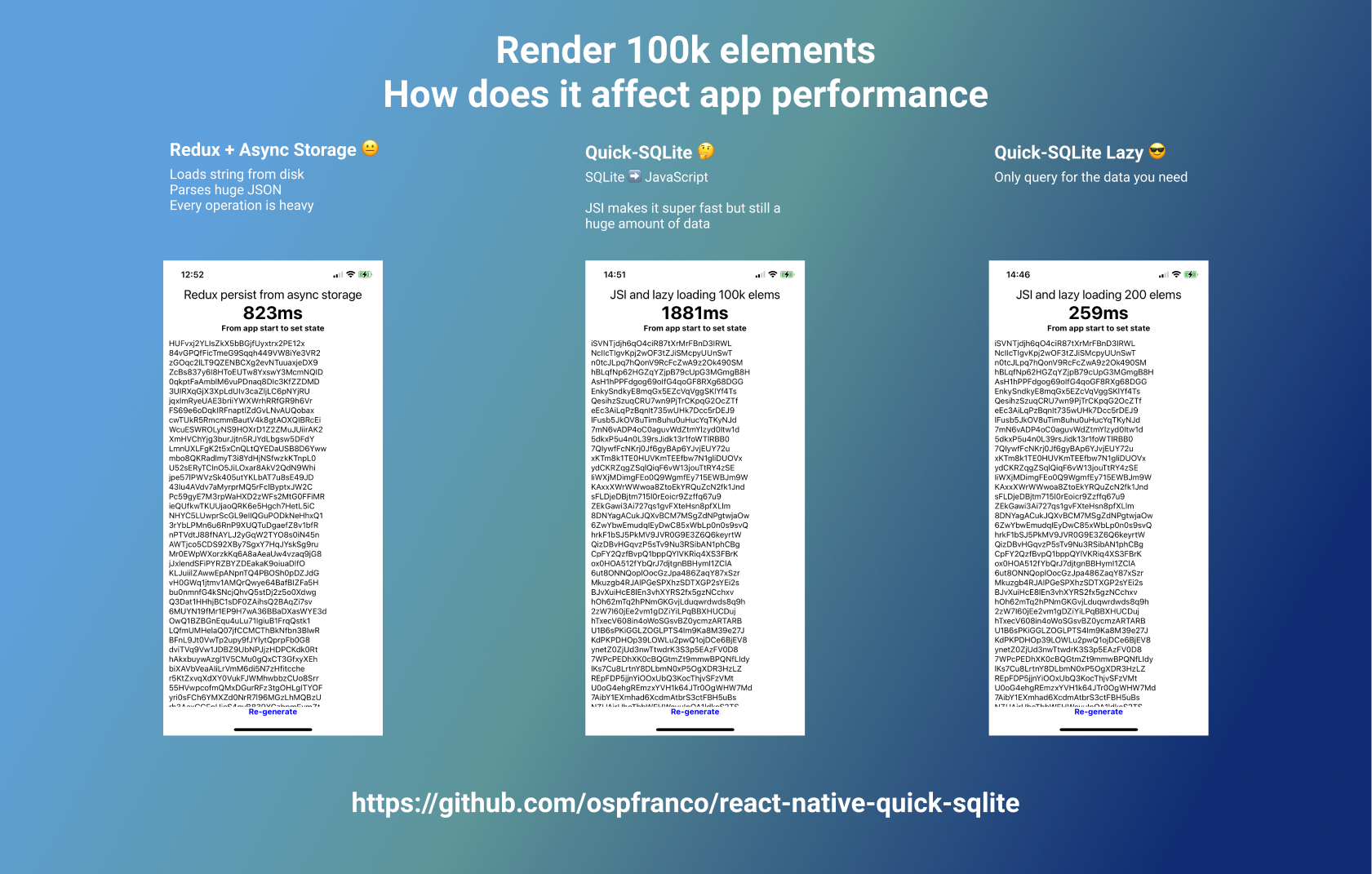
Quick SQLite uses JSI, removes all the overhead of intercommunication between JavaScript code and C++ code, making CRUDing entities from SQLite super fast!
You can replace react-native-sqlite-storage and react-native-sqlite2 with this library and gain a major performance boost.
GOTCHAS
- It's not possible to use the browser debugger with JSI, use Flipper
- Your app will now include C++, you will need to install the NDK on your machine for android. (unless you know how to generate an AAR, feel free to open a PR)
- If you want to run the example project on android, you will have to change the paths on the android/CMakeLists.txt file, they are already there, just uncomment them.
- Breaking change on version 1.1.0 for android: We moved base folder where we store the databases from the
[APP FOLDER]/filesdirectory to the[APP FOLDER]/databases, which is the convention for android, this way you can explore your DB with flipper, this also means if you created a database with previous version the library will now fail to find it so you will have to move any previous db file.
Use TypeORM
The recommended way to use this package is to use TypeORM with patch-package. TypeORM already has a sqlite-storage driver. In the example project on the patch folder you can a find a patch for TypeORM, it basically just replaces all the react-native-sqlite-storage strings in TypeORM with react-native-quick-sqlite.
Follow the instructions to make TypeORM work with rn (enable decorators, configure babel, etc), then apply the patch via patch-package and you should be good to go.
Low level API
It is also possible to directly execute SQL against the db:
interface ISQLite {
  open: (dbName: string, location?: string) => any;
  close: (dbName: string, location?: string) => any;
  executeSql: (
    dbName: string,
    query: string,
    params: any[] | undefined
  ) => {
    rows: any[];
    insertId?: number;
  };
}
In your code
// If you want to register the (globalThis) types for the low level API do an empty import
import 'react-native-quick-sqlite';

// `sqlite` is a globally registered object, so you can directly call it from anywhere in your javascript
// The methods `throw` when an execution error happens, so try/catch them
try {
  sqlite.open('myDatabase', 'databases');
} catch (e) {
  console.log(e); // [react-native-quick-sqlite]: Could not open database file: ERR XXX
}
License
react-native-quick-sqlite is licensed under MIT.