kyj9447/Pixseal
Cryptographic image integrity & authenticity verification tool. Detects any image modification via pixel-level validation.
Pixseal
Prove what you published — and what you didn’t.
Pixseal is a Python-based image integrity and authenticity verification tool
designed to detect whether an image has been modified since signing.
Pixseal embeds a cryptographically verifiable integrity seal into an image in an
invisible manner. During verification, any modification — including editing,
filtering, cropping, resizing, re-encoding — will cause verification to fail.
Pixseal signs the payload and image hash with an RSA private key. Verification uses
the matching RSA public key or an X.509 certificate that contains it.
Pixseal is not a visual watermarking or branding tool.
The watermark exists solely for tamper detection.
Pixseal prioritizes accurate tamper detection (sensitivity) over robustness
against intentional adversarial manipulation.
- GitHub: https://github.com/kyj9447/Pixseal
- Changelog: https://github.com/kyj9447/Pixseal/blob/main/CHANGELOG.md
Features
-
Image Integrity Verification
- Cryptographically proves that an image remains in its original, unmodified state
- Detects single-pixel changes with deterministic verification results
-
Tamper Detection
- Detects image modifications such as:
- editing
- filters and color adjustments
- cropping and resizing
- re-encoding and recompression
- pixel-level changes
- Detects image modifications such as:
-
Invisible Integrity Seal
- Embeds verification data without any visible watermark
- Preserves the original visual appearance of the image
-
RSA Signatures + Certificate Support
- Signs payloads and image hashes with an RSA private key
- Validates with RSA public keys or X.509 certificates (PEM/DER)
-
Flexible Key Inputs
- Accepts key/cert objects, PEM/DER bytes, or file paths
-
Fully Local & Offline
- No external servers or network dependencies
- Cython-accelerated core with a Python fallback
-
Lossless Format Support
- Supports PNG and BMP (24-bit) images
- Lossy formats (e.g., JPEG, WebP) are excluded because they are incompatible with strict integrity guarantees
Installation
pip install Pixseal
# or for local development
pip install -e ./pip_package
Python 3.8+ is required. Wheels published to PyPI already include the compiled
Cython extension, so pip install Pixseal automatically selects the right build
for your operating system and CPU.
Building the Cython extension
If you cloned the repository (or downloaded the source), run the helper script
to compile the simpleImage_ext extension for your environment:
git clone https://github.com/kyj9447/Pixseal.git
cd Pixseal
python3 -m pip install -r requirements.txt
./compile_extension.sh
This command regenerates the C source via Cython and invokes your local C
compiler (clang or gcc) to produce pip_package/Pixseal/simpleImage_ext*.so.
You still need a working build toolchain (gcc/clang and Python headers)
installed through your OS package manager. If you skip this step, Pixseal falls
back to the pure Python implementation, which works but is significantly slower.
Quick start
Sign an image
from Pixseal import signImage

signed = signImage(
    imageInput="assets/original.png",
    payload="AutoTest123!",
    private_key="assets/CA/pixseal-dev-final.key",
    keyless=False,  # default: key-based channel selection
)
signed.save("assets/signed_original.png")
The payload is repeated until the image ends, even if it is shorter than the image.
Validate a signed image
from Pixseal import validateImage

report = validateImage(
    imageInput="assets/signed_original.png",
    publicKey="assets/CA/pixseal-dev-final.crt",  # cert or public key
    keyless=False,  # default: key-based channel selection
)

print(report["verdict"])
Key and certificate inputs
Pixseal accepts multiple input formats so you can keep the calling code minimal.
-
signImage(..., private_key=...)accepts:RSAPrivateKey- PEM/DER bytes (
bytes,bytearray,memoryview) - file path (
strorPath)
-
validateImage(..., publicKey=...)accepts:RSAPublicKeyx509.Certificate- PEM/DER bytes (
bytes,bytearray,memoryview) - file path (
strorPath)
If a certificate is provided, Pixseal extracts the embedded RSA public key and
verifies the signatures. Certificate chain validation is the responsibility of
the calling application.
Channel selection mode
Channel selection decides which of the three RGB channels in a pixel is used for
reading and writing. Both signImage() and validateImage() accept a keyless flag.
keyless=False(default): key-based channel selection using raw public-key bytes.keyless=True: pixel-based channel selection.
Keyless mode differs in extractability:
- Key-based-signed images: without the key, Pixseal cannot even recognize that
it was applied; extraction is impossible and verification fails. - Keyless-signed images: payload extraction is possible without a key, but
verification fails.
Payload structure
Pixseal embeds a compact JSON payload with the signed data and image hash:
{
  "payload": "AutoTest123!",
  "payloadSig": "BASE64_SIGNATURE",
  "imageHash": "SHA256_HEX",
  "imageHashSig": "BASE64_SIGNATURE"
}payload: user-provided textpayloadSig: RSA signature ofpayload(Base64)imageHash: SHA256 hex digest computed over the signed image buffer.imageHashSig: RSA signature ofimageHash(Base64)
Embedded sequence layout
Pixseal writes the following newline-delimited sequence into the image:
<START-VALIDATION signature>
<payload JSON>
<payload JSON>
...(Repeated until the end of the image)...
<payload JSON>   # truncated tail
<END-VALIDATION signature>
During extraction, Pixseal deduplicates the sequence and typically returns four
lines in order: start signature, full payload JSON, truncated payload prefix,
and end signature.
<START-VALIDATION signature>
<payload JSON>
<payload JSON>   # truncated tail
<END-VALIDATION signature>
In rare cases, the truncated payload prefix may be absent, and only three lines
are returned.
Validation output
Validation Report
lengthChecklength: Length of the deduplicated arrayresult: True when the length is 3 or 4
tailCheckfull: Full payload segmenttail: Truncated payload segmentresult: True when full and tail match
startVerify: Verification of the first signature against "START-VALIDATION"endtVerify: Verification of the last signature against "END-VALIDATION"payloadVerify: Verification ofpayloadSigagainstpayloadimageHashVerify: Verification ofimageHashSigagainstimageHashimageHashCompareCheckextractedHash:imageHashvalue from the extracted payloadcomputedHash: Image hash computed directly from the imageresult: True when extractedHash and computedHash are identical
verdict: Overall verdict (False if any check fails)
Failure output
When extraction or payload parsing fails, validateImage() returns a minimal
report with failure details:
{
  "status": "Failed",
  "error": "Reason string",
  "verdict": false
}
Error types:
- "Deduplication failed": newline or delimiter corruption prevents deduplication
- "JSON extraction from payload failed": failed to parse object from extracted JSON
- "Essenstial values in JSON are missing": required values are missing from the extracted JSON
CLI demo script
python testRun.py offers an interactive flow.
Backend selection uses the current
PIXSEAL_SIMPLEIMAGE_BACKEND value if set, otherwise the default auto
behavior (Cython preferred, Python fallback).
- Choose 1 to sign an image. It reads
assets/original.pngand writesassets/signed_original.png. - Choose 2 to validate. It reads
assets/signed_original.pngand prints the validation report. - Choose 3 to run the failure test. It reads
assets/currupted_signed_original.png. - Choose 4 to benchmark performance (sign + validate with timings).
- Choose 5 to benchmark performance in keyless mode.
- Choose 6 to test signing and validation using in-memory bytes.
- Choose 7 to run the optional line-profiler demo.
- Choose 8 to run validation multi-pass tests (placeholder -> payload -> placeholder injection cycles).
Option 7 requires the optional dependency line_profiler and must be run via
kernprof -l testRun.py so that builtins.profile is provided. Without
line_profiler installed the script will continue to work, but the profiling
option will display an informative message instead of running.
API reference
| Function | Description |
|---|---|
signImage(imageInput, payload, private_key, keyless=False) |
Loads a PNG/BMP from a filesystem path or raw bytes, injects payload plus sentinels, and signs the payload/hash using the RSA private key. Returns a SimpleImage that you can save(). |
validateImage(imageInput, publicKey, keyless=False) |
Reads the hidden bit stream from a path or raw bytes, rebuilds the payload JSON, verifies signatures and the computed image hash, and returns a validation report. Accepts RSA public keys or X.509 certificates. |
Examples
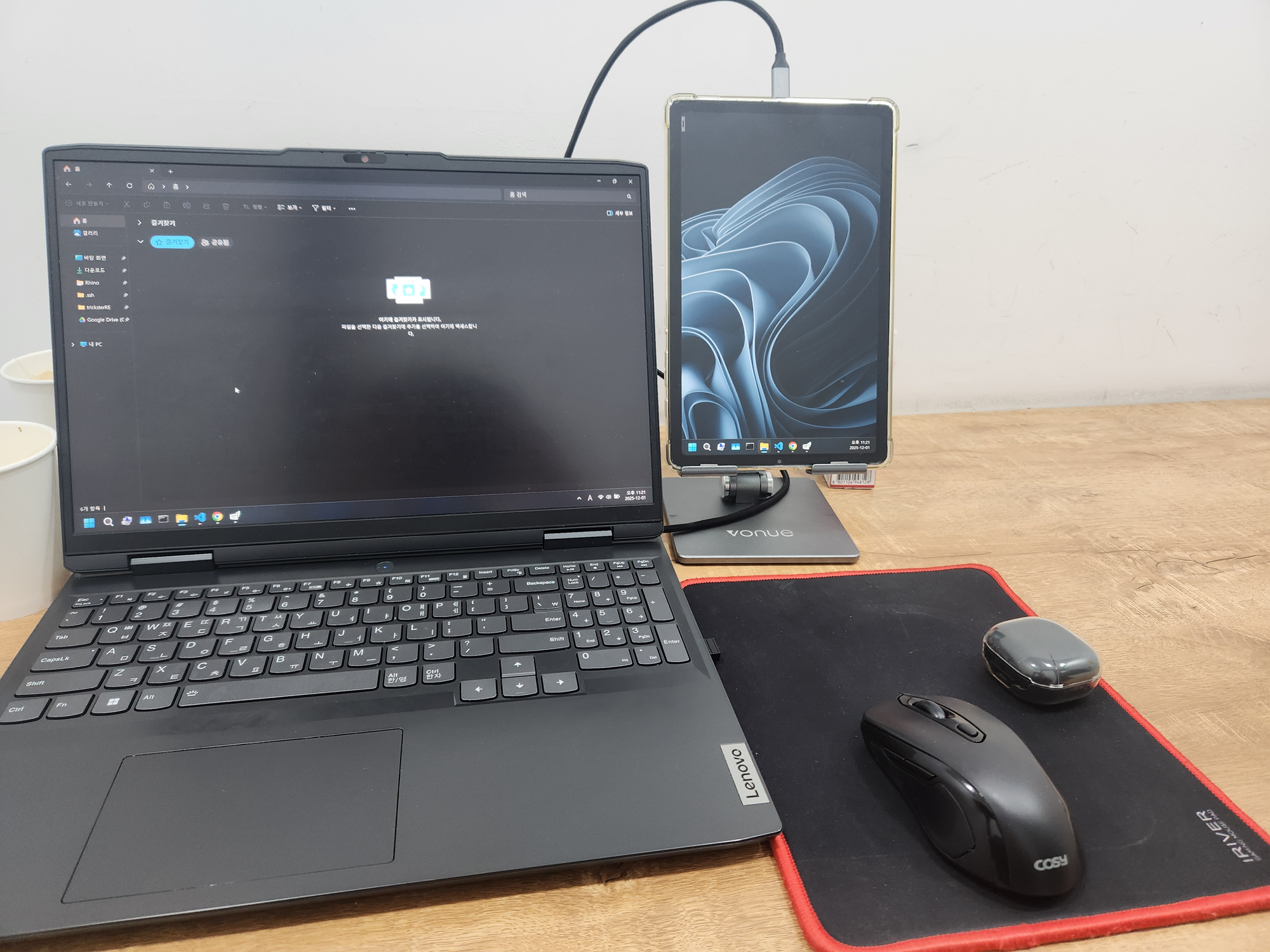
| Original | Signed (AutoTest123!) |
|---|---|
 |
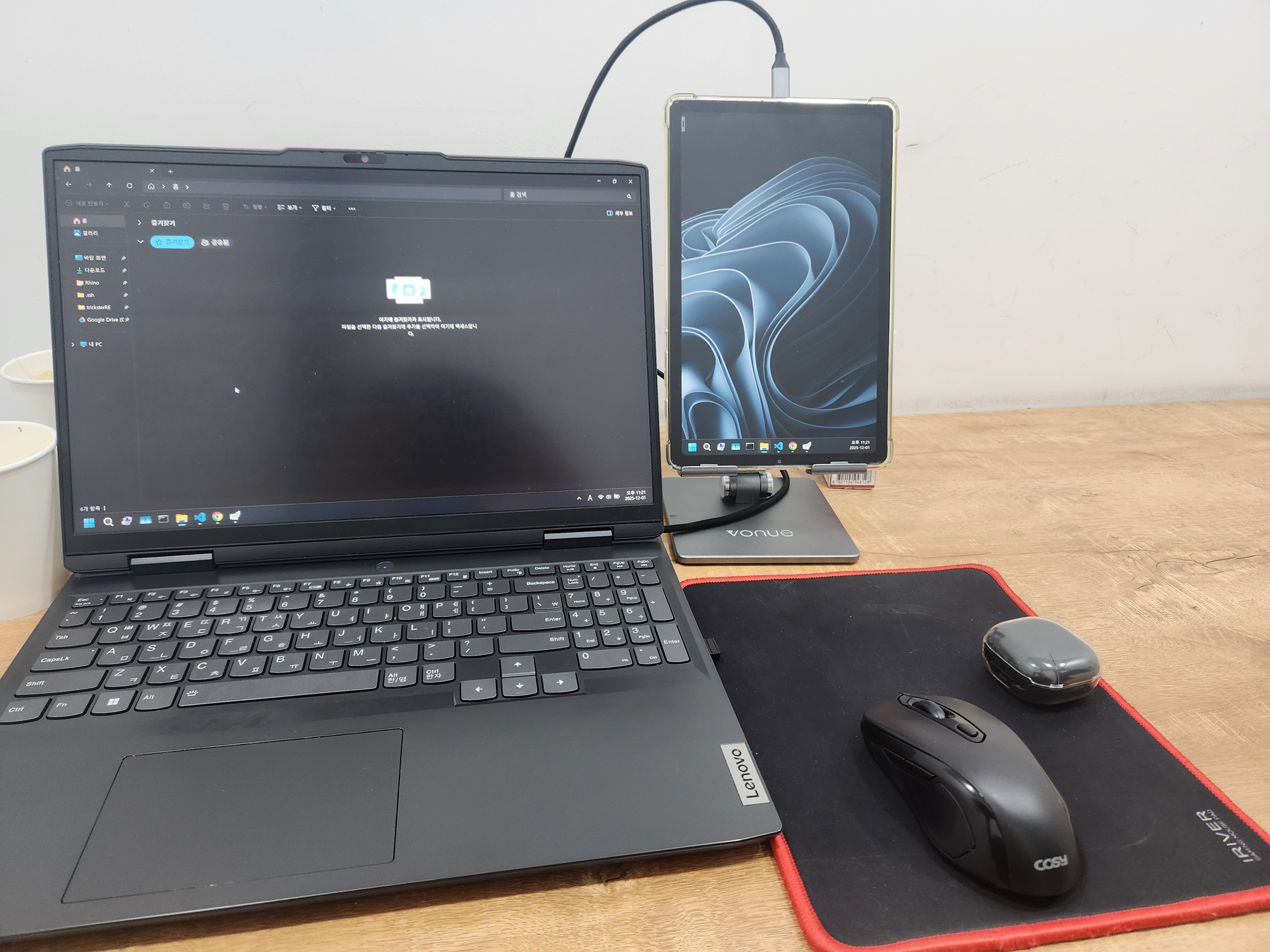 |
Validation output (success):
Validation Report

{'lengthCheck': {'length': 4, 'result': True},
 'tailCheck': {'full': '{"payload":"AutoTest...lgu9lUM+s7OHUZywYqYYOYIFVTWCmq...',
               'tail': '{"payload":"AutoTest...lgu9lUM+s7',
               'result': True},
 'startVerify': True,
 'endtVerify': True,
 'payloadVerify': True,
 'imageHashVerify': True,
 'imageHashCompareCheck': {'extractedHash': '2129e43456029f39b20bbe96340dce6827c0ad2288107cb92c0b92136fec48d6',
                           'computedHash': '2129e43456029f39b20bbe96340dce6827c0ad2288107cb92c0b92136fec48d6',
                           'result': True},
 'verdict': True}
| Corrupted after signing |
|---|
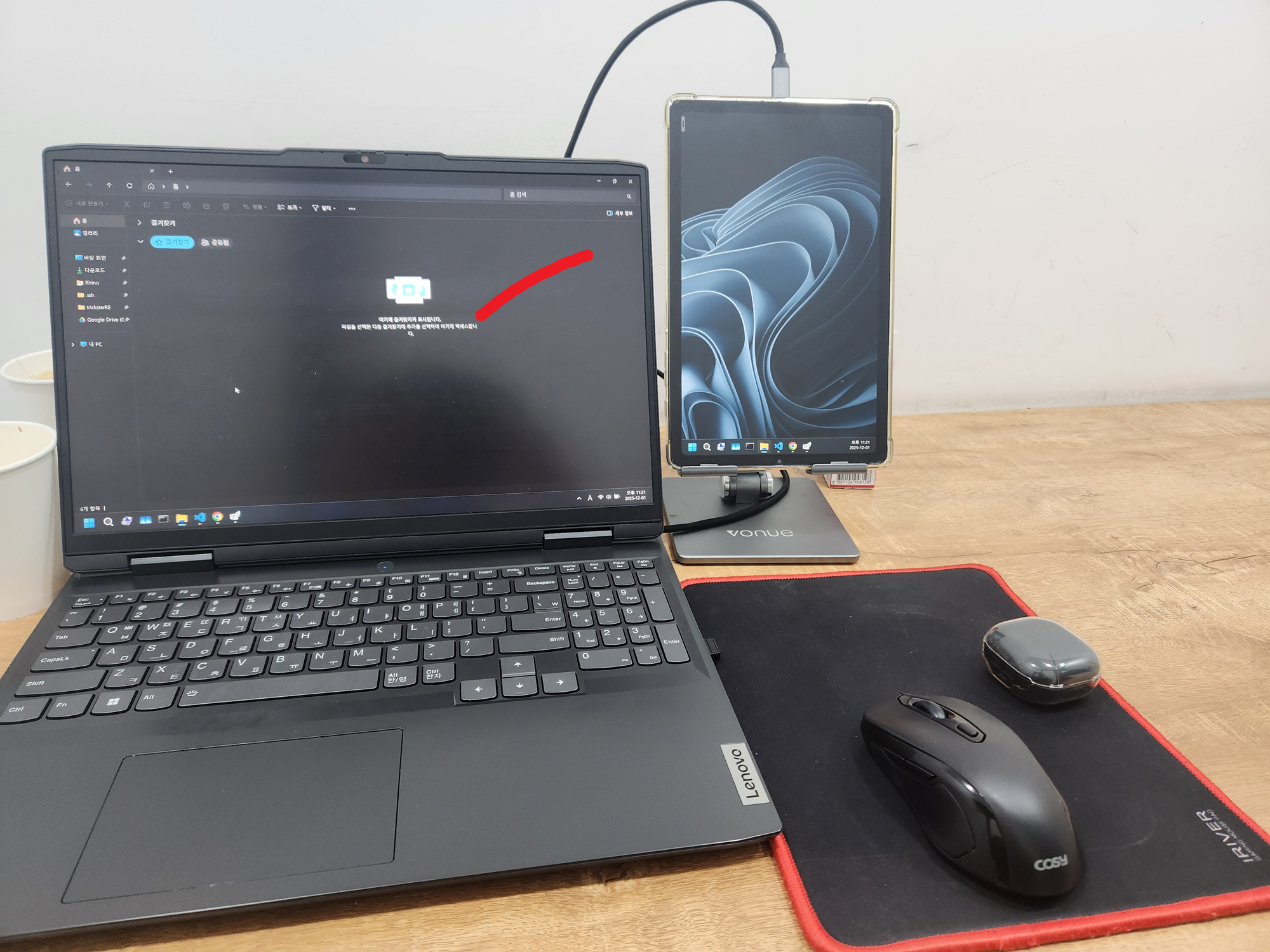 |
Validation output (failure):
Validation Report

{'lengthCheck': {'length': 31, 'result': False},
 'tailCheck': {'result': 'Not Required'},
 'startVerify': True,
 'endtVerify': True,
 'payloadVerify': True,
 'imageHashVerify': True,
 'imageHashCompareCheck': {'extractedHash': '68d500c751dfa298d55dfc1cd2ab5c9f43ec139f02f6a11027211c4d144c2870',
                           'computedHash': '43fd2108f5aa16045f4b64d70a0ce05991043cba6878f66d82abd3e7edb9d51e',
                           'result': False},
 'verdict': False}