KU
kuntau/Navigator.nvim
:sparkles: Smoothly navigate between neovim splits and tmux panes :sparkles:
Navigator.nvim
✨ Smoothly navigate between splits and panes ✨
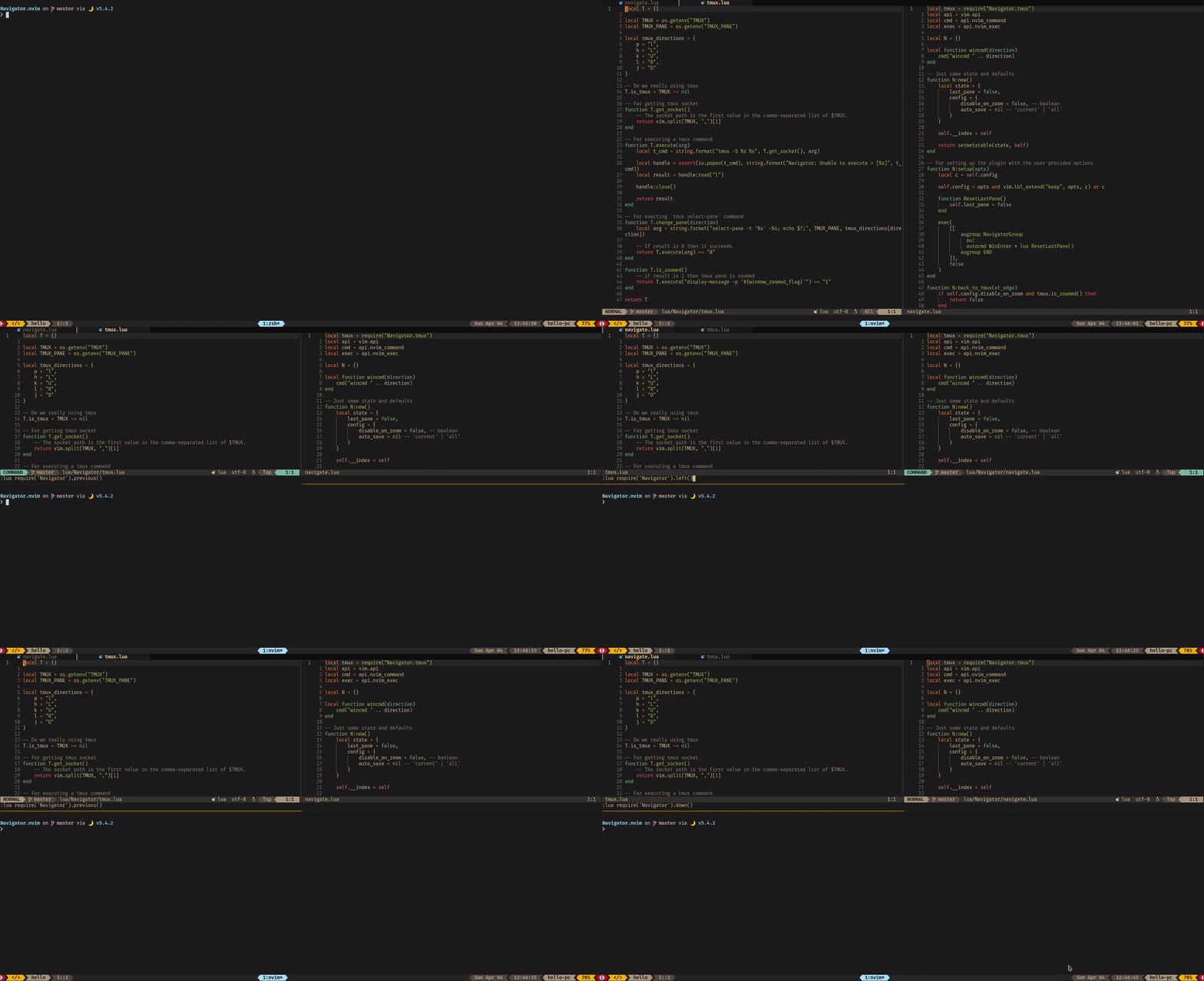
Requirements
- Neovim 0.5
Installation
Neovim
- With packer.nvim
use {
    'numToStr/Navigator.nvim',
    config = function()
        require('Navigator').setup()
    end
}
Tmux
This plugin doesn't provides any configuration for tmux. You can read here to how to setup your tmux.
Or, you can use tmux-tilish which is an excellent tmux plugin.
Setup
-- Configuration
require('Navigator').setup()

-- Keybindings
local map = vim.api.nvim_set_keymap
local opts = { noremap = true, silent = true }

map('n', "<A-h>", "<CMD>lua require('Navigator').left()<CR>", opts)
map('n', "<A-k>", "<CMD>lua require('Navigator').up()<CR>", opts)
map('n', "<A-l>", "<CMD>lua require('Navigator').right()<CR>", opts)
map('n', "<A-j>", "<CMD>lua require('Navigator').down()<CR>", opts)
map('n', "<A-p>", "<CMD>lua require('Navigator').previous()<CR>", opts)
Configuration
Following options can be given when calling setup({config}). Below is the default configuration
{
    -- When you want to save the modified buffers when moving to tmux
    -- `nil` - Don't save (default)
    -- `current` - Only save the current modified buffer
    -- `all` - Save all the buffers
    auto_save = nil,

    -- Disable navigation when tmux is zoomed in
    disable_on_zoom = false
}
Usage
This plugin doesn't comes with any default keybinding but rather gives you the flexibility to setup your own keybindings with the provided functions
- Go to left split or pane
lua require('Navigator').left()- Go to upper split or pane
lua require('Navigator').up()- Go to right split or pane
lua require('Navigator').right()- Go to down split or pane
lua require('Navigator').down()- Go to previous split or pane
lua require('Navigator').previous()Credits
This plugin is a port of vim-tmux-navigator in lua.