kai-tub/latex-beamer-pure-minimalistic
A true minimalistic LaTeX beamer template




A presentation theme for LaTeX-Beamer that is truly
minimalistic, so that the focus is on the presenter and
not on the slides.
Requires the packages fira, noto, and
silence
to be installed on your system.
To build the beamertheme-pure-minimalistic-demo.tex file,
PGF/TikZ,
appendixnumberbeamer,
fontaxes, and
mwe are also required.

Table of contents:
- Main goals
- Demo
- Comparison
- Download
- Instructions
- Multi-language support
- Customize
- Extras
- Release status
- License
- Contributing
- Contact
- Other great beamer themes
Main goals
- It should be looking good in a 4:3 and 16:9 aspect ratio, without the need to change anything.
- Provides an environment for vertical-spaced items
- Easy option to either use light- or dark-mode
- Is designed to be purely minimalistic without any distractions
- Easily use own logos
- Should support different languages without too many changes
Demo
A sample document can be seen in the
beamertheme-pure-minimalistic-demo.pdf,
produced from beamertheme-pure-minimalistic-demo.tex.
The document shows all of the
design decisions, as well as some packages and commands that
work well for presentations. For example, starting the
frame counter after the Table of Contents section does not
include backup slides to the total frame counter.
Please use beamertheme-pure-minimalistic-demo.tex
as a starting point, as exhaustive comments
were added for a smooth start.
Here
a short inline teaser version of the beamertheme-pure-minimalistic-demo.pdf can be seen.

Please look at the PDF version for high-resolution images. :)
I highly recommend pympress to add videos to the presentation.
This presentation tool works perfectly with
Beamer presentations and is available on all major OS!
Comparison
To show some differences between the default LaTeX beamer
theme and the pure minimalistic beamer theme
(inspired by the auriga beamer theme):
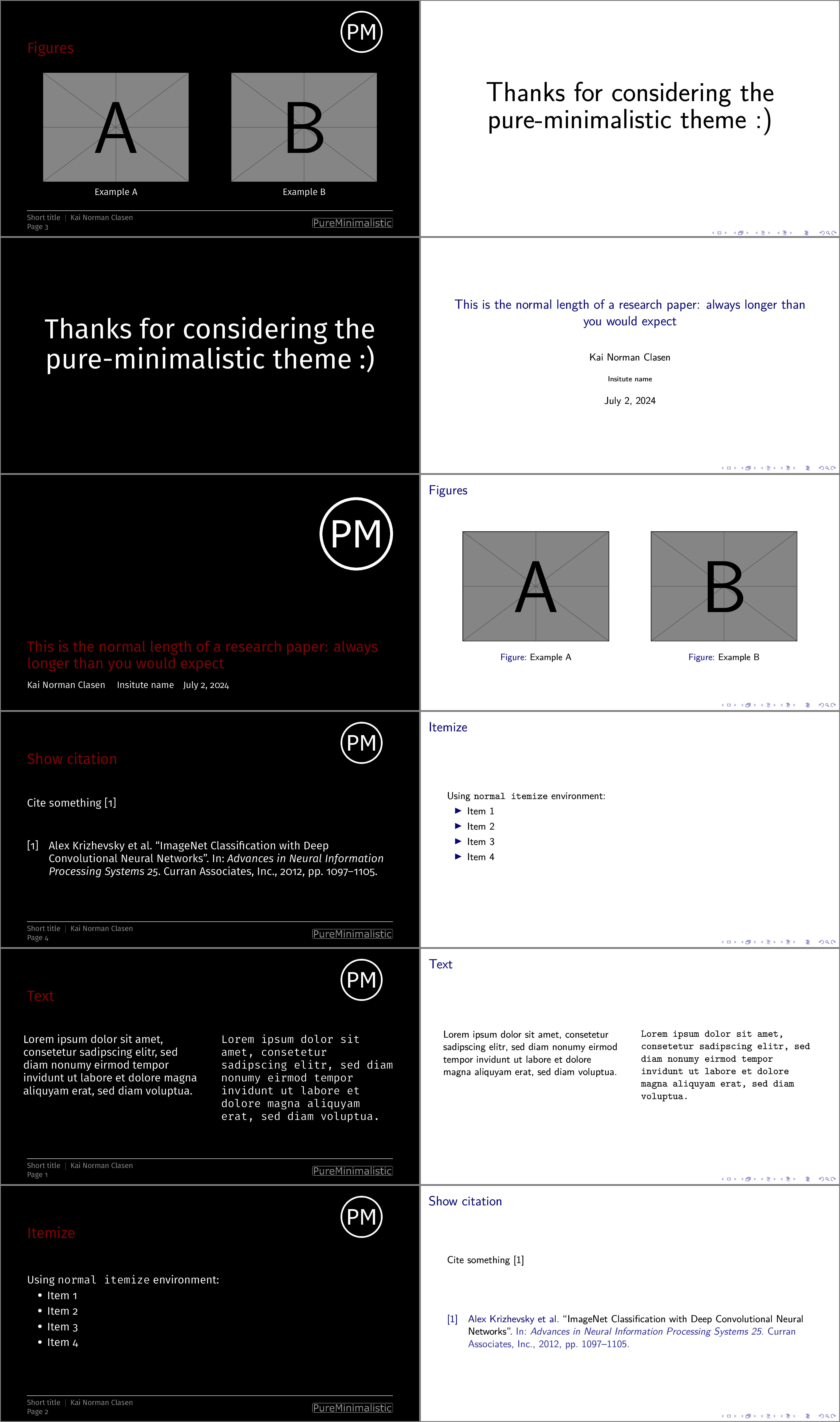
Dark mode
On the left
is the pure minimalistic theme in dark mode,
and on the right is the default beamer theme.
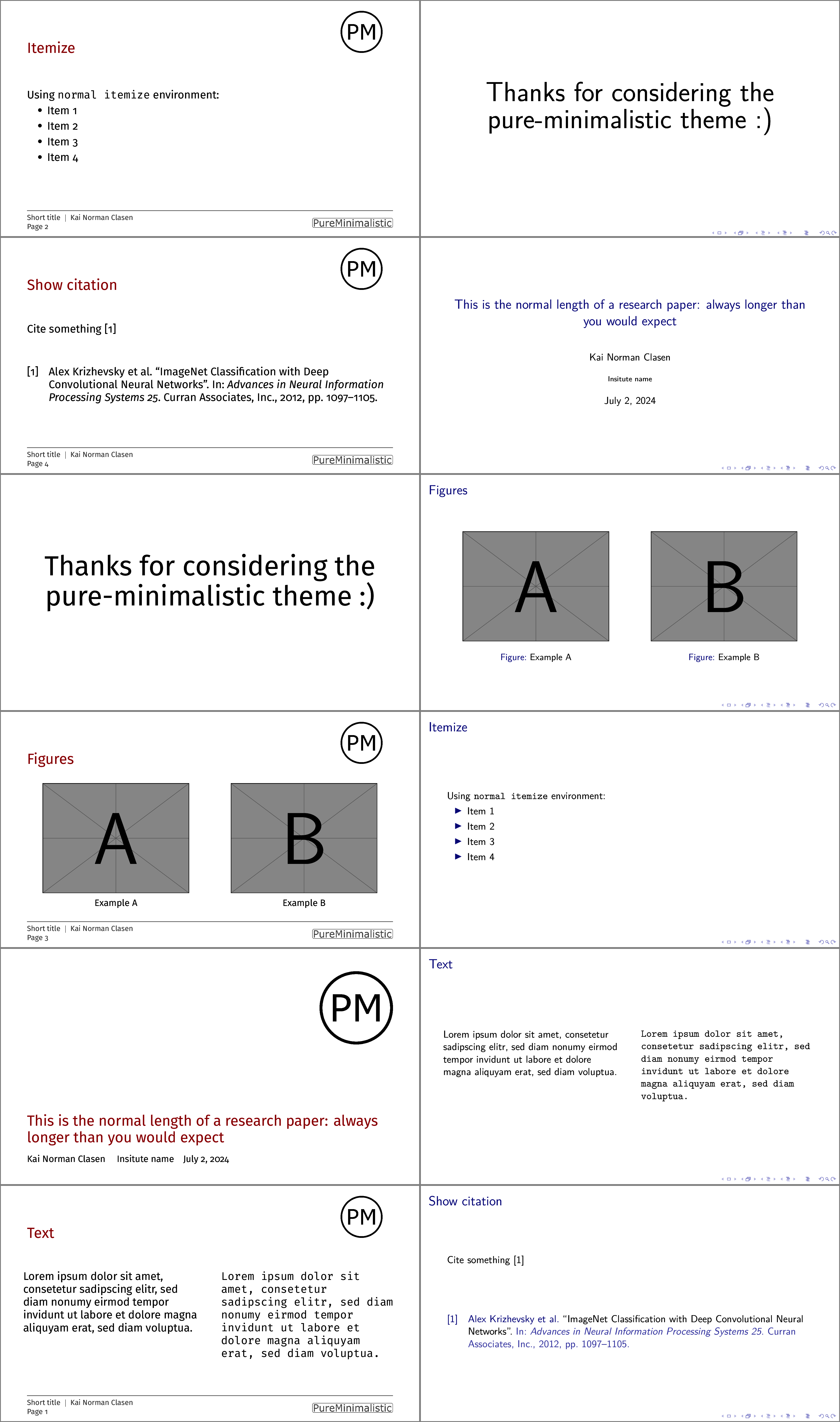
Light mode
On the left is the pure minimalistic theme in light mode,
and on the right is the default beamer theme.
Download
Download the latest release by going to the release page.
Instructions
After downloading, copy the files named
beamer*pureminimalistic.sty into the same folder as your
LaTeX source file. Then include the theme by writing:
\documentclass[aspectratio=169]{beamer}

\usetheme[]{pureminimalistic}
Multi-language support
The beamer theme allows users to choose their favorite LaTeX engine.
As a result, the theme does not even try to enforce any hard
requirements.
The user should set the correct language and font settings, not
the theme. The theme comes with preloaded fonts, to allow
most Latin script-based countries to use the theme without any
changes, but is easy to configure for other scripts.
For a quick guide on how to use non-latin scripts and
multiple languages in one document see the
following multi-language README.
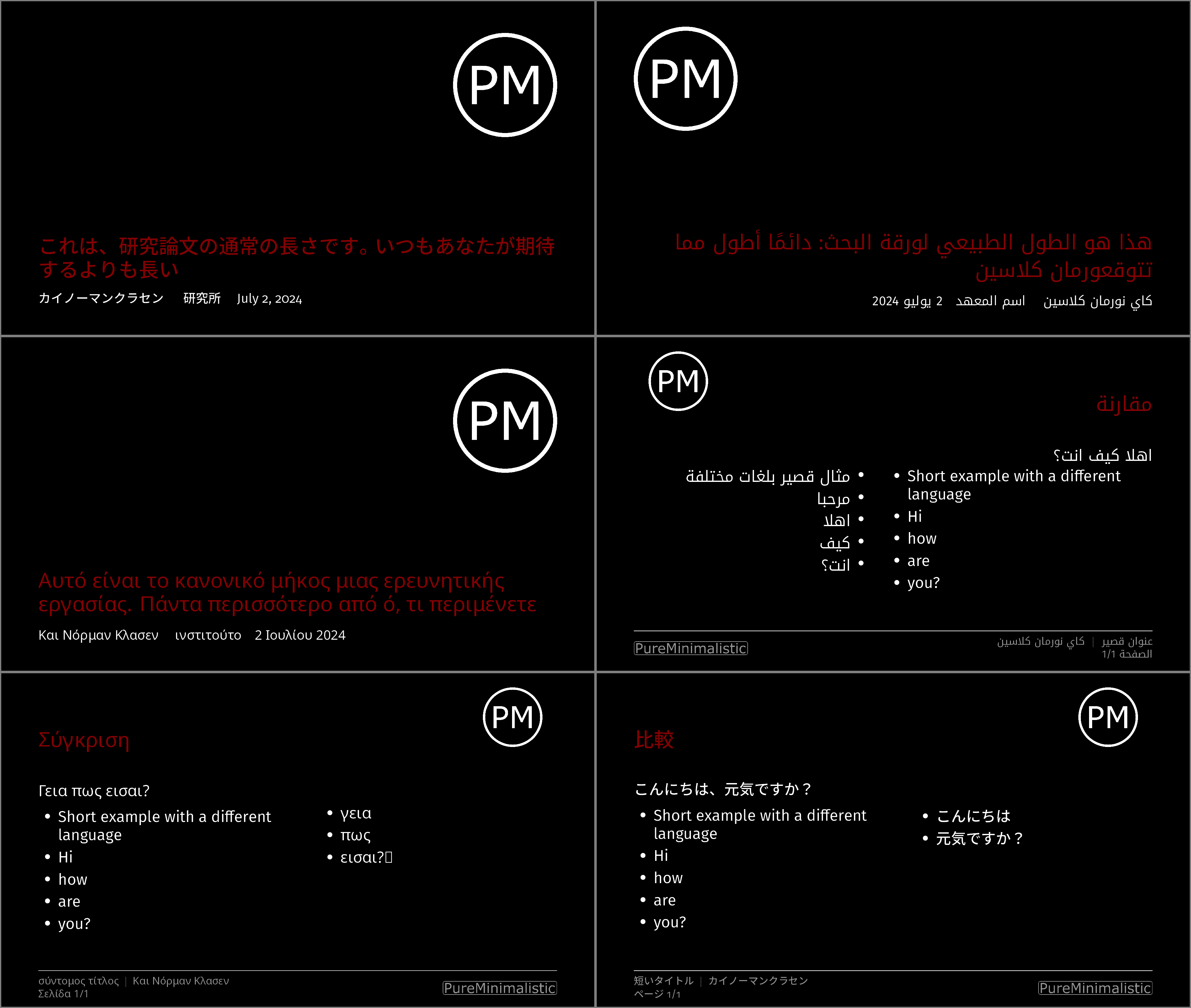
Here are some examples for a right-to-left language (Arabic),
a standard non-latin script (Greek) and a language with special
typographical requirements (Japanese):

Customize
All options and commands are also described in detail in the
beamertheme-pure-minimalistic-demo.pdf.
Customize Logos
By default, the theme expects the logos to be present in a
folder logos relative to the .sty file with the names:
header_logo, header_logo_darkmode,
institute_logo, and institute_logo_darkmode.
But you can easily change the logos used.
There are 3 commands used to define which logos
are used and how they are formatted:
\logotitle– Command used for the title page. Here\linewidth
corresponds to the entire paper width.\logoheader– Command used for the header. Here\linewidth
corresponds to a smaller box, as the horizontal space is
shared with the title.\logofooter– Command used for the footer. Here\linewidth
corresponds to a smaller box, as the horizontal space is
shared with the footer text.
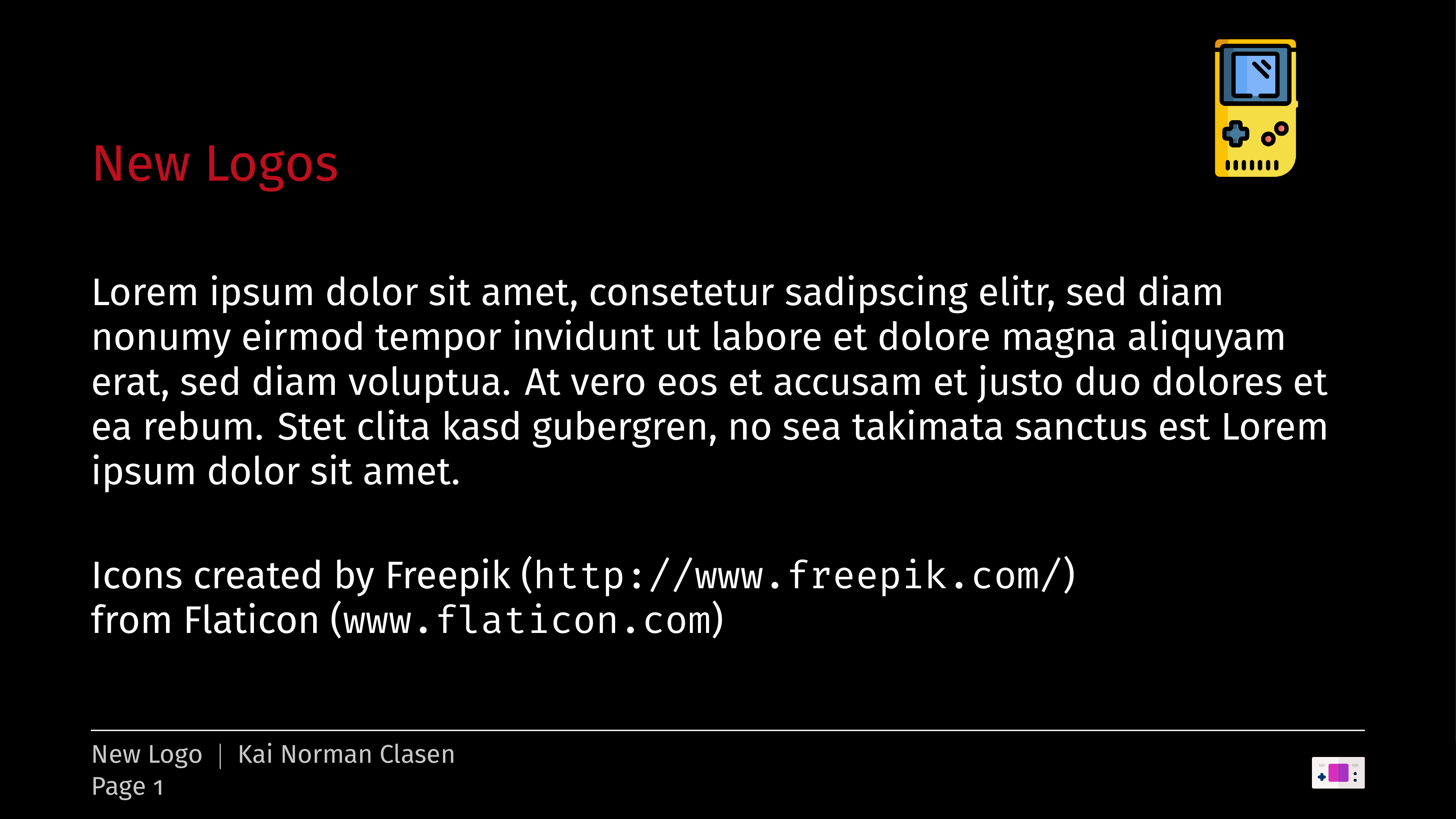
To load your own logos for the title, header, and footer set them
with:
\renewcommand{\logotitle}{\includegraphics%
  [width=.2\linewidth]{alternative_logo/gameboy.png}}
\renewcommand{\logoheader}{\includegraphics%
  [width=.5\linewidth]{alternative_logo/gameboy.png}}
\renewcommand{\logofooter}{\includegraphics%
  [width=.15\linewidth]{alternative_logo/console.png}}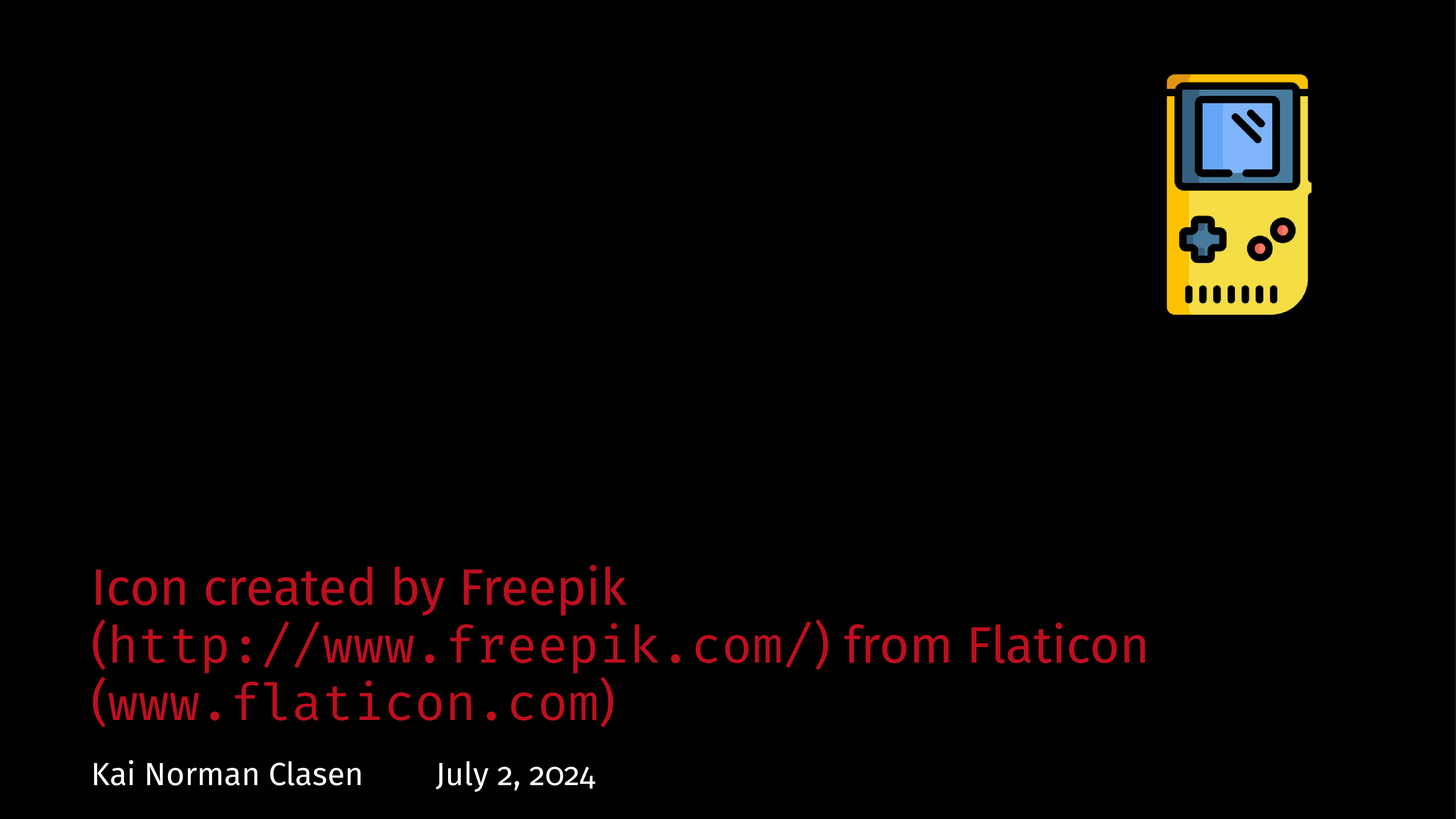
Color
The theme includes two default color options.
The default color theme is light.
The alternative color theme is the dark color theme, enabled with:
\usetheme[darkmode]{pureminimalistic}The themes color commands can be redefined to
customize the appearance.
Please set these after loading the theme
and before \begin{document} for the changes to take effect.
The following theme color commands exist:
\beamertextcolor\beamerbgcolor\beamerfootertextcolor\beamertitlecolor
To redefine the background, for example, the following commands
could be used:
\usetheme{pureminimalistic}
\definecolor{textcolor}{RGB}{0, 0, 120}
\definecolor{title}{RGB}{0, 0, 0}
\definecolor{footercolor}{RGB}{133, 133, 133}
\definecolor{bg}{RGB}{25, 116, 210}

\renewcommand{\beamertextcolor}{textcolor}
\renewcommand{\beamerbgcolor}{bg}
\renewcommand{\beamerfootertextcolor}{footercolor}
\renewcommand{\beamertitlecolor}{title}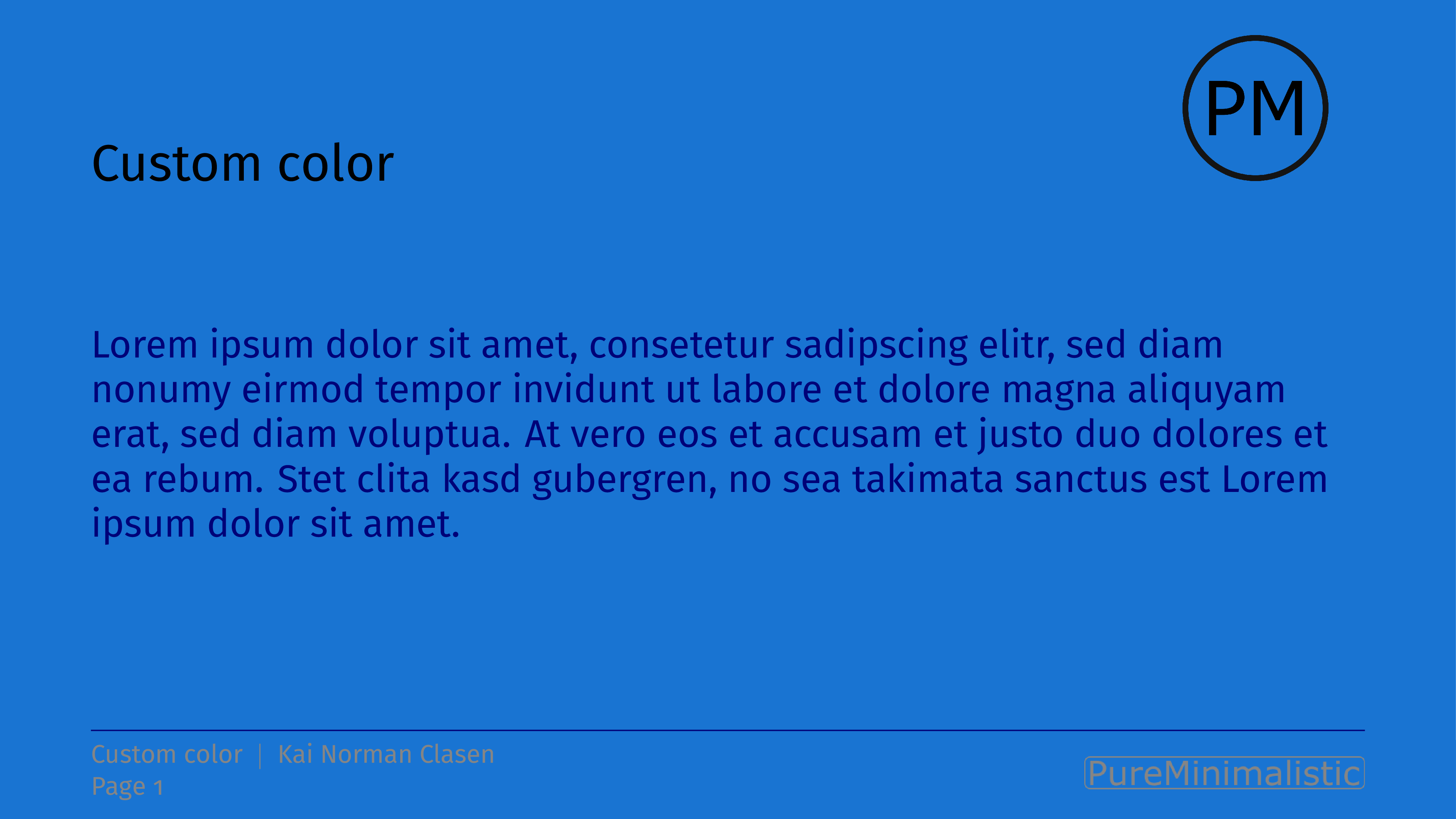
Fonts
The default fonts are the Fira Fonts.
This decision was inspired by another awesome beamer theme,
the Focus beamer theme.
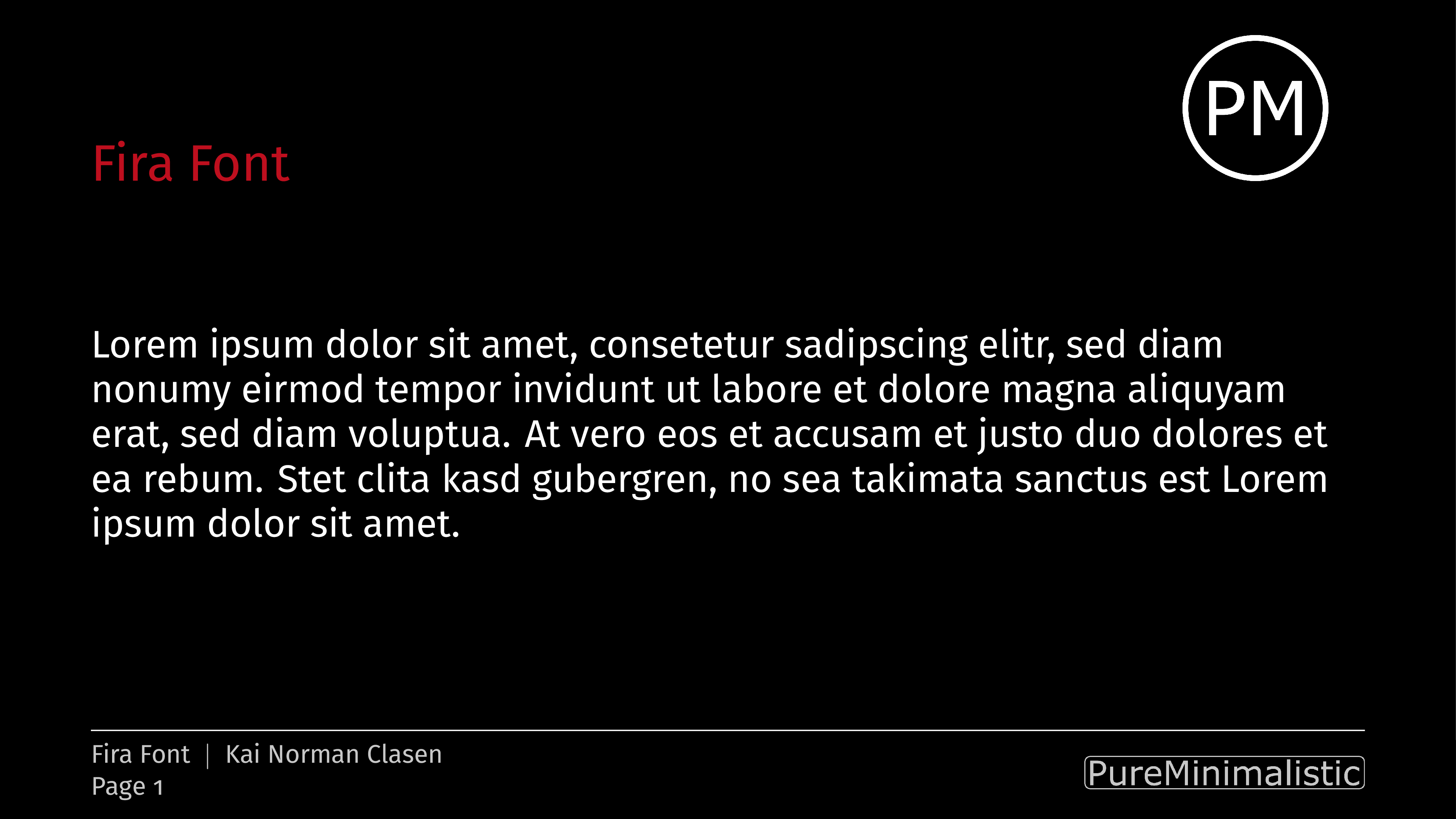
Some dislike the Fira Fonts. As an alternative, this
theme also integrates the Noto fonts.
To use the Noto fonts:
\usetheme[noto, darkmode]{pureminimalistic}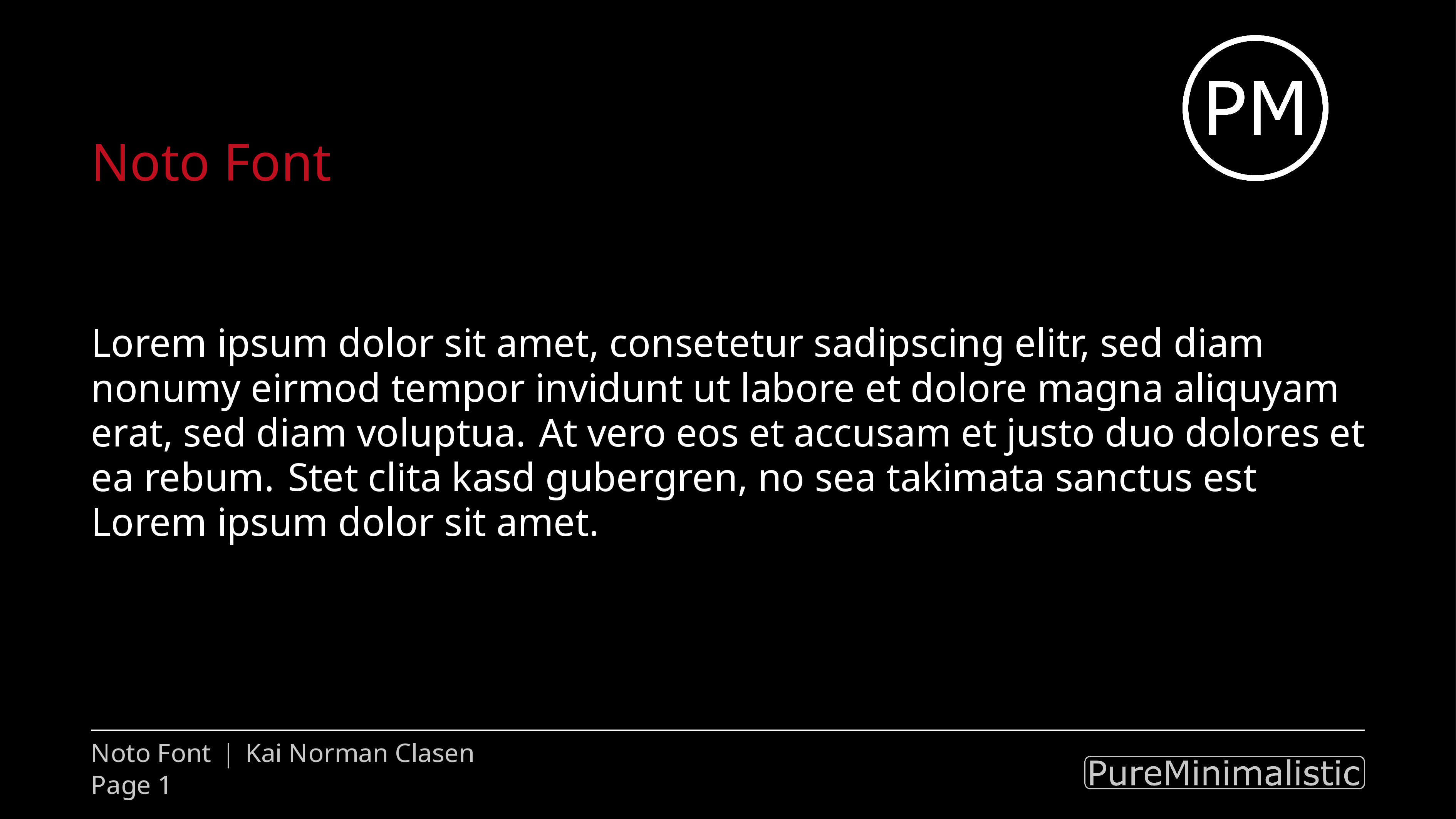
If you prefer the default fonts or load custom fonts, disable the Fira Fonts with:
\usetheme[customfont, darkmode]{pureminimalistic}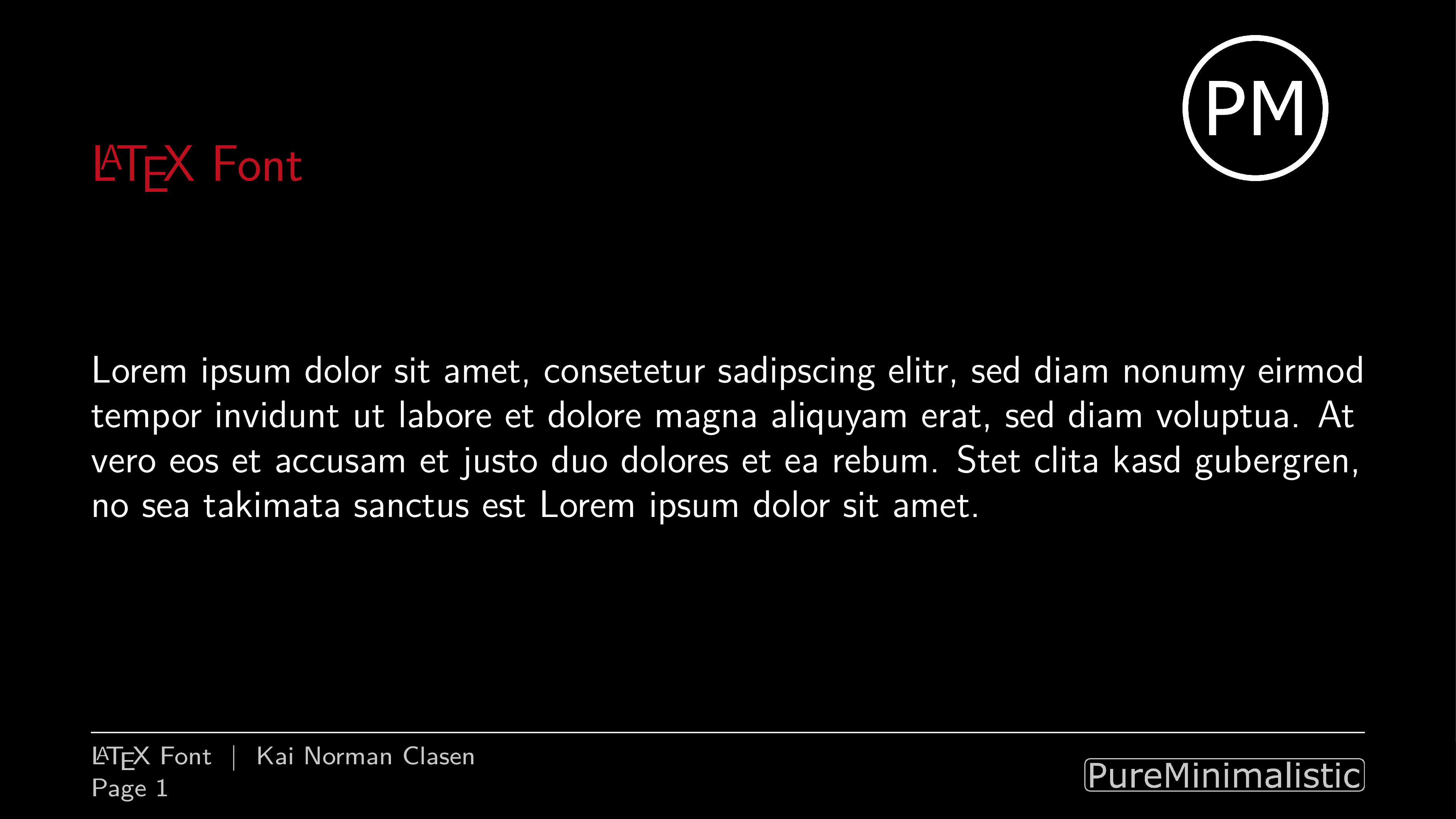
For more information on how to load the custom fonts or
use multiple languages in a document, see the multi-language README.
Important: By default beamer uses sans-serif fonts,
so if you define your own font-settings, be sure to set
sans-serif and not the default font settings!
Footer options
Show max slide numbers
To show the maximum number of slides, enable the
showmaxslides option:
\usetheme[showmaxslides, darkmode]{pureminimalistic}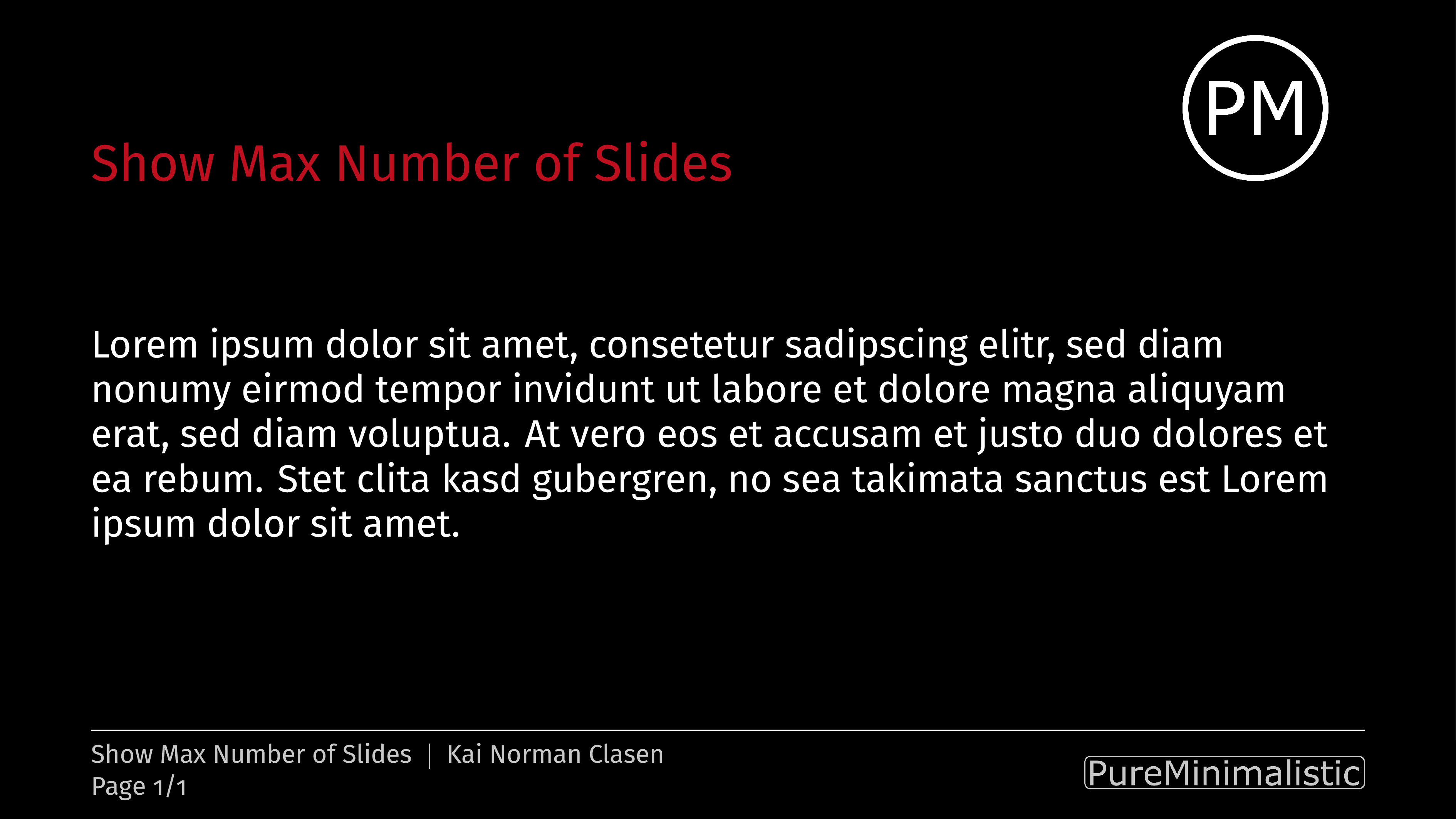
Disable footer
To disable the footer altogether, including the institute image,
set the nofooter option:
\usetheme[nofooter, darkmode]{pureminimalistic}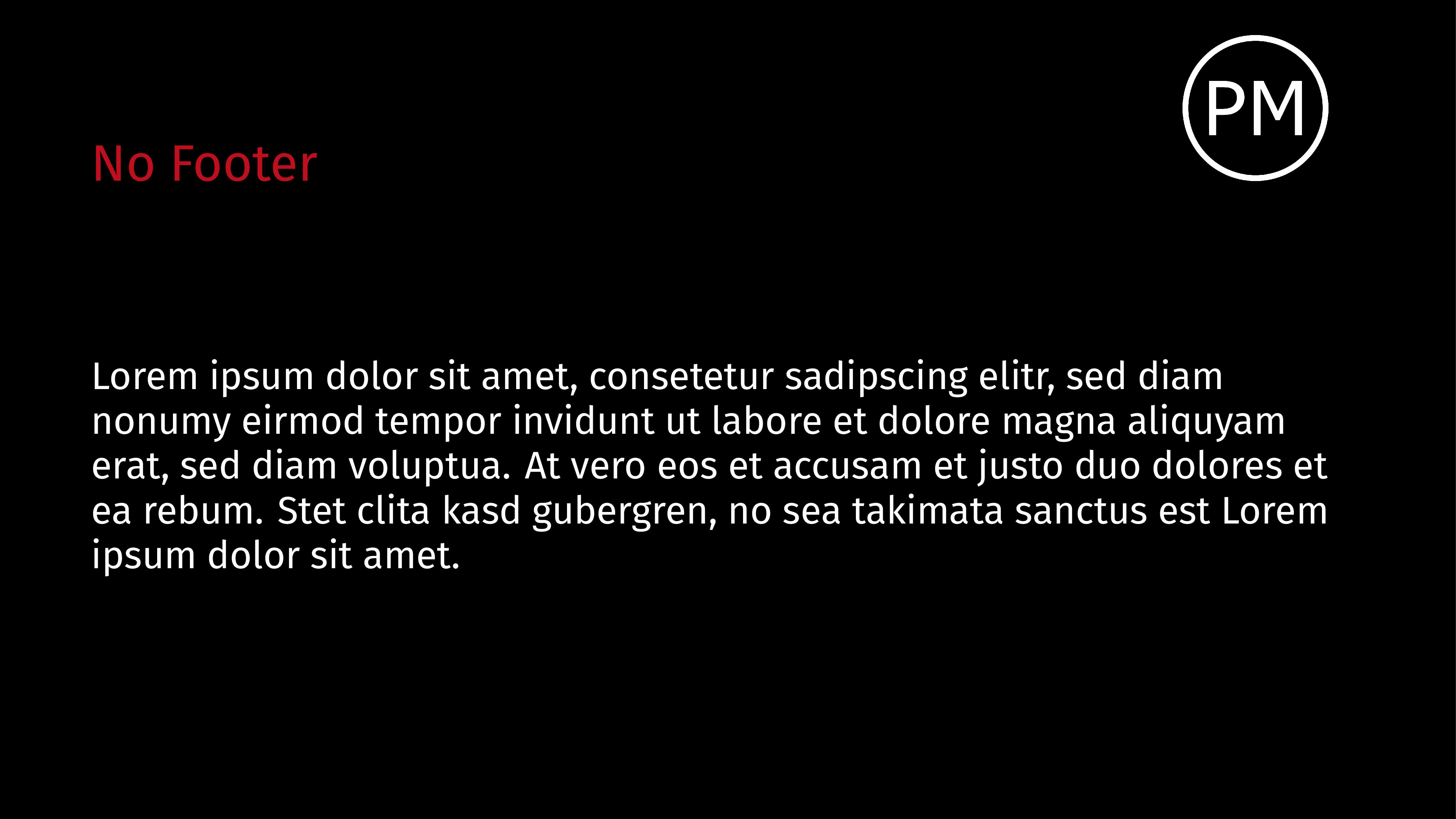
Replace footer logo with page count
To remove the footer logo and instead move the page description
to that position use the nofooterlogo option:
\usetheme[nofooterlogo, darkmode]{pureminimalistic}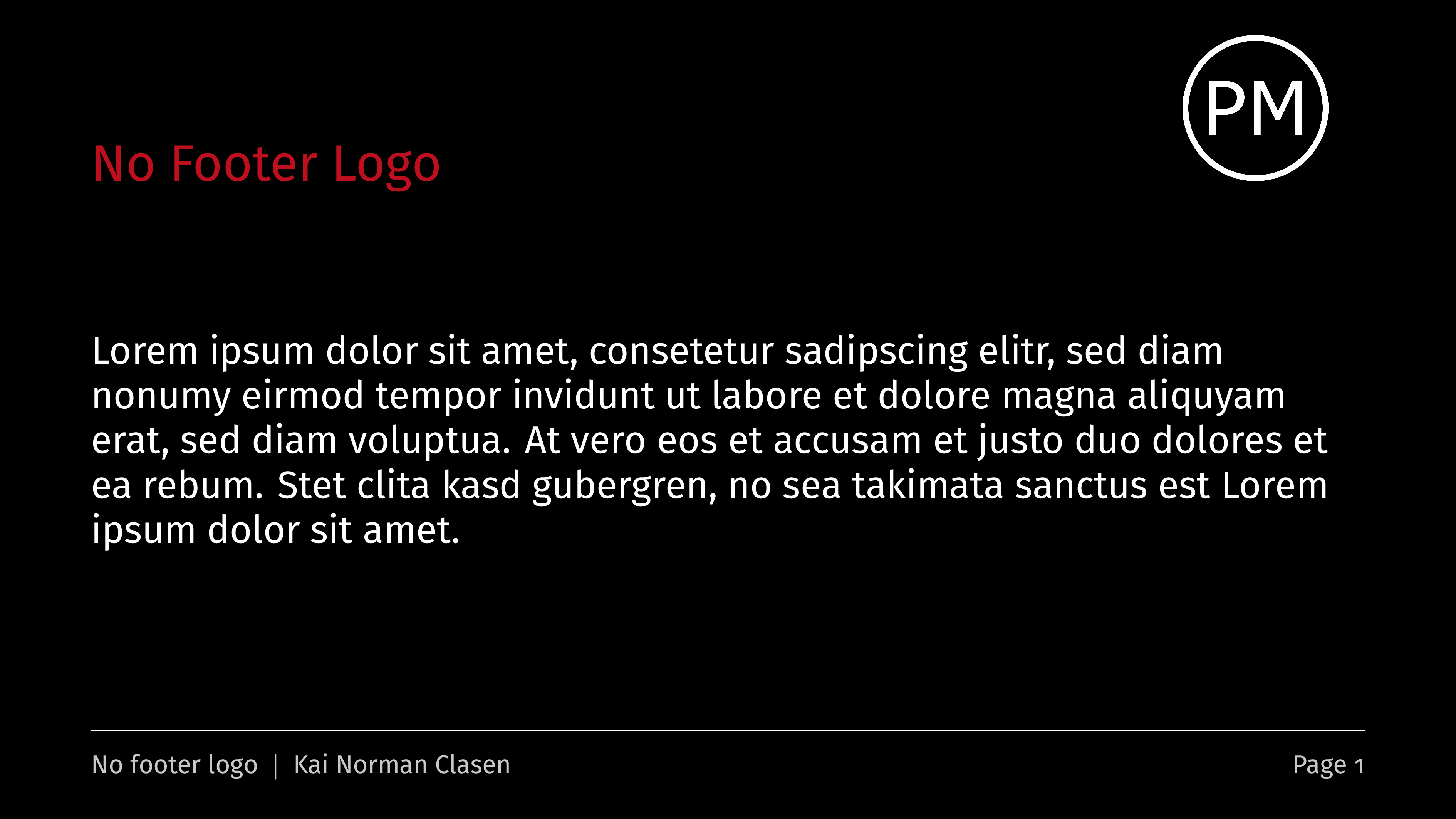
Customize word for Page in footer
To change the word Page in the footer, define a different word with:
\renewcommand{\pageword}{Seite}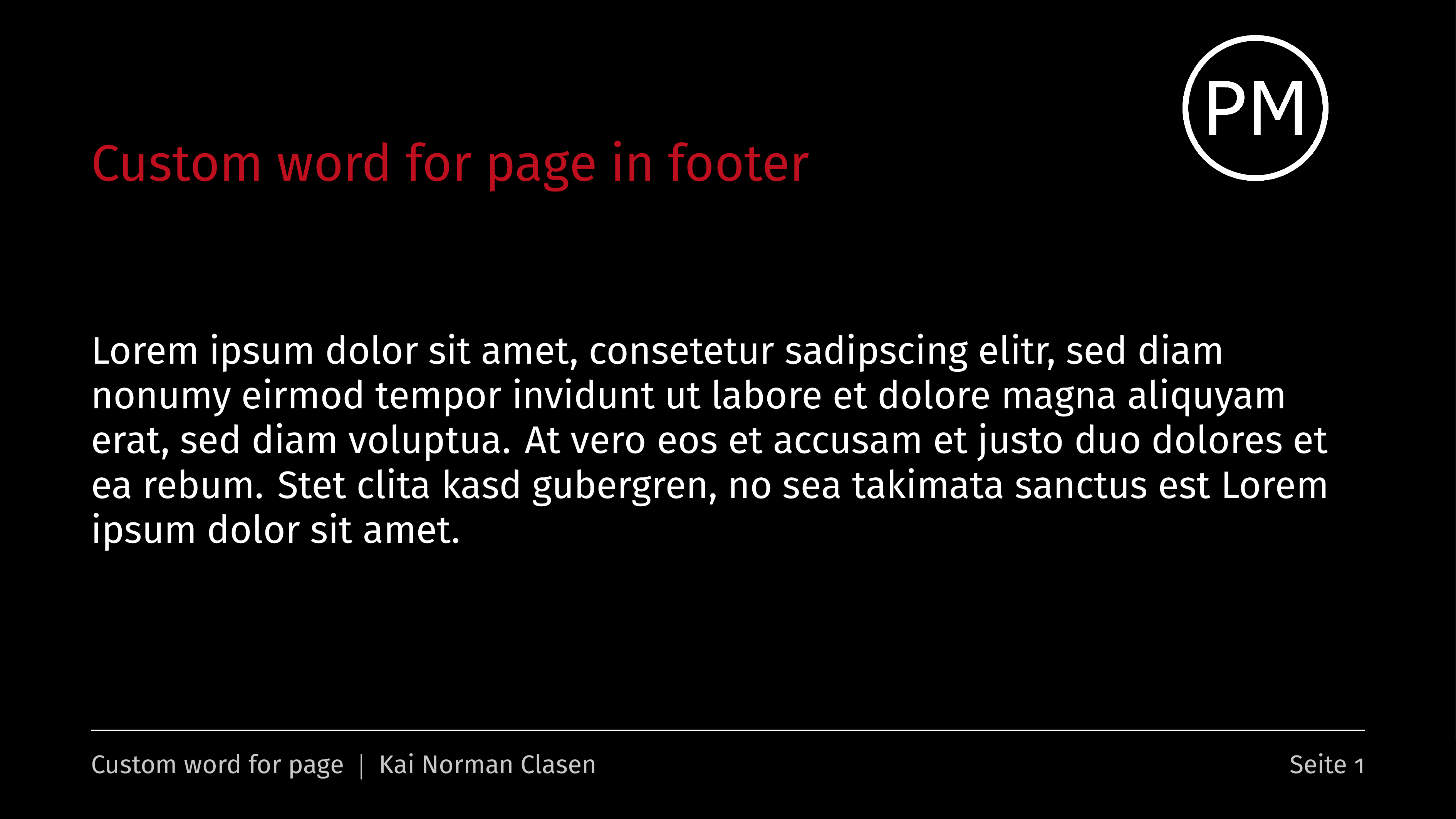
Extras
This theme also provides a new environment vfilleditems.
It automatically inserts space between items, depending
on the remaining space. Use it with:
\begin{vfilleditems}
  \item My first point
  \item My second point
  \item My third point
\end{vfilleditems}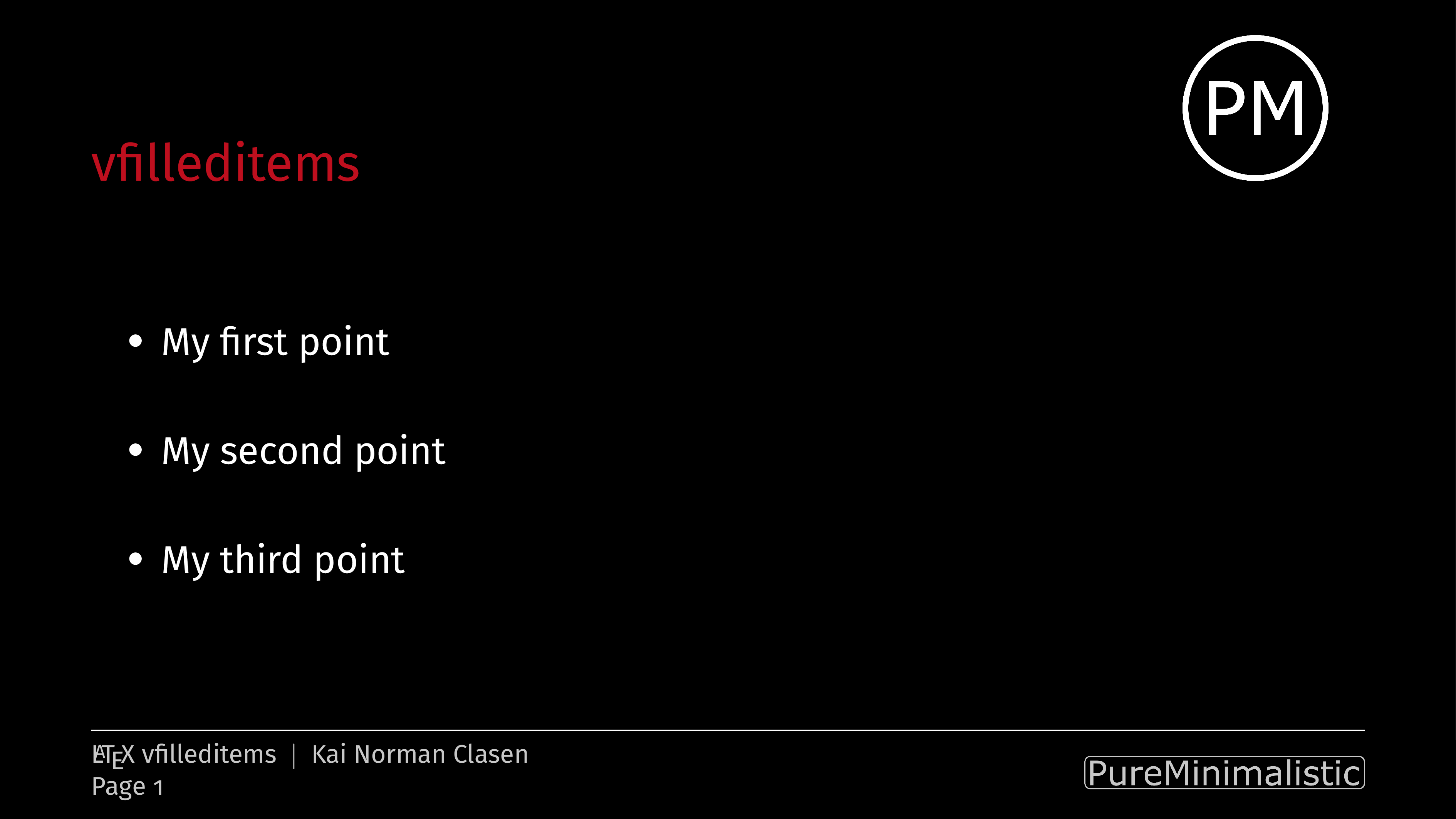
Release status
The next steps and thoughts about the upcoming release
with possible features can be seen on the project
page.
License
This software is released under the GNU GPL v3.0
License.
Contributing
Please see the contribution guidelines for more information.
As always, PRs are welcome. :)
Contact
If you have any comments or suggestions, please
use the Discussion forum.
If you experience any issues, open an issue with the
appropriate issue template.
I will try my best to help as much as I can. :)
Other great beamer themes
If you want to check out other awesome LaTeX beamer themes take a look
at the ultimate-beamer-theme-list by Martin Bjeldbak Madsen!