julxxy/xxl-job-panel-r3
A third-party React-based web admin panel for XXL-JOB — delivering the best experience you’ve ever had.
XXL-JOB-PANEL-R3
A third-party React-based web admin panel for XXL-JOB — delivering the best experience you’ve ever had.


Screenshots
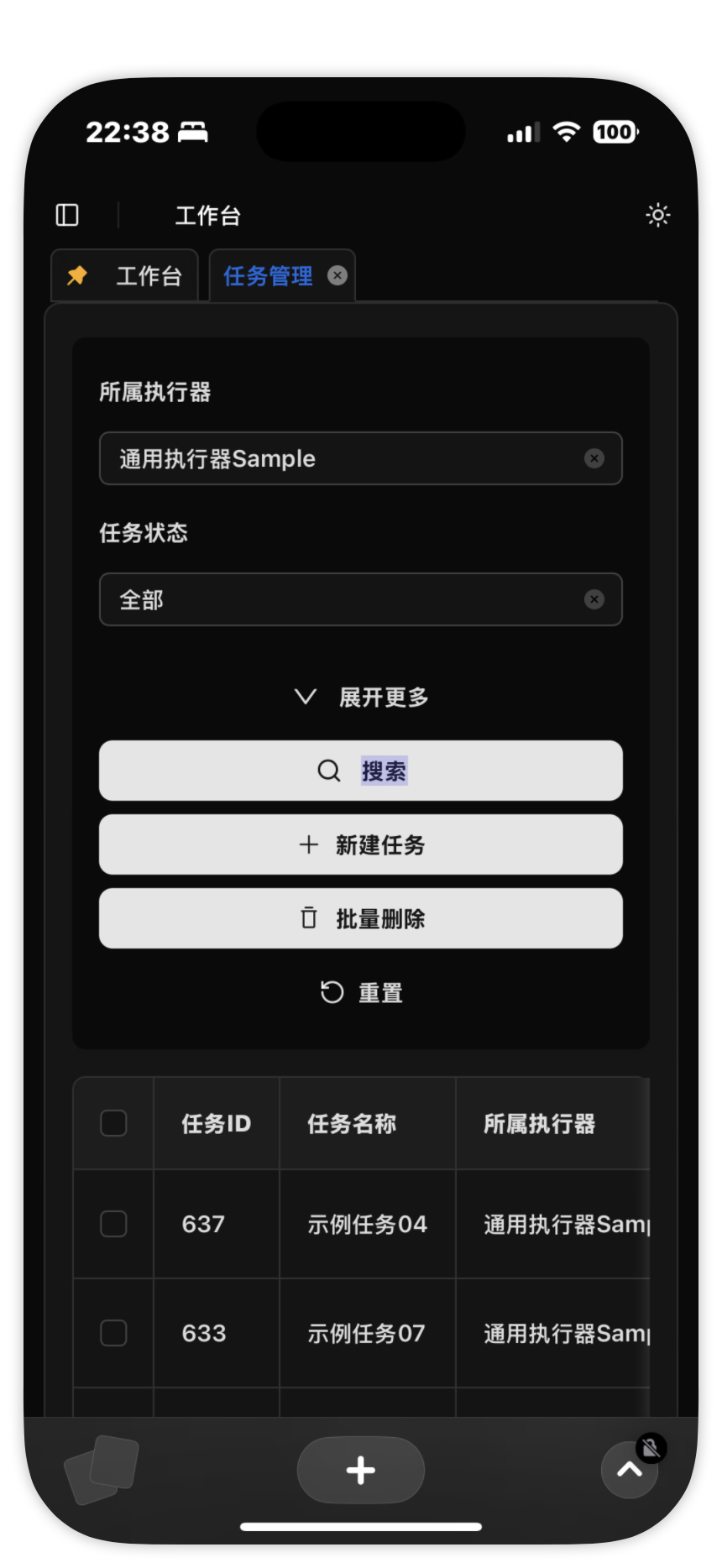
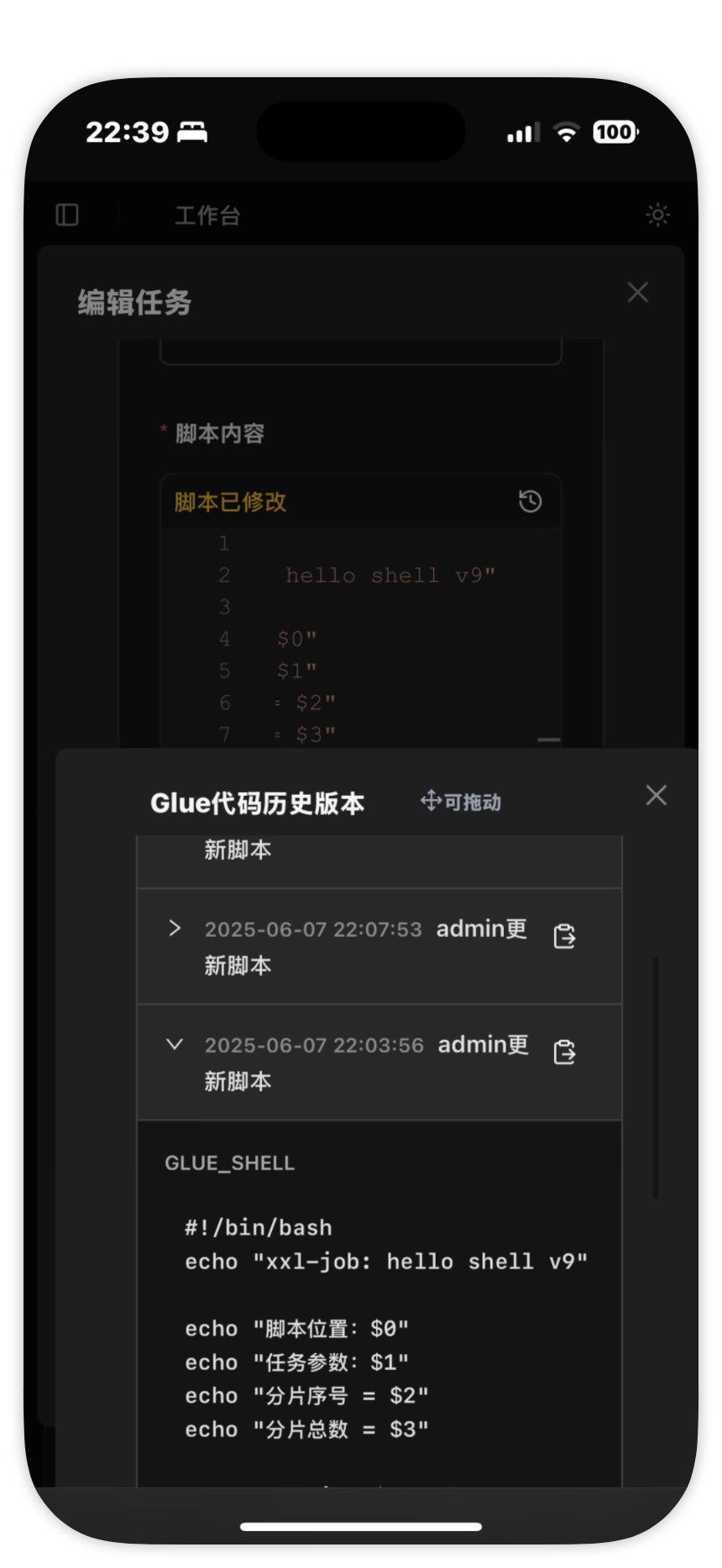
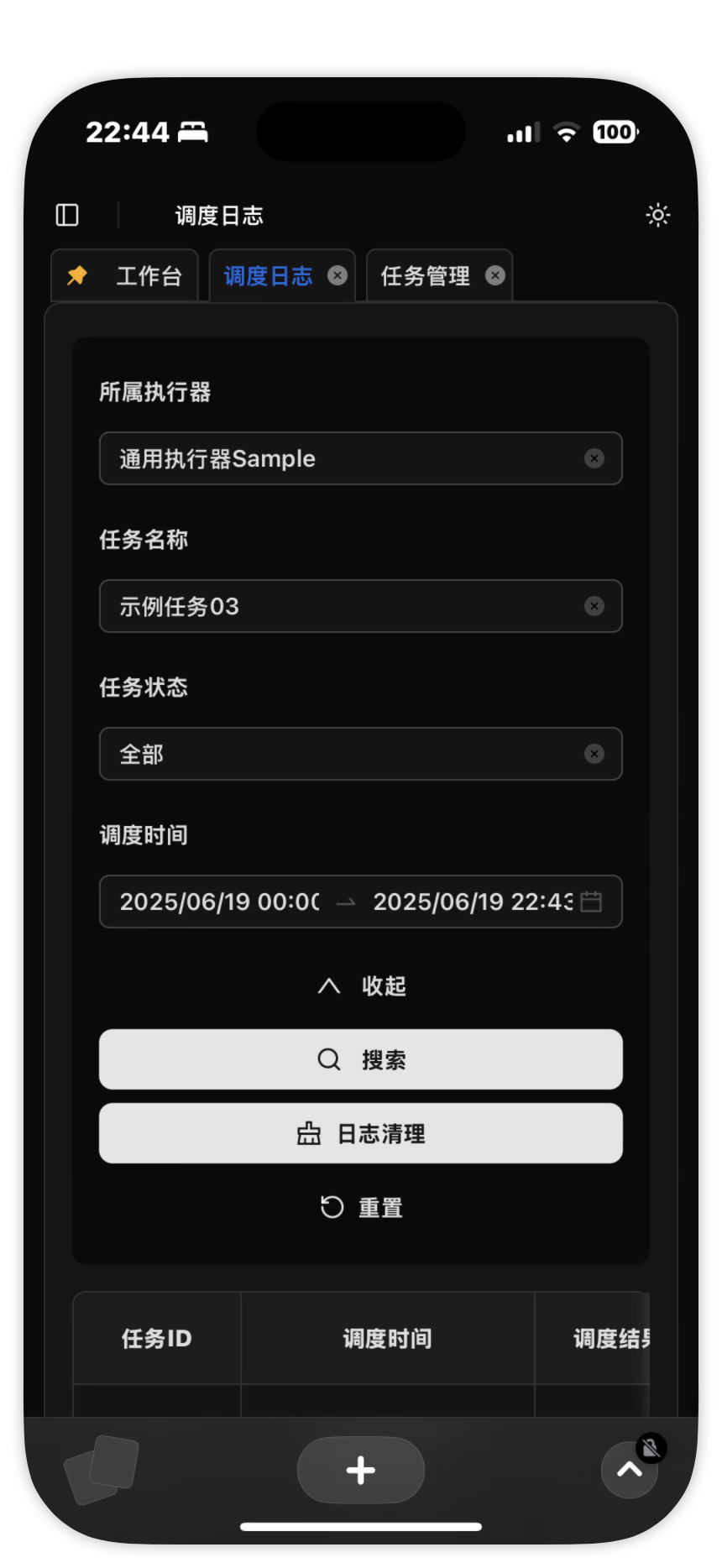
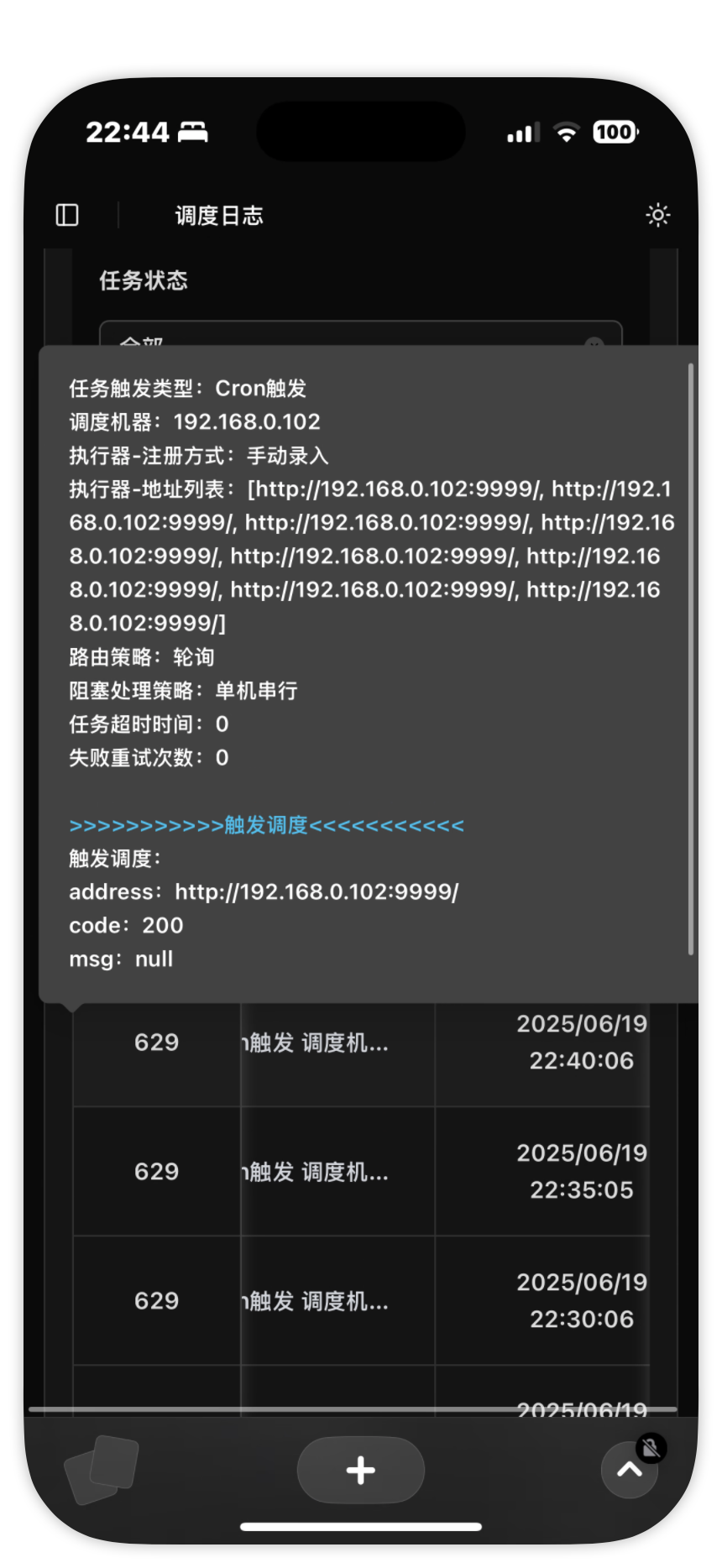
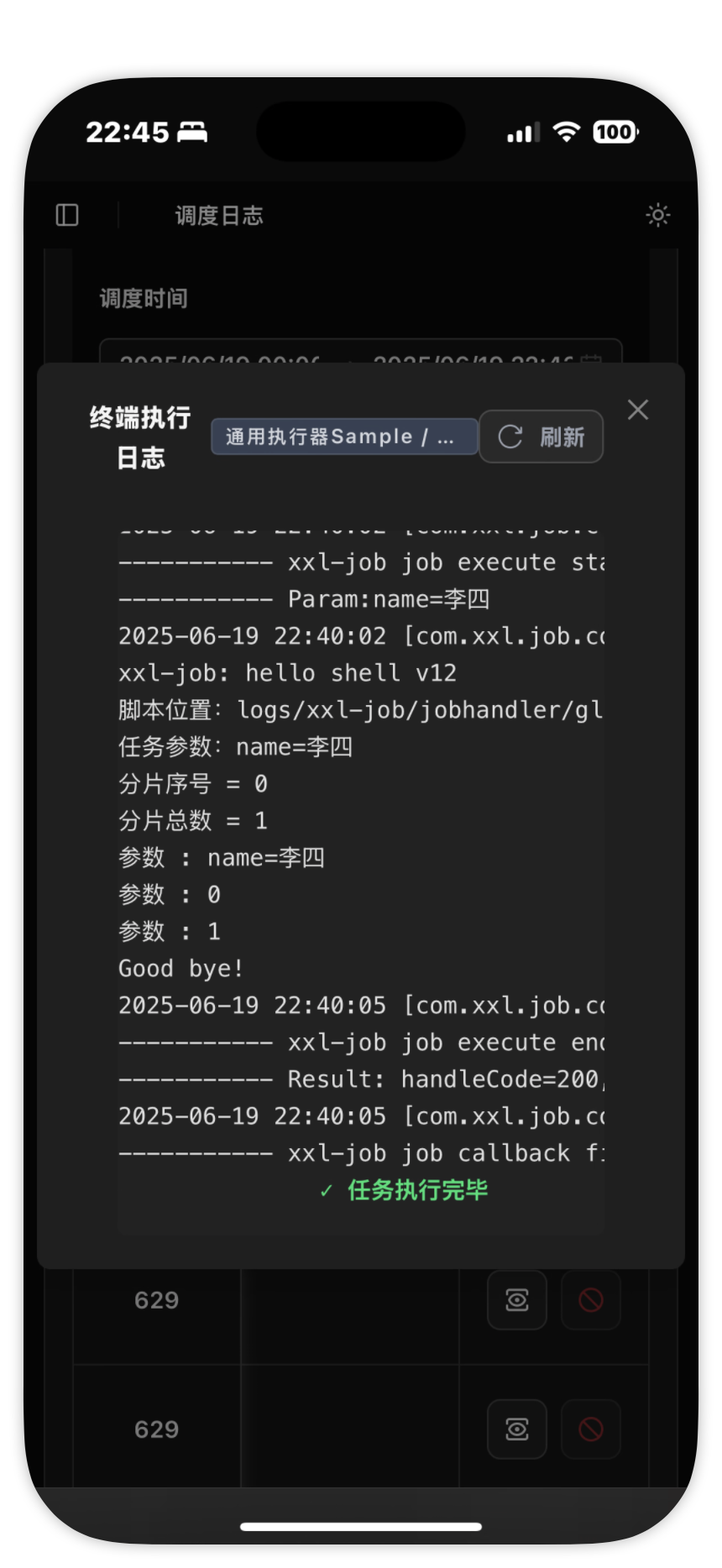
📱 Mobile Preview
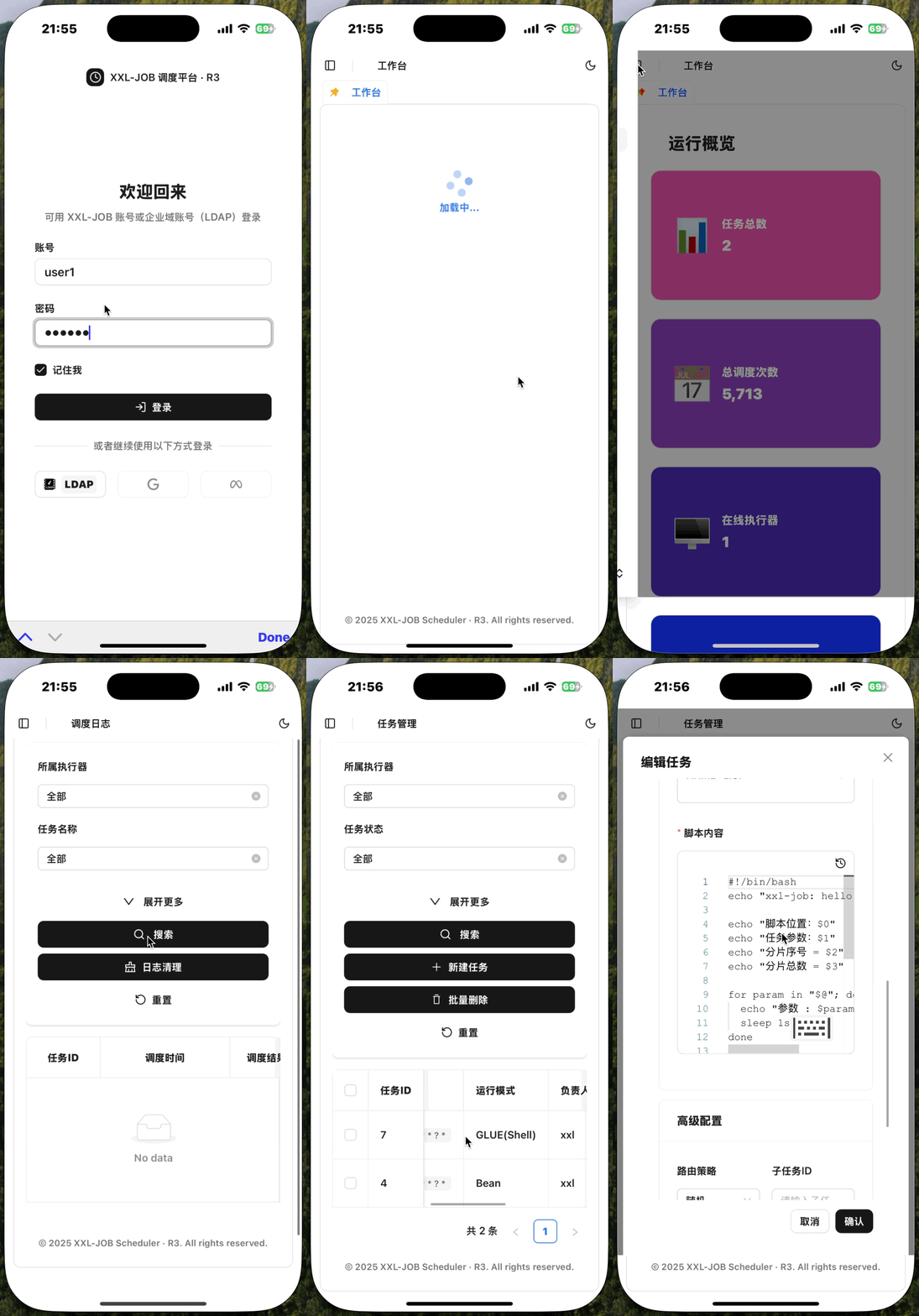 |
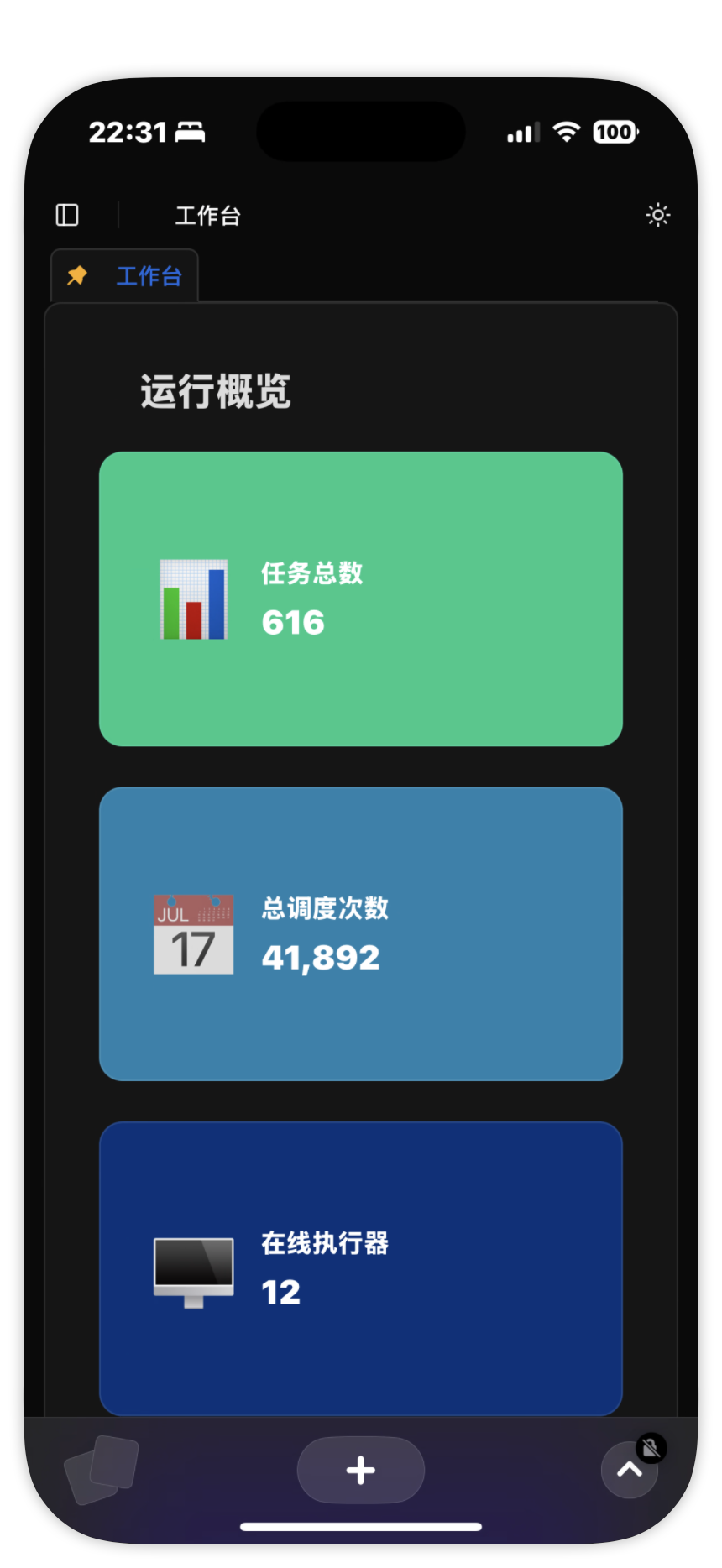 |
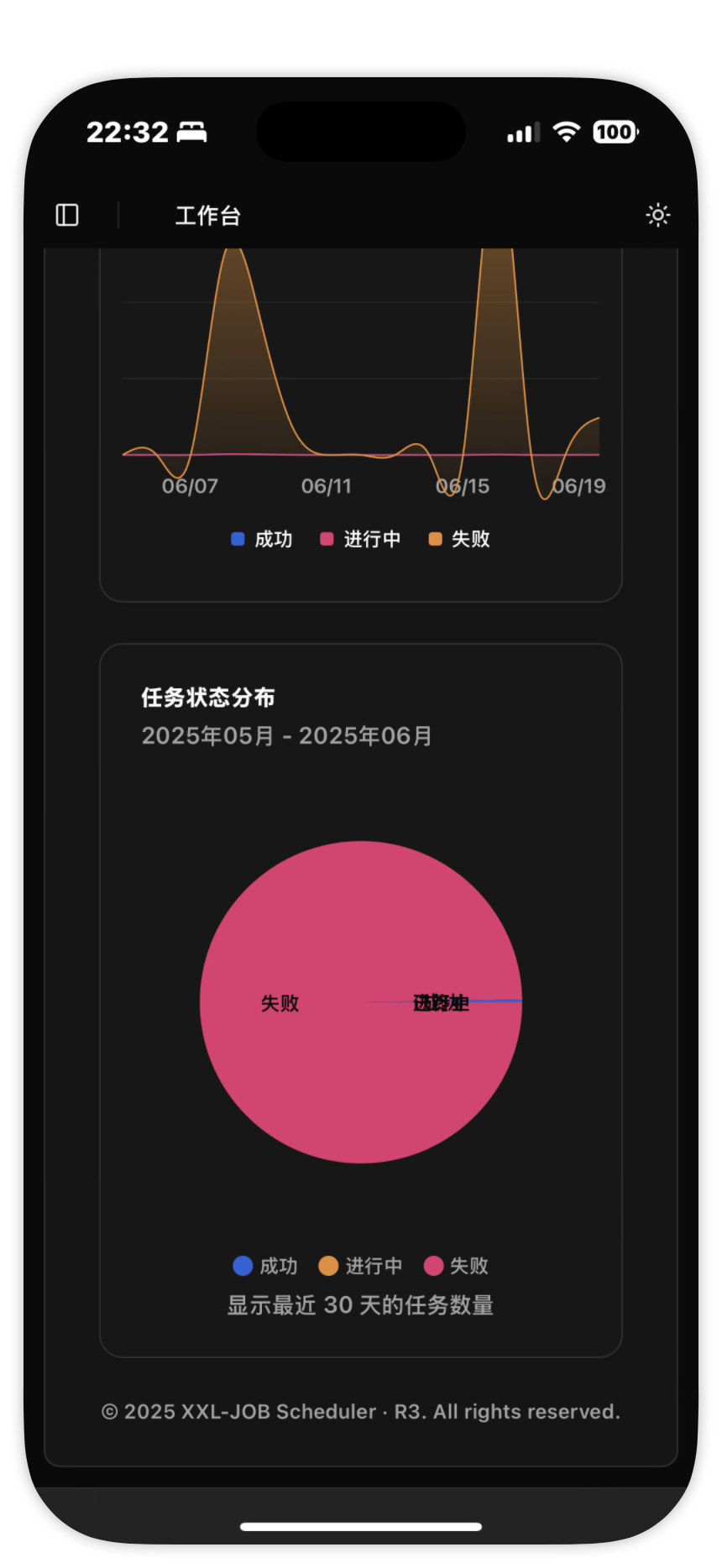 |
|---|---|---|
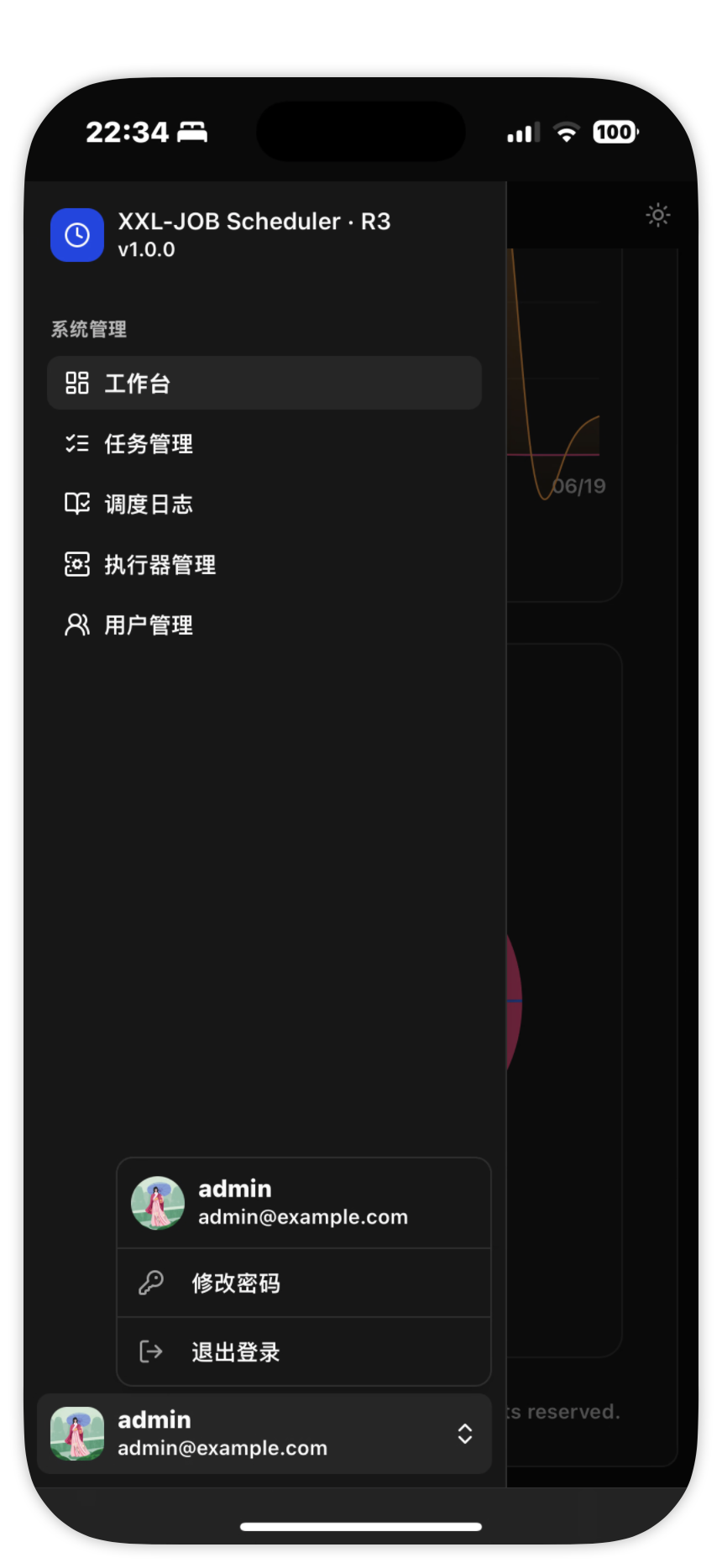 |
 |
 |
 |
 |
 |
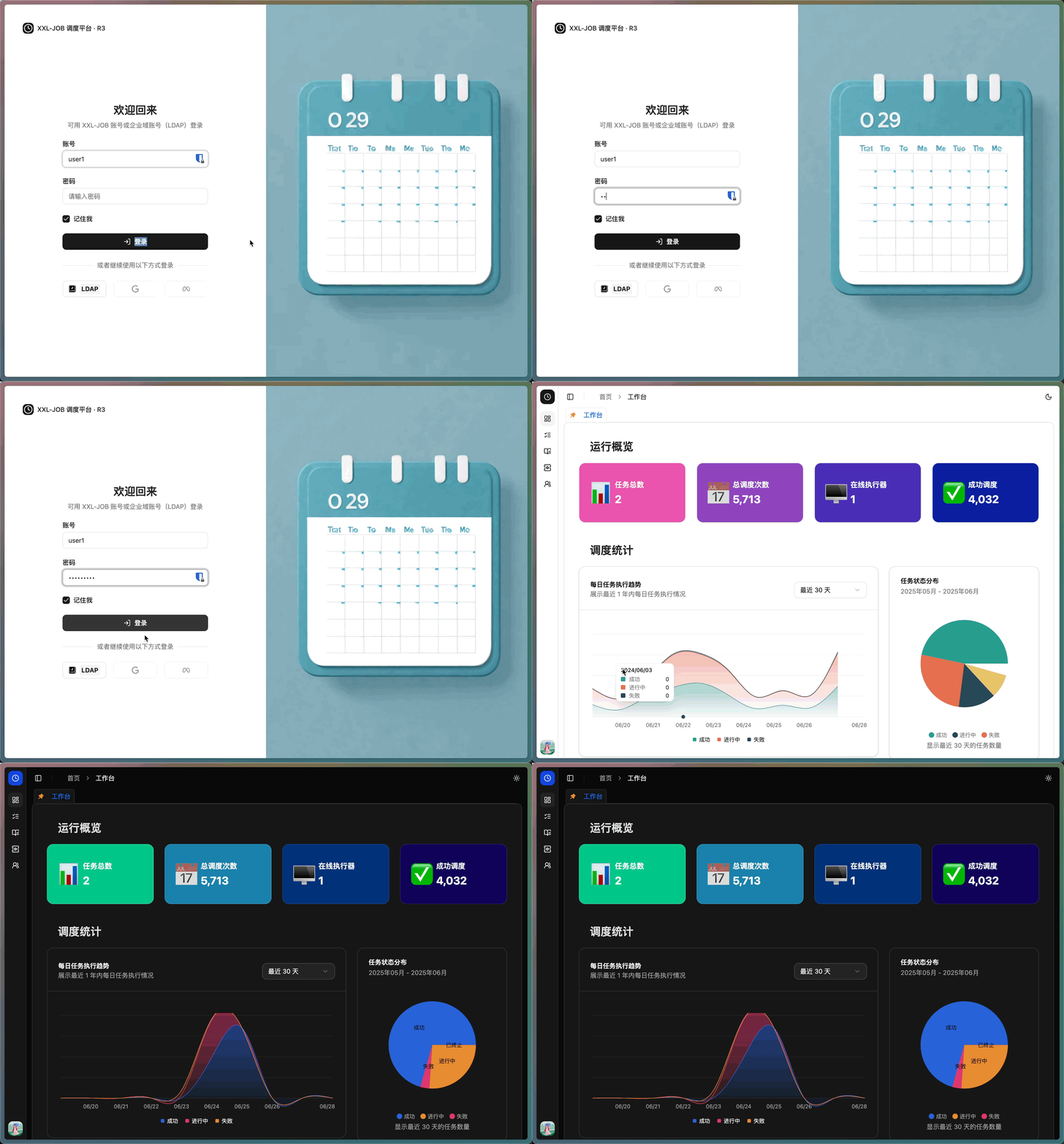
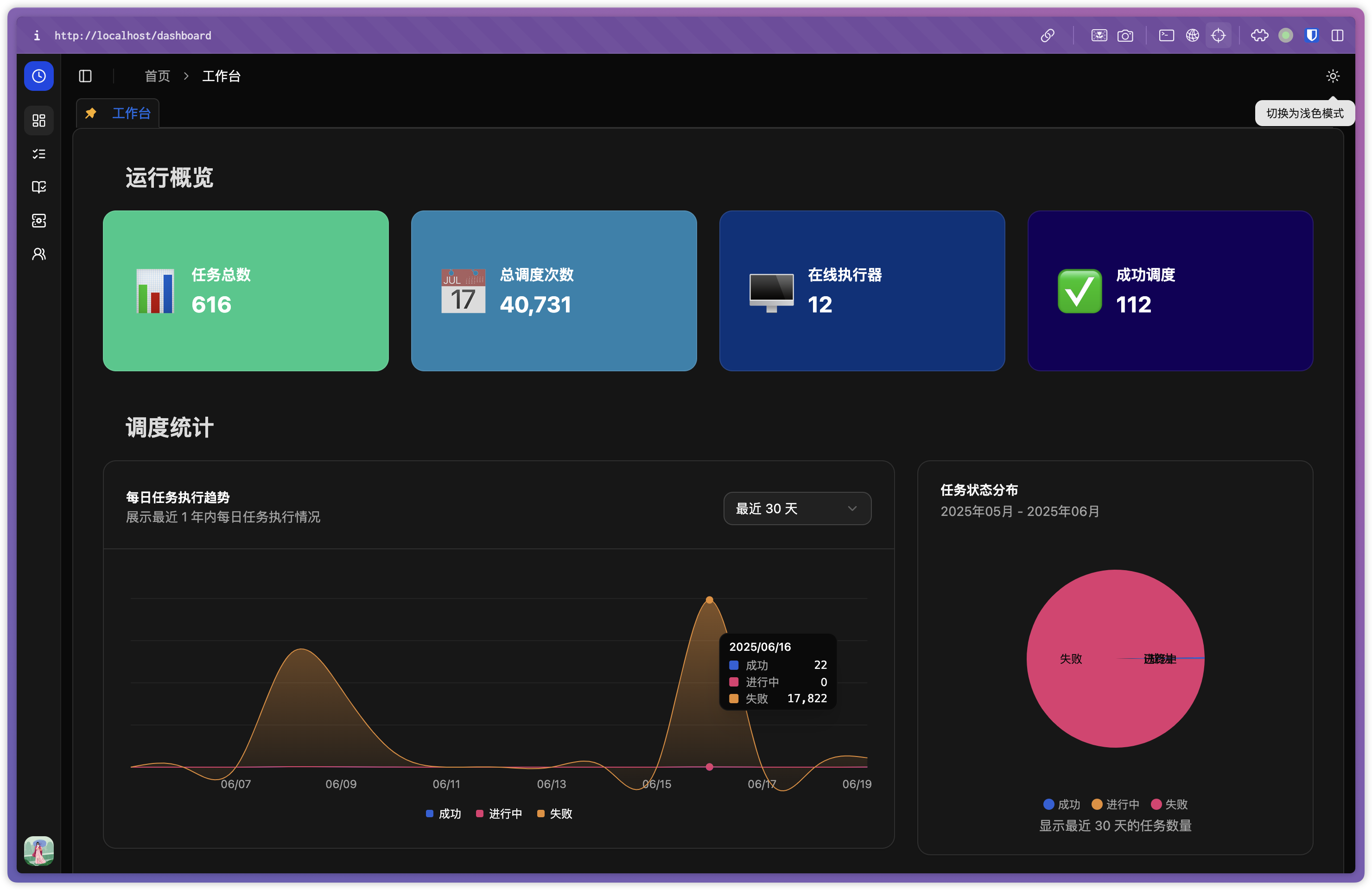
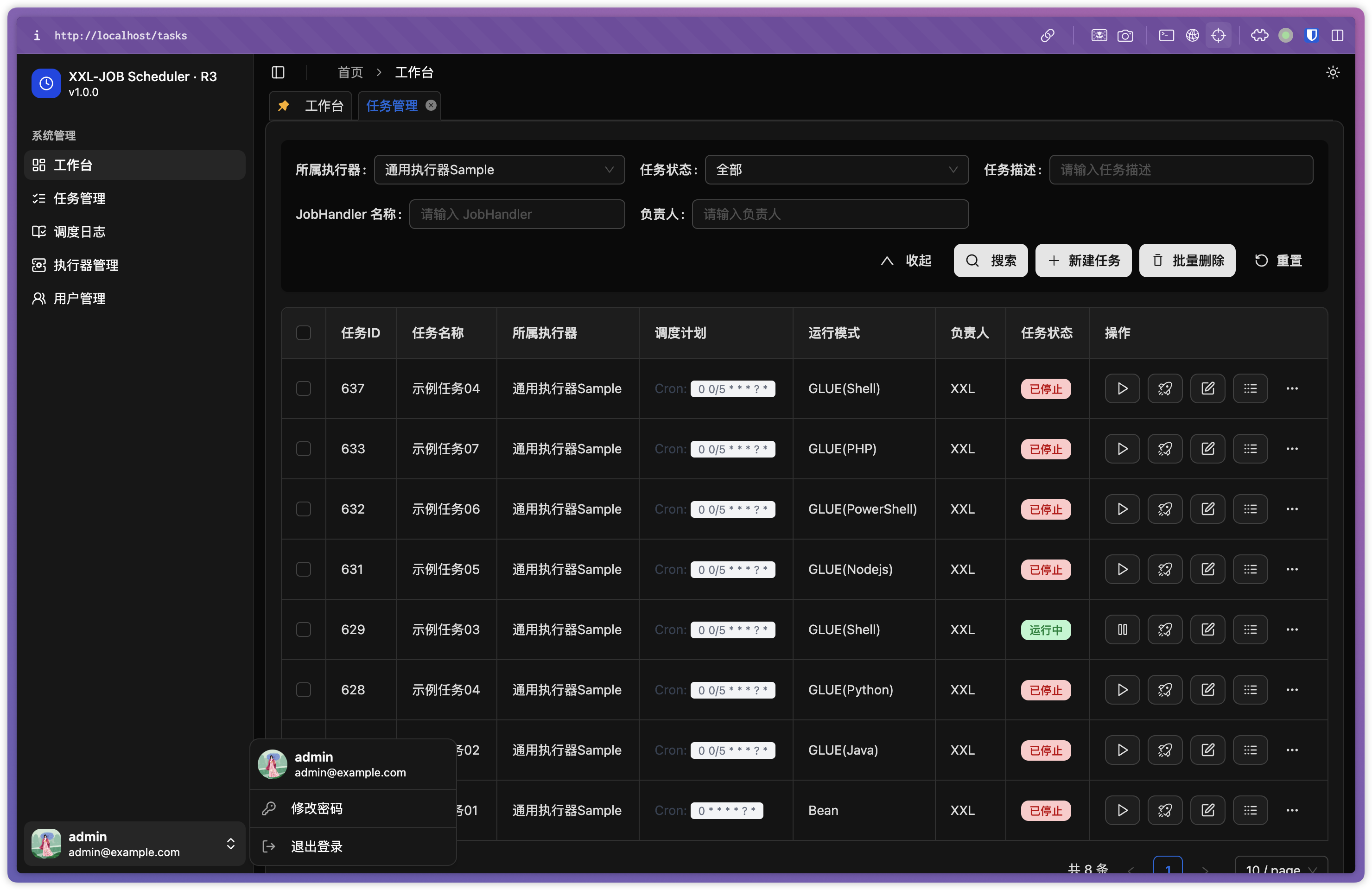
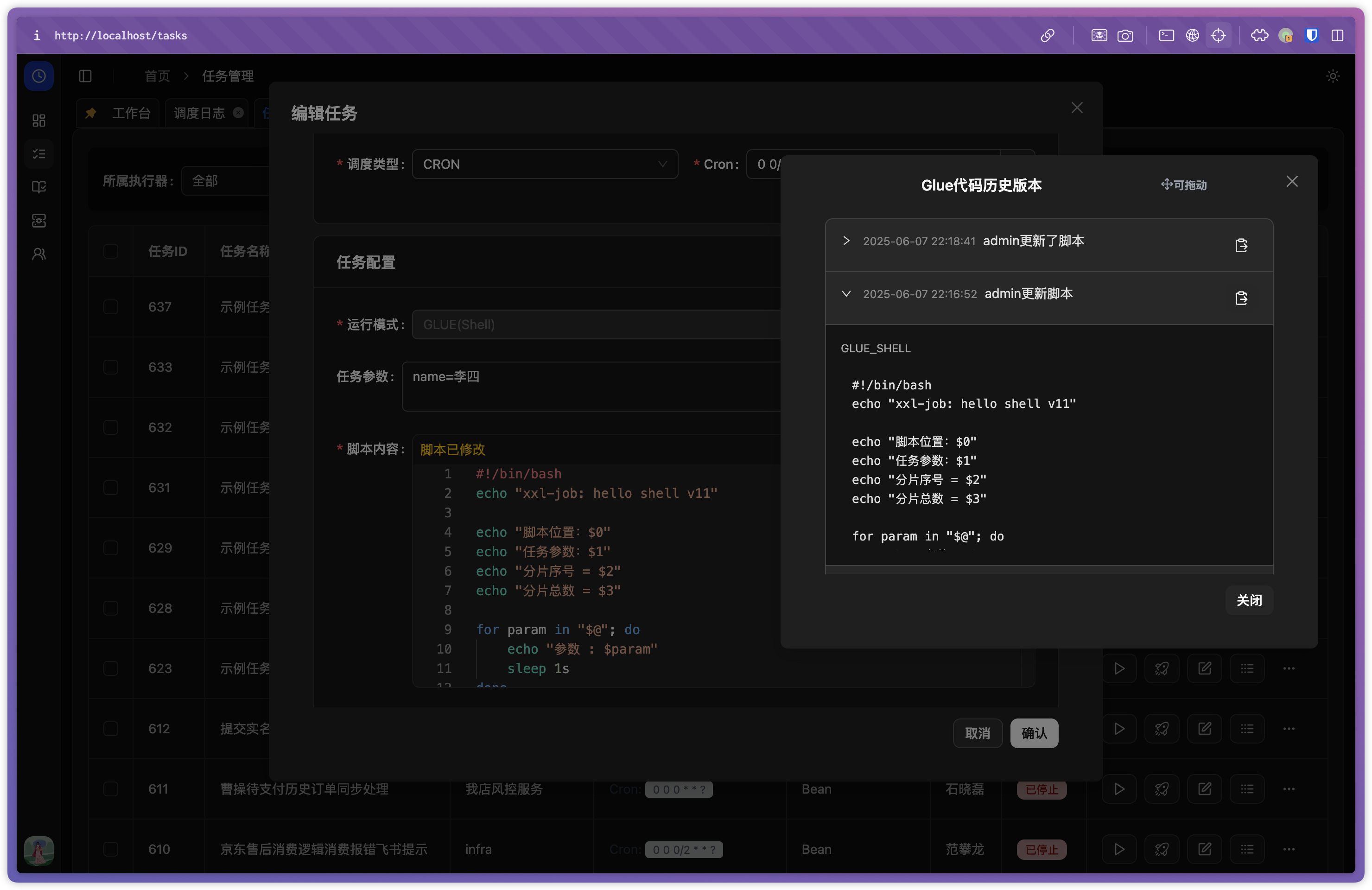
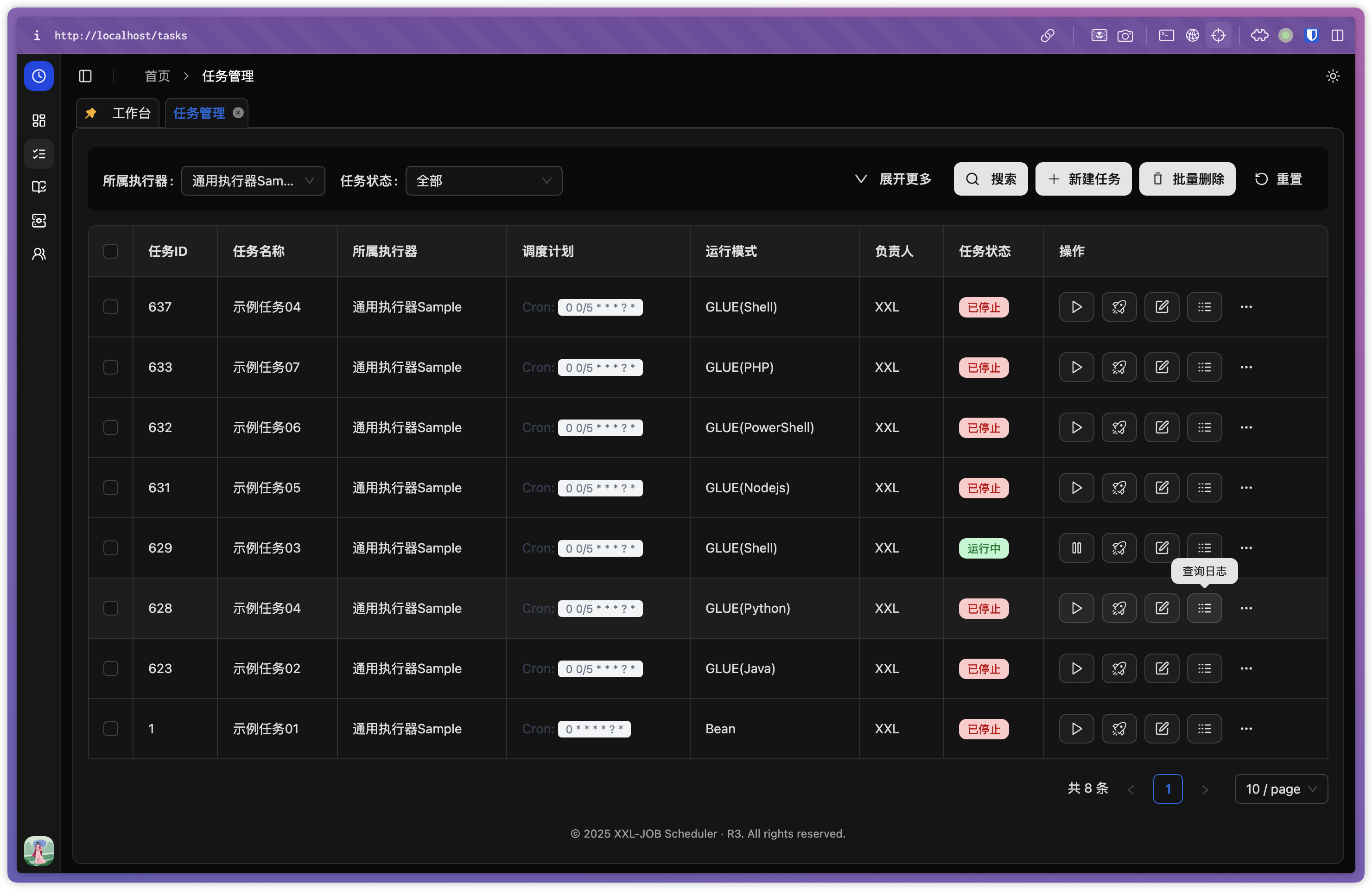
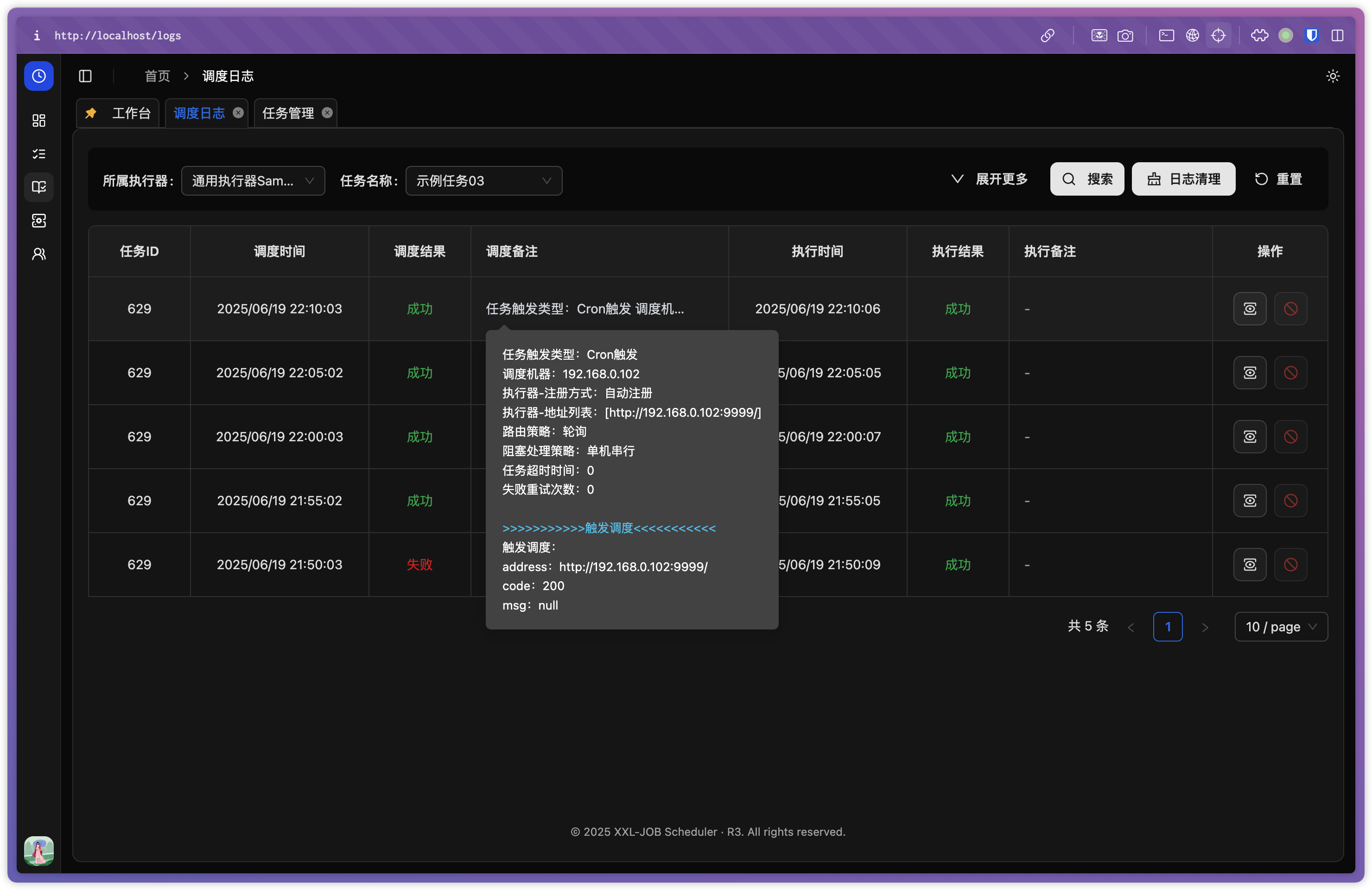
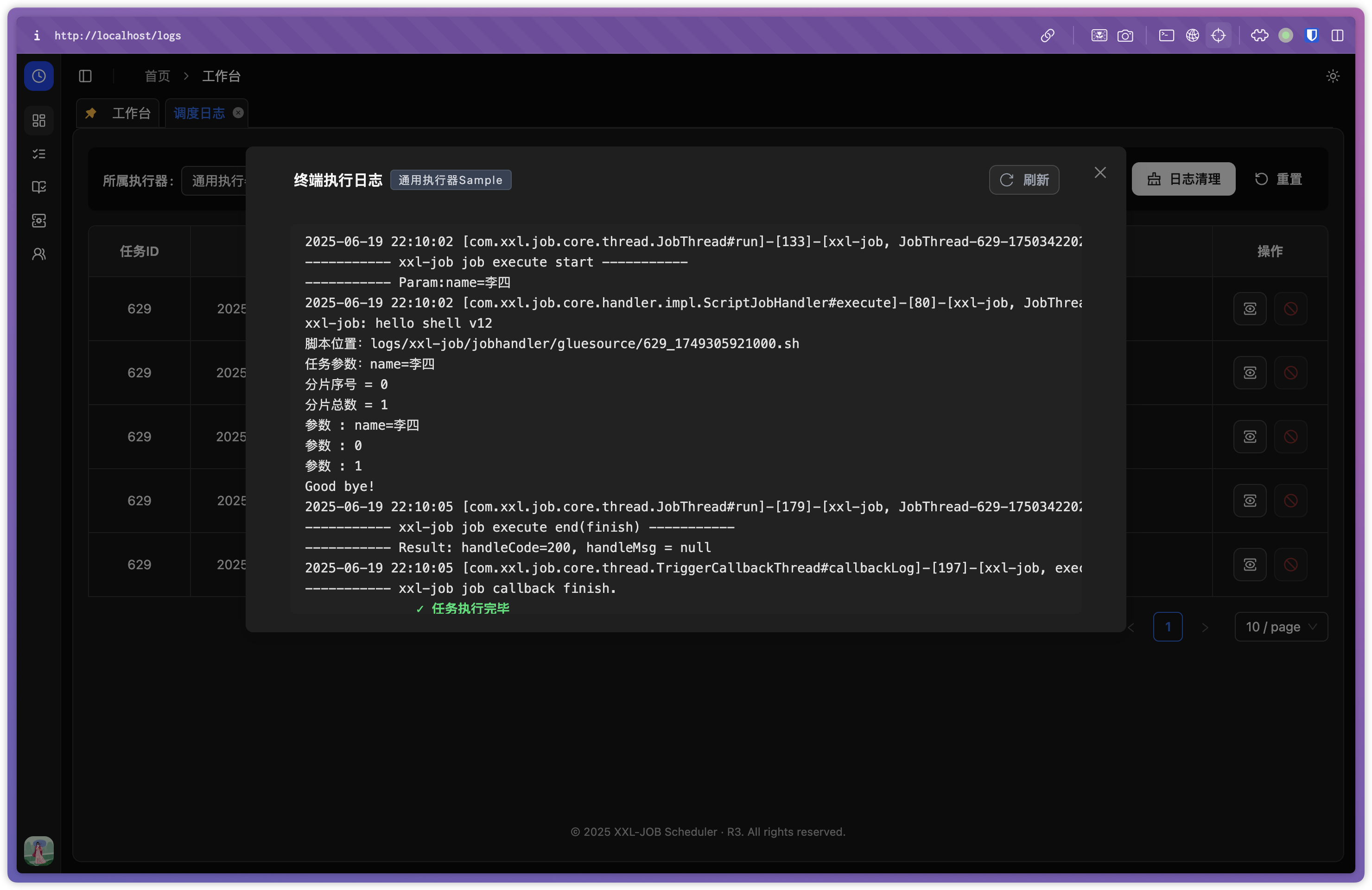
💻 Desktop Preview
 |
 |
|---|---|
 |
 |
 |
 |
 |
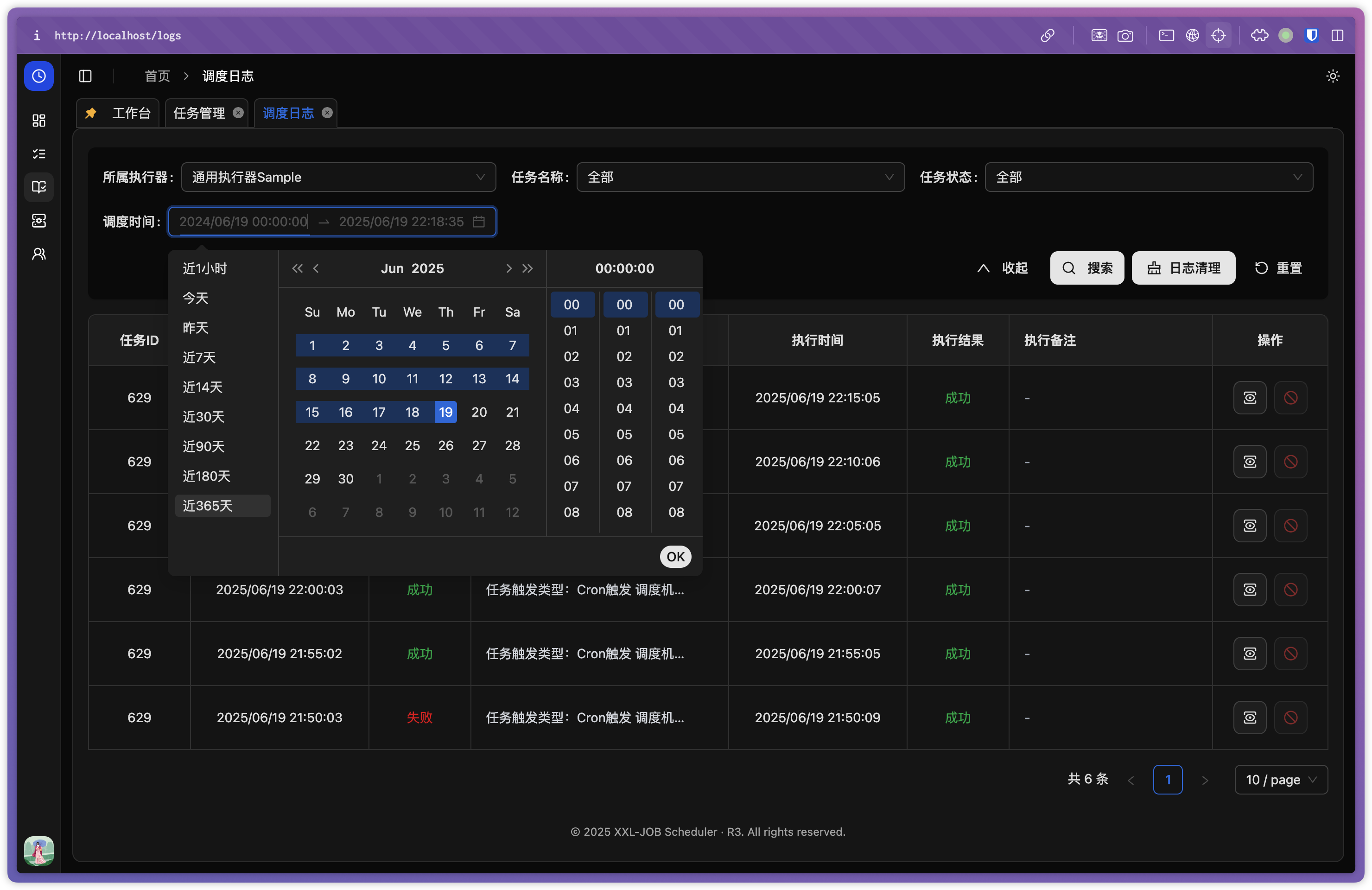 |
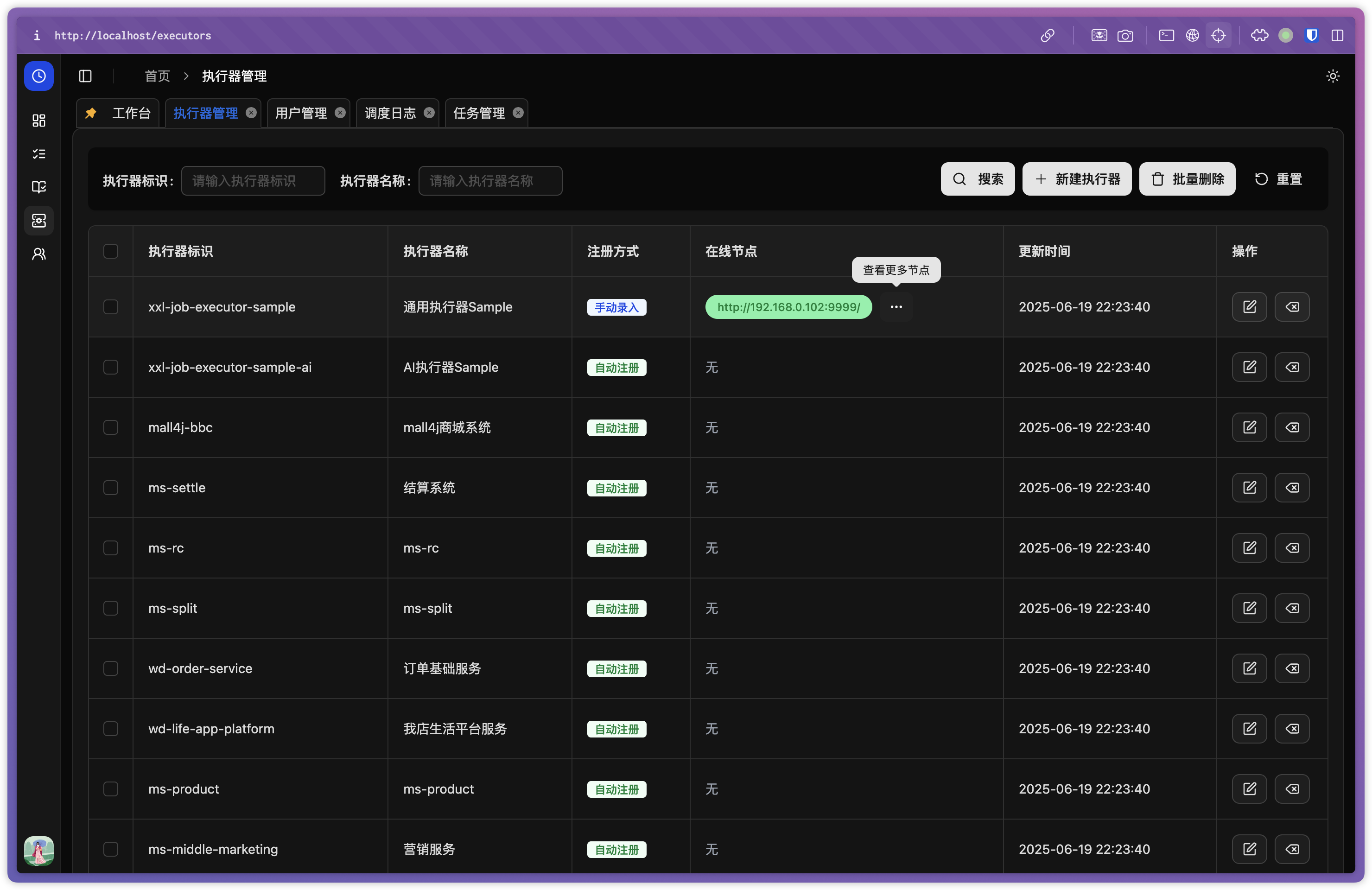 |
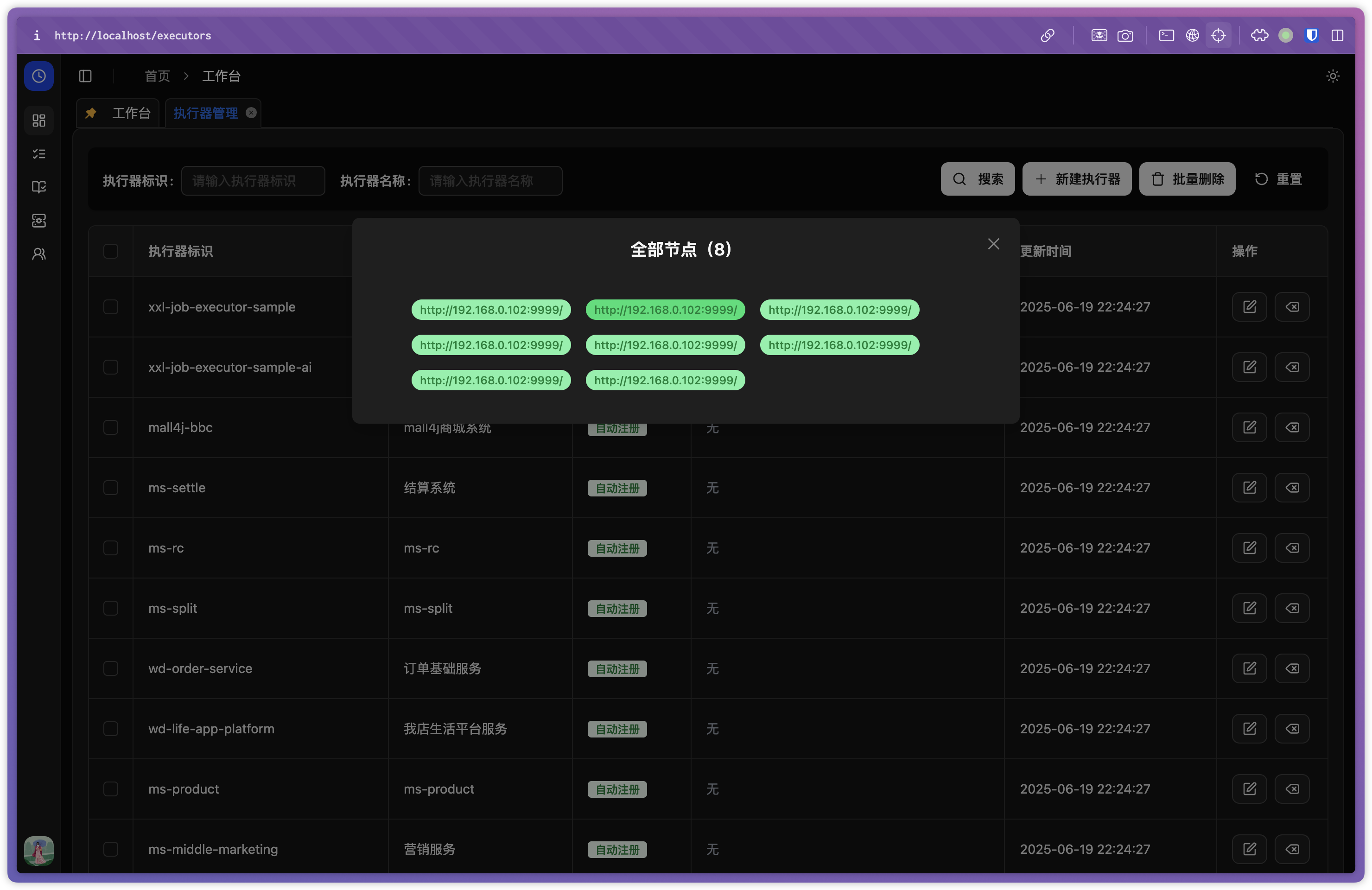 |
1. Prerequisites
- Node.js: v20 or newer is recommended
- Package Manager: npm (v9+) or yarn
2. Clone the Repository
git clone https://github.com/julxxy/xxl-job-panel-r3.git
cd xxl-job-panel-r3
3. Install Dependencies
npm install
# or
yarn install
4. Development Server
Start the development server (default port: 80):
npm run dev
# or
yarn dev
Open http://localhost in your browser.
5. Build for Production
npm run build
# or
yarn build
The production-ready files will be in the dist/ directory.
6. Preview Production Build
npm run preview
# or
yarn preview
Scripts
| Script | Description |
|---|---|
npm run dev |
Start development server (Vite) |
npm run build |
Build for production |
npm run preview |
Preview the production build |
npm run lint |
Run ESLint for code quality |
npm run format |
Format code using Prettier |
Stack
- Vite 6
- TypeScript
- React 19
- React Router v7
- Tailwind CSS 4
- Radix UI
- Ant Design 5
- Zustand (state management)
Version Mapping
Check the compatibility between front-end and back-end versions: doc/version-mapping.json
| Front-end | Back-end | Description |
|---|---|---|
| v1.0.2 | v3.1.2 | LDAP login supported, menu permission fixes |
| v1.0.3 | v3.1.2 | Added new favicon.svg and multiple SVG icons, improved LDAP login button styling, enabled logo to redirect to GitHub, upgraded dependencies |
| … | … | … |
Maintenance Note: Please update both the doc/version-mapping.json file and the table
above when adding new versions.
Configuration
- Update API endpoints and environment variables in
.envfiles as needed. - For production deployments, it is strongly recommended to set
VITE_IS_DEBUG_ENABLEtofalsein
your.env.productionfile to avoid exposing debug information in the production environment. - Make sure the XXL-JOB back-end service is running and accessible[1][2][3].
Example:
# .env.production
VITE_IS_DEBUG_ENABLE=false
This ensures that debug features are disabled in production builds, improving security and performance[2][3].
License
GNU
For more details, see the official documentation and the sample
screenshots above.