iyanuashiri/meethub
This is a Python/Django based event management system.
MeetHub
MeetHub is an open-source event management system built with Python and the Django Web Framework. It's designed to help people create, discover, and manage events, fostering community and connection. Whether you're organizing a tech meetup, a book club, or a hiking trip, MeetHub provides the tools to bring people together. As a learning platform, it offers a practical, real-world codebase for developers looking to gain experience with Django, containerization, and modern web development practices.
✨ Features
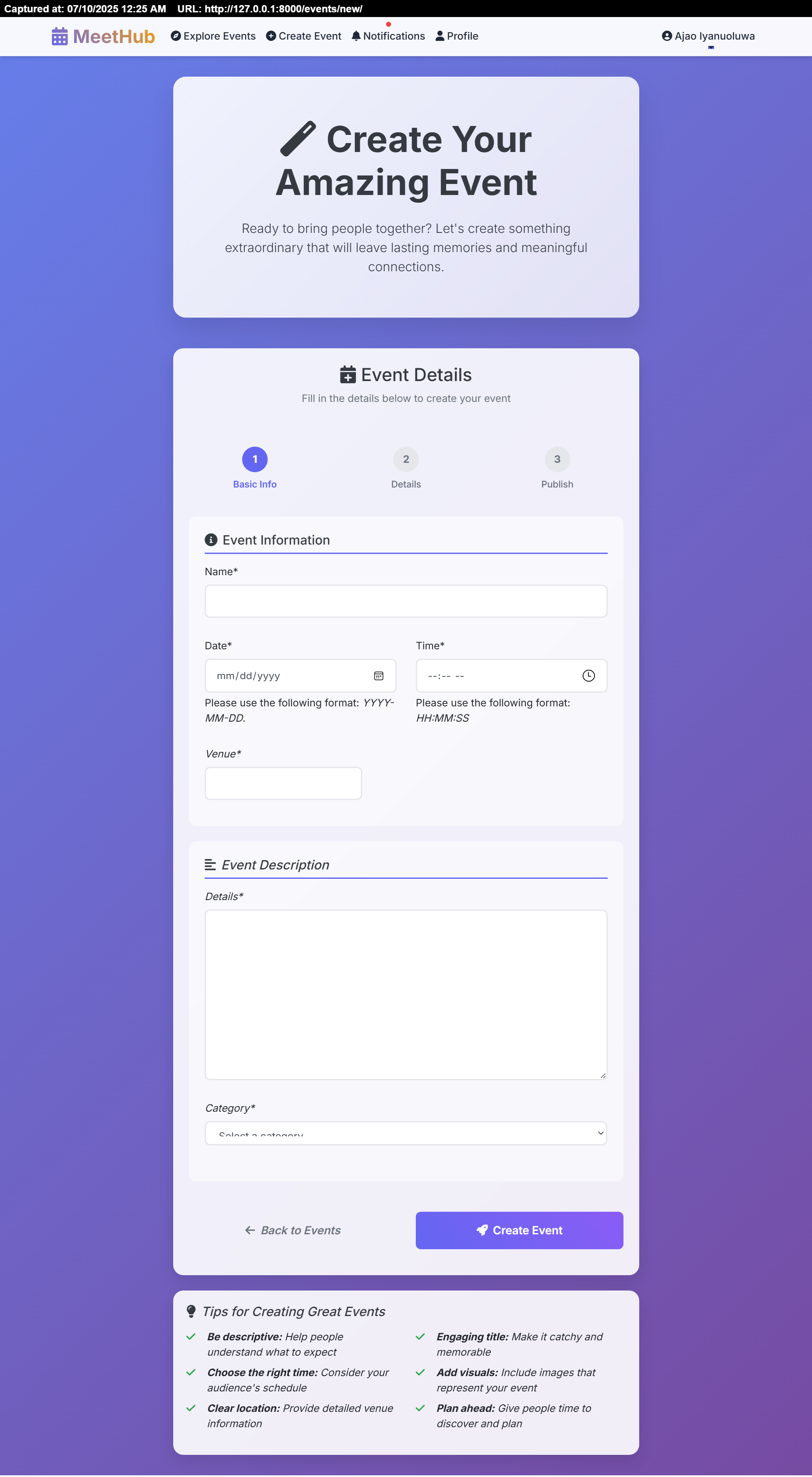
- 📅 Event Creation & Management: Easily create, update, and manage your own events.
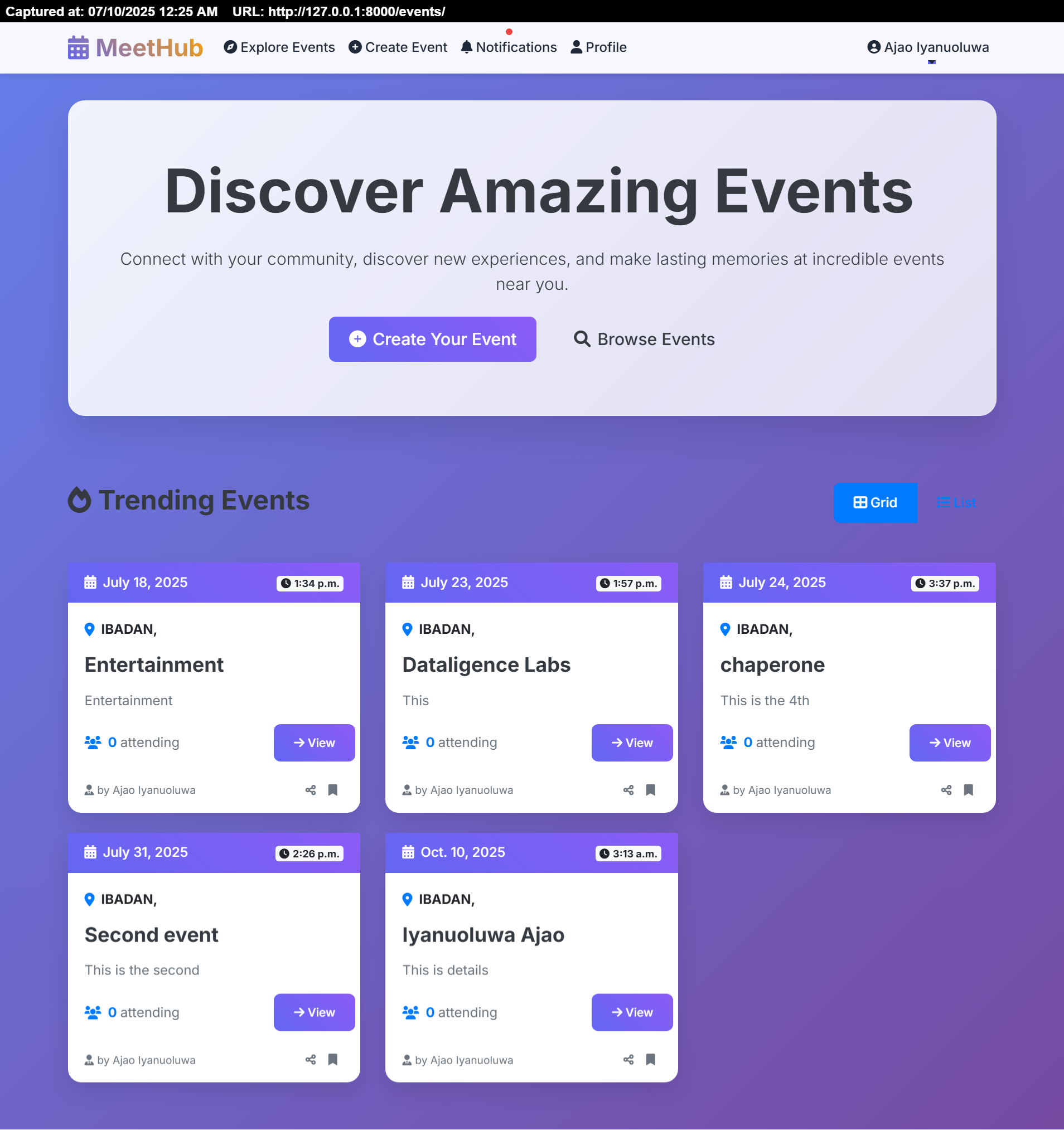
- 🔍 Event Discovery: Explore a list of upcoming events to join.
- 👥 User Profiles: Create a personal profile and see who's attending events.
- 💬 Event Discussions: Comment on events to ask questions and connect with attendees.
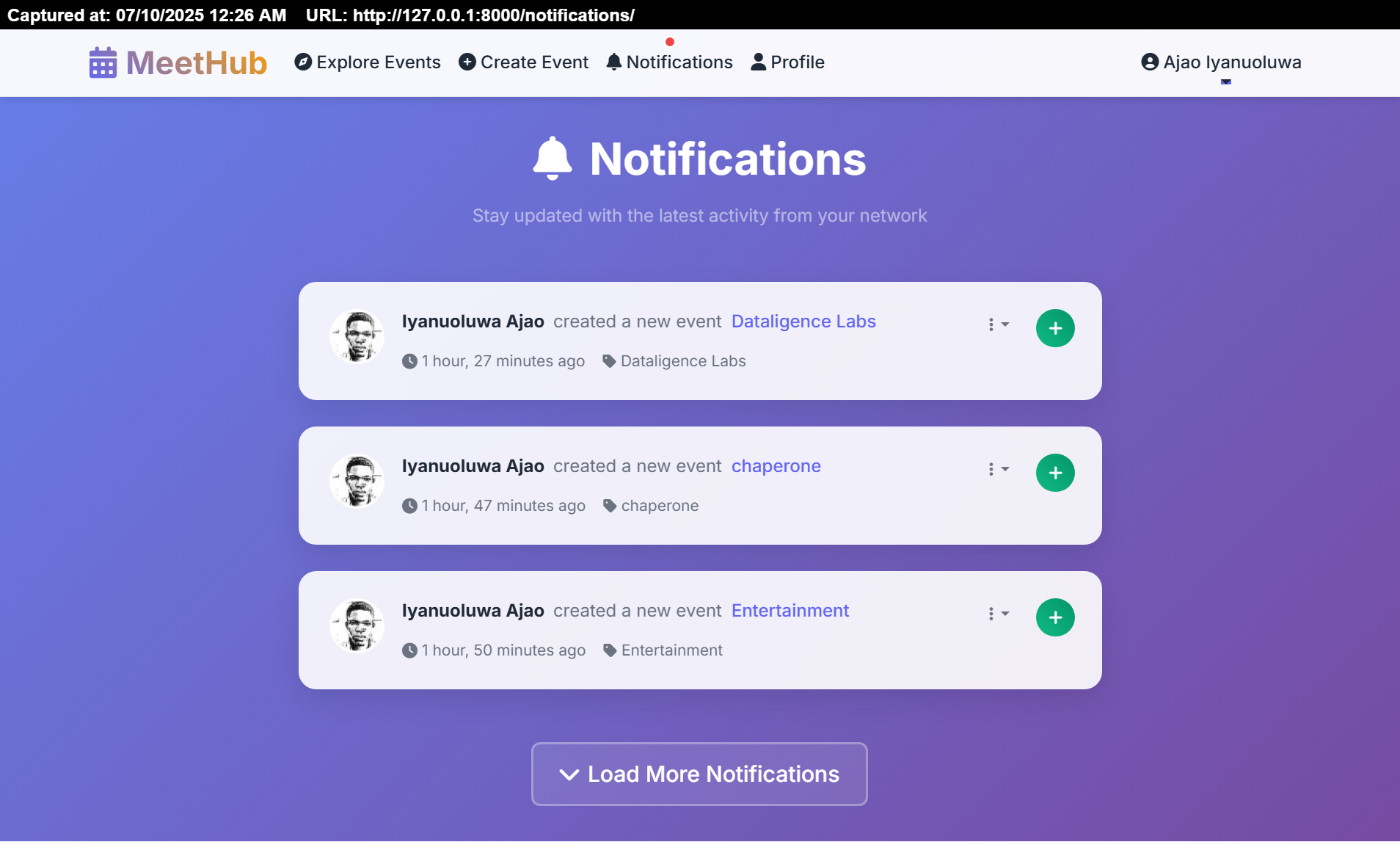
- 🔔 Real-time Notifications: Get notified about relevant activities.
- 📱 Responsive Design: A clean, modern UI that works on any device.
Screenshots
Click to view screenshots
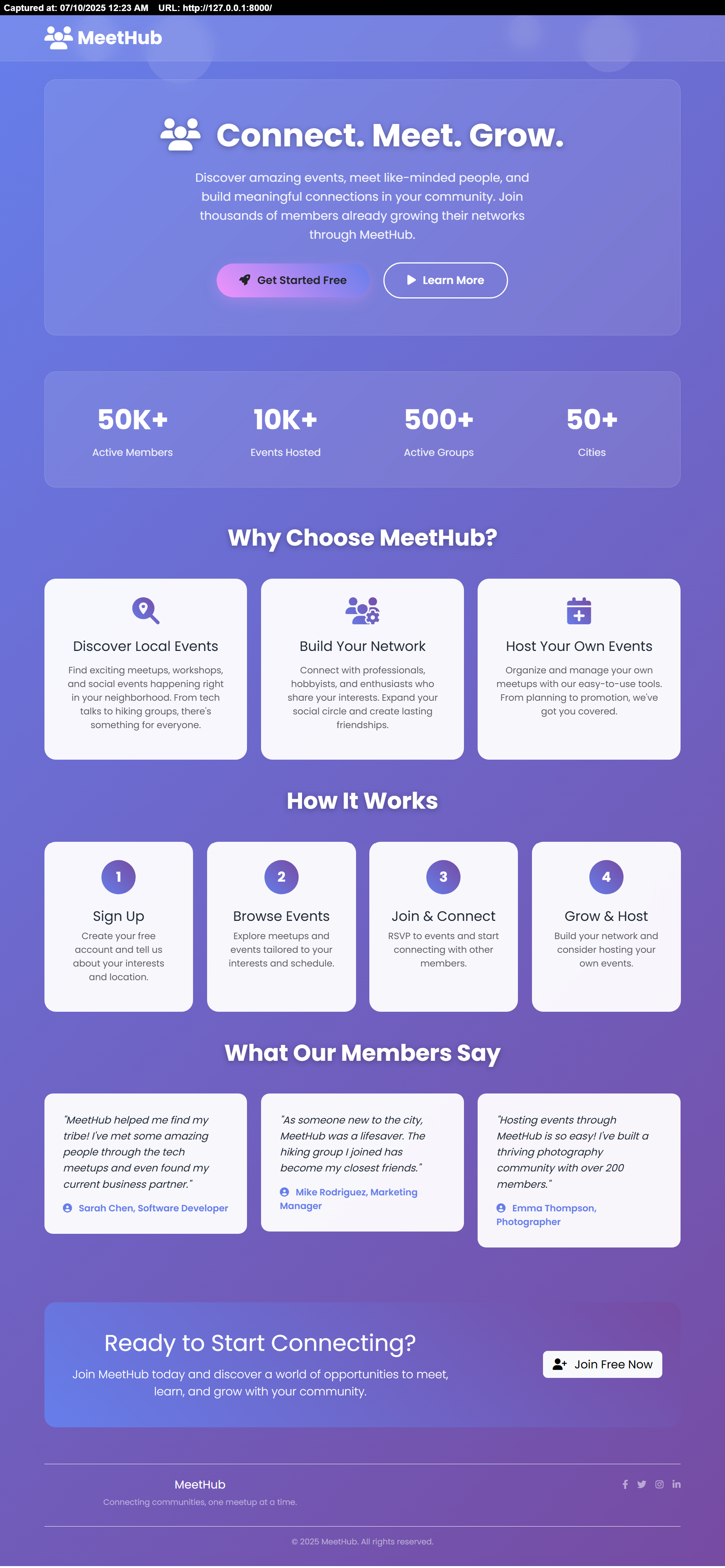
Landing Page
Explore Page
Event Creation
Notifications
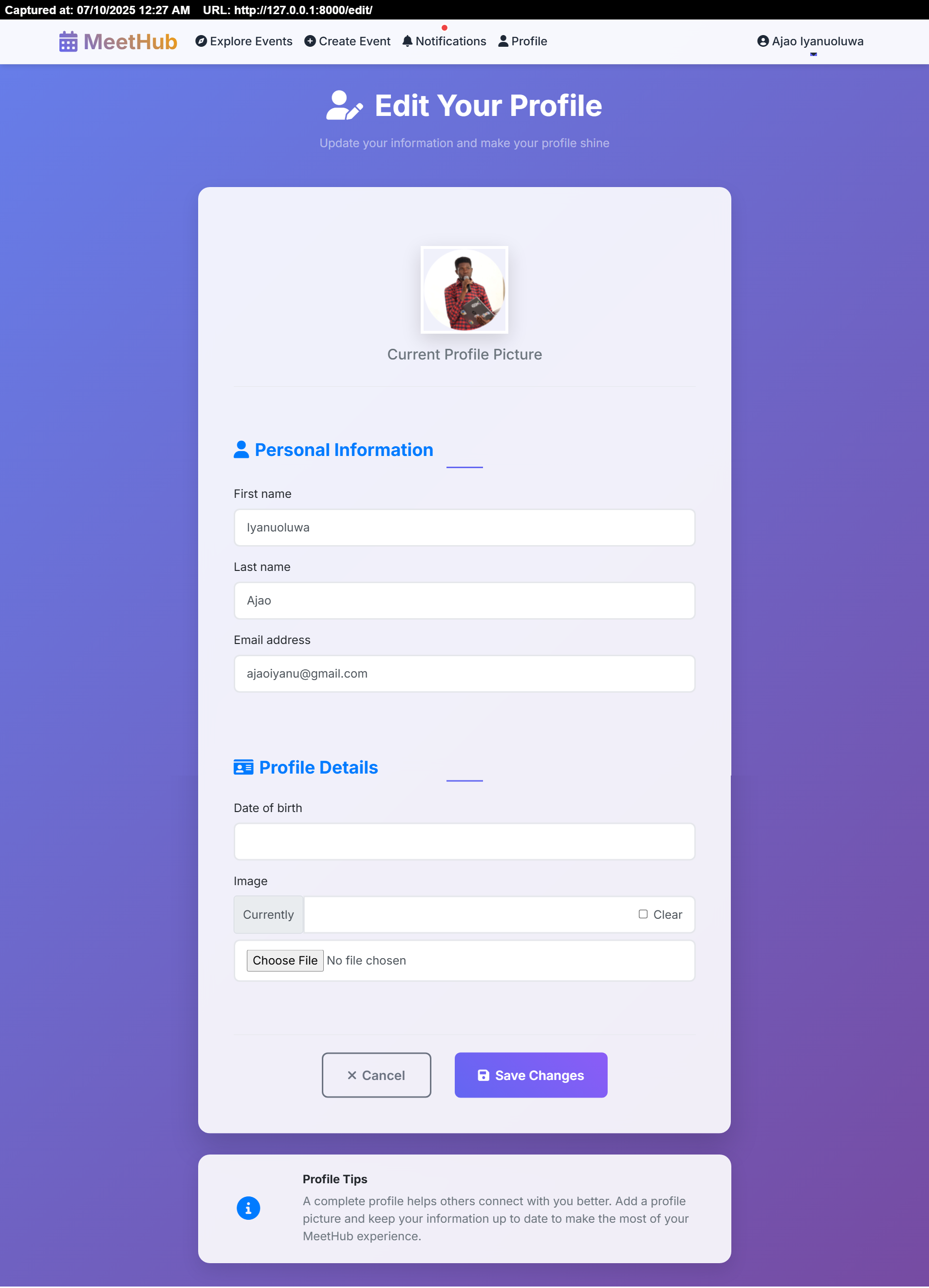
User Profile
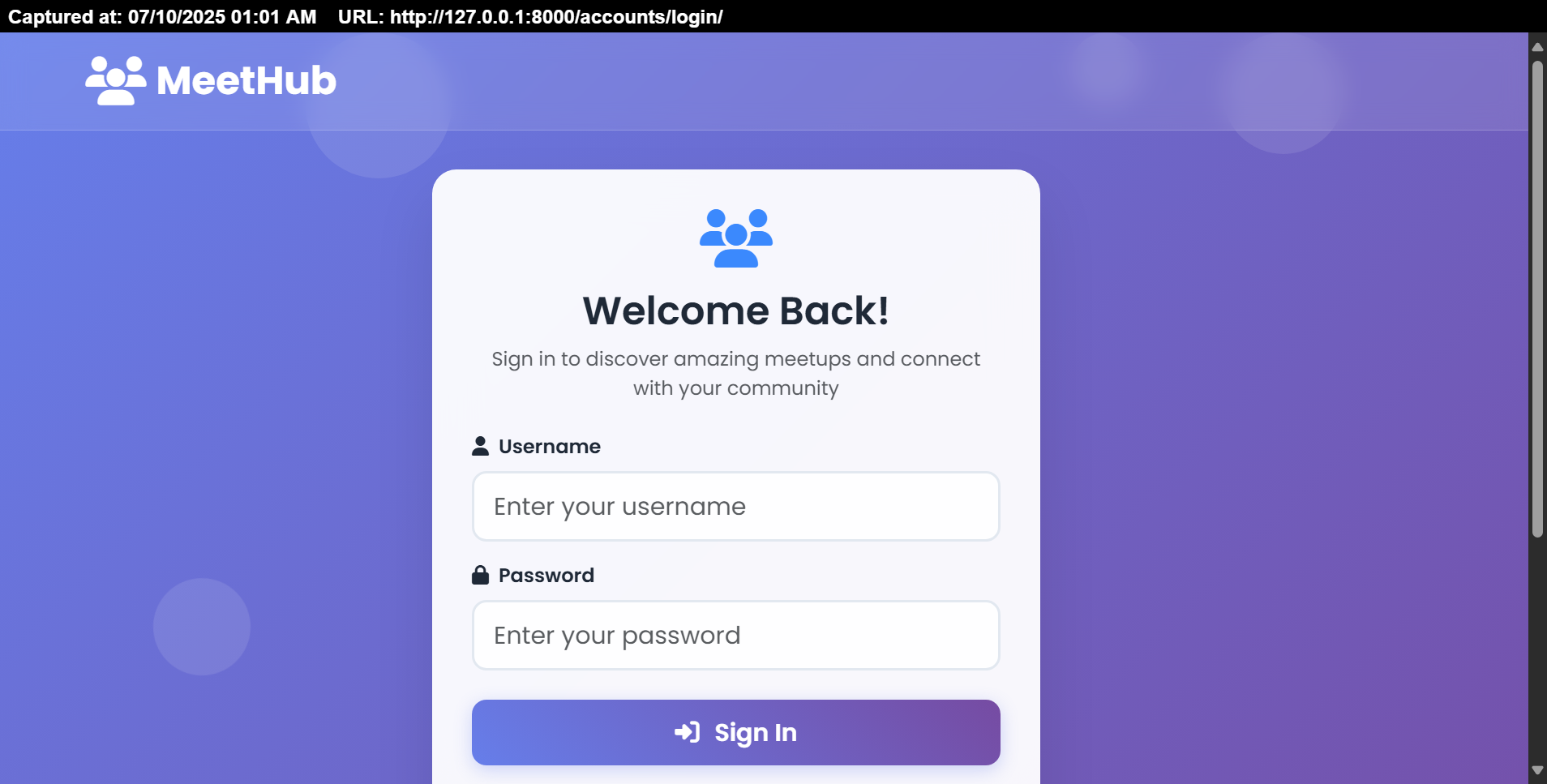
Login Page
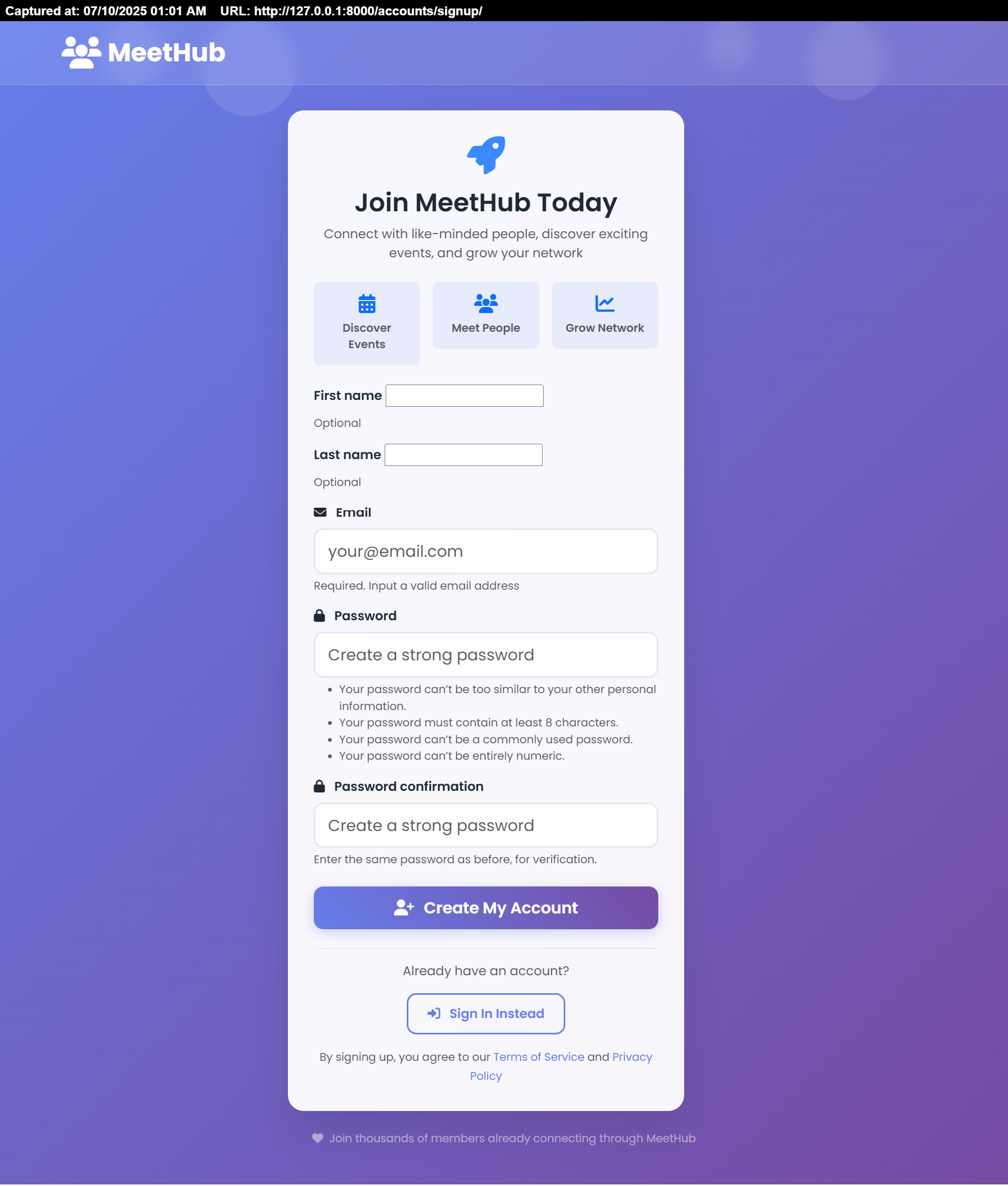
Signup Page
🚀 Why Contribute to MeetHub?
- Learn Django: Get hands-on experience with a real-world Django application.
- Make an Impact: Your contributions will directly improve a tool for community building.
- Join a Welcoming Community: We are excited to help new contributors get started.
🛠️ Technology Stack
- Backend: Python, Django
- Database: PostgreSQL (production), SQLite3 (development)
- Frontend: HTML, CSS, Bootstrap 5, JavaScript
- Deployment: Docker, Gunicorn, Whitenoise
- Package Management:
uv - Cloud Services: Cloudinary (for media), NeonDB (for database), Render (for hosting)
🏁 Getting Started
You can run MeetHub using uv (recommended for development) or Docker or virtual environment.
Installation
Prerequisites
- Python 3.10+
- pip
- uv (recommended)
Setup
uv
- Clone the repository
git clone https://github.com/iyanuashiri/meethub.git - Sync the dependencies
uv sync - Run migrations
uv run python manage.py migrate - Run the server
uv run python manage.py runserver - Create a superuser (for admin access):
uv run python manage.py createsuperuser
virtual environment
- Clone the repository
git clone https://github.com/iyanuashiri/meethub.git - Create a virtual environment
python -m venv venv - Activate the virtual environment
venv\Scripts\activateon windows orsource venv/bin/activateon linux - Install the requirements
pip install -r requirements.txt - Run the migrations
python manage.py migrate - Run the server
python manage.py runserver
docker
- Clone the repository
git clone https://github.com/iyanuashiri/meethub.git - Build the image
docker build -t meethub . - Run the container
docker run -p 8000:8000 --env-file .env meethub - Create a superuser (for admin access):
docker exec -it meethub python manage.py createsuperuser - The app will be available at http://localhost:8000. The entrypoint script will automatically run migrations.
Visit http://127.0.0.1:8000 in your browser!
Cloud services
- Cloudinary
- Render or any other hosting service
- NeonDB or any other database service
Environment variables
Before you start, copy the example environment file and fill in your details.
cp .env_example .env- SECRET_KEY
- DATABASE_NAME=
- DATABASE_USER=
- DATABASE_PASSWORD=
- DATABASE_HOST=
- DATABASE_PORT=
- DEBUG=True
- CLOUDINARY_NAME=
- CLOUDINARY_API_KEY=
- CLOUDINARY_API_SECRET=
You will need to set the SECRET_KEY. For local development, you can leave the database and Cloudinary variables blank to use SQLite and local media storage.
Visit http://localhost:8000 in your browser.
Add threaded comments for better discussions
Add location-based event exploration (e.g., with a map)
Implement social authentication (Google, GitHub)
Add event categories and tags for better filtering (good first issue)
Enable event sharing on social media
Roadmap
We have a lot of exciting features planned! Here are some ideas, many of which are great for first-time contributors.
- Add a comprehensive test suite (help wanted, sprint)
- Implement REST API for a mobile-friendly experience
- Add threaded comments for better discussions
- Add location-based event exploration (e.g., with a map)
- Implement social authentication (Google, GitHub)
- Add event categories and tags for better filtering (good first issue)
- Enable event sharing on social media
Contributing
Contributions are welcome! Contributions are what make the open-source community such an amazing place to learn, inspire, and create. Any contributions you make are greatly appreciated.
Please feel free to submit a Pull Request. See our Contributing Guide for details on our code of conduct and the process for submitting pull requests to us.
License
This project is licensed under the MIT License - see the LICENSE file for details.