harish-garg/Android-Use-Agent-AI-Code-CLI-Edition
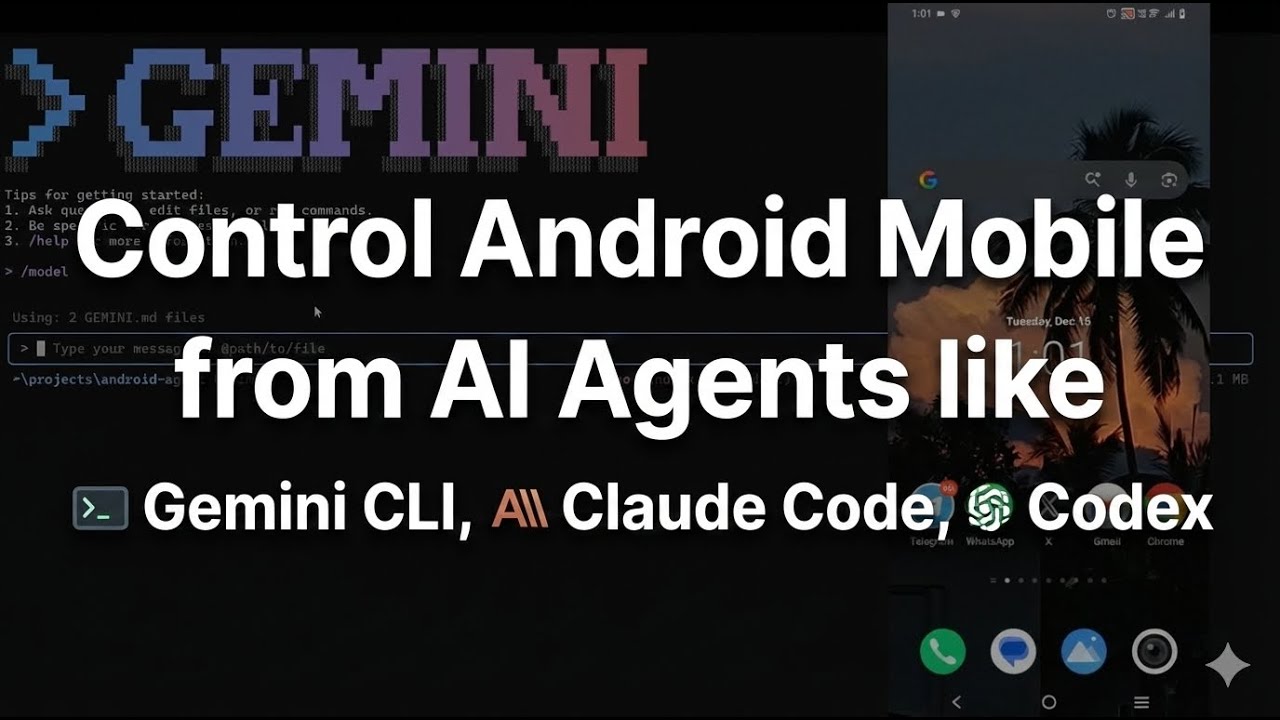
Control your Android device using any AI coding assistant -like Claude CLI, Gemini CLI, Codex CLI, Amp, Mistral Vibe, etc at zero API costs
Android Agent - AI CLI Edition
Control your Android device using any AI coding assistant - zero API costs
Adapted from android-action-kernel by Ethan Lim. The original used OpenAI's GPT-4o API ($0.01 per action). This version uses your AI coding assistant's built-in intelligence at no additional cost.
If you already subscribe to Claude Code, Gemini Code Assist, Cursor, or similar - you can use it for Android automation with zero marginal API costs.
(Click the image above to watch the demo video)
How It Works
Your AI assistant reads instruction files (AGENT.md or CLAUDE.md) and autonomously executes a perception-reasoning-action loop until your goal is achieved:
- Perception - Gets screen state:
python utils/get_screen.py - Reasoning - AI decides next action (built-in intelligence)
- Action - Executes:
echo '{"action":"tap",...}' | python utils/execute_action.py - Repeat - Until complete
Quick Start
Prerequisites
- Python 3.10+
- ADB (Android Debug Bridge)
- Windows:
choco install adborwinget install adb - macOS:
brew install android-platform-tools - Linux:
sudo apt-get install adb
- Windows:
- Android device with USB debugging enabled
- AI Coding Assistant: Claude Code, Cursor, Windsurf, or similar
Setup
# 1. Clone and navigate
cd android-agent

# 2. Connect device and verify
adb devices
# Should show: xxxxxxx device

# 3. Unlock device screen

# 4. Open your AI assistant in this folder and give it a goal
claude/gemini/codex
Example Usage
In Claude Code (or your AI assistant):
"Turn on WiFi"
The AI will autonomously:
- Read AGENT.md/CLAUDE.md
- Navigate: Home → Settings → Network → WiFi toggle
- Report: "WiFi turned on successfully"
No per-step approval needed. Fully autonomous.
Example Goals
Simple:
- "Turn on WiFi"
- "Open Camera app"
- "Go to Settings"
Messaging:
- "Send WhatsApp message to John saying hello"
Complex:
- "Get latest image from WhatsApp, then open RTS Pro and submit as invoice"
- See
examples/logistics_flow.txtfor full trace
Troubleshooting
"No Android device connected"
adb devices
# If "unauthorized" - accept USB debugging prompt on device
# If empty - check USB cable or enable USB debugging in Developer Options
"Empty screen state"
- Device screen must be unlocked
- Wait a few seconds if app is loading
Actions not working
- Ensure screen is on and unlocked
- Check logs:
cat logs/execution.log(Windows:type logs\execution.log) - Test manually:
adb shell input tap 540 960
Acknowledgments
- android-action-kernel by Ethan Lim - Original implementation
- agents.md - AI agent instruction standard
- Android Accessibility API - Provides UI tree for perception
Works with Claude Code, Codex, Amp, Mistral Vibe, OpenCode, Gemini Code Assist, Cursor, Windsurf, and other CLI AI assistants