faraazkhan/terragon-oss
This is the website formally known as Terragon Labs. It was a remote background agent orchestrator for running Claude Code, Codex, and other coding clis in the cloud.
Terragon
Snapshot notice (January 16, 2026): This repository is an open-source snapshot of Terragon at the time of shutdown. It is provided as-is, with no guarantees of maintenance, support, or completeness.
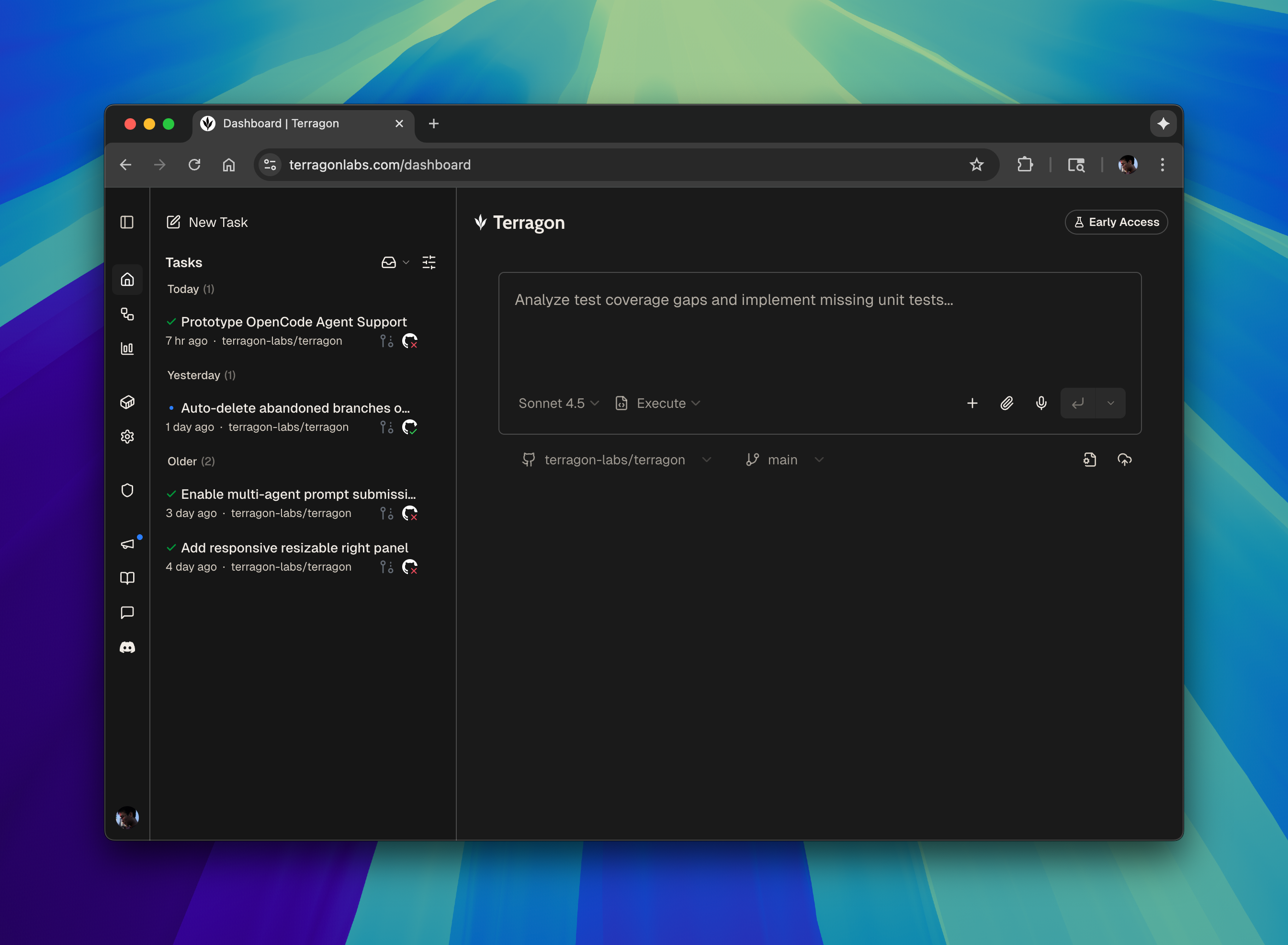
Delegate work to coding agents in the cloud.
For trademark use, see TRADEMARKS.md.
Features
- Multi-Agent Support: Use multiple coding agents, including Claude Code, OpenAI Codex, Amp, and Gemini. Easily add support for more agents as needed.
- Sandbox Isolation: Each agent runs in an isolated sandbox container with its own copy of the repository. Agents can read files, make changes, and run tests without affecting other concurrent tasks or your local environment.
- Seamless Git Workflow: Tasks are automatically assigned unique branches, and agent work is checkpointed and pushed to GitHub with AI-generated commits and Pull Requests. The git workflow can be disabled as needed for maximum flexibility.
- Local Handoff & MCP: The
terryCLI tool enables easy local task takeover and continuation. It also includes an MCP server for managing and creating tasks from MCP-compatible clients (e.g., Cursor, Claude Code). - BYO Subscription & API Keys: Use your existing Claude or ChatGPT subscriptions to power coding agents, or configure Terragon with your own API keys.
- Automations: Create recurring tasks or event-triggered workflows (e.g., on new issues or pull requests) to automate repetitive development tasks.
- Integrates with Existing Workflows: @-mention Terragon tools like Slack or GitHub to kick off tasks directly where context already exists.
- Real-time Management: Task status and agent progress stream to your browser in real-time. Browser notifications keep you informed when tasks complete.
Prerequisites
- Node.js: v20 or higher
- pnpm: v10.14.0 or higher
- Docker: Required for local development (PostgreSQL, Redis containers)
- Stripe CLI: Required for local webhook forwarding used in development
Install Stripe CLI via Homebrew (macOS):
brew install stripe/stripe-cli/stripeSetup
- Install dependencies
pnpm install- Environment Configuration
Copy the example environment files and configure them with your credentials:
# Development environment
cp packages/dev-env/.env.example packages/dev-env/.env.development.local
# Main application
cp apps/www/.env.example apps/www/.env.development.local
# WebSocket service
cp apps/broadcast/.env.example apps/broadcast/.env
# Shared packages
cp packages/shared/.env.example packages/shared/.env.development.local
For each of these files, update the required variables with your credentials. A lot of these variables have development defaults but there are a few that require your own credentials / setup:
- A local tunnel for sandboxes to communicate with your local environment (Eg. ngrok, cloudflare tunnel, etc.)
- AI Provider API Keys (Task naming & Commit messages)
- Sandbox Provider
- GitHub App (For Auth)
- R2 (For Image, Attachments Storage)
- Slack App (For Slack Integration, optional)
- Push database schema
Update the local database schema with the following command: (Whenever you make a change to the db schema, you'll need to run this command to push the schema to the development db.)
pnpm -C packages/shared drizzle-kit-push-dev- Start development servers
pnpm devThis will start all the relevant services for development.
- Ensure postgres and redis are running
- Local tunnel
- Main app (
apps/www) on port 3000 - WebSocket service (
apps/broadcast) - Docs site (
apps/docs) on port 3001