Portfolio Website
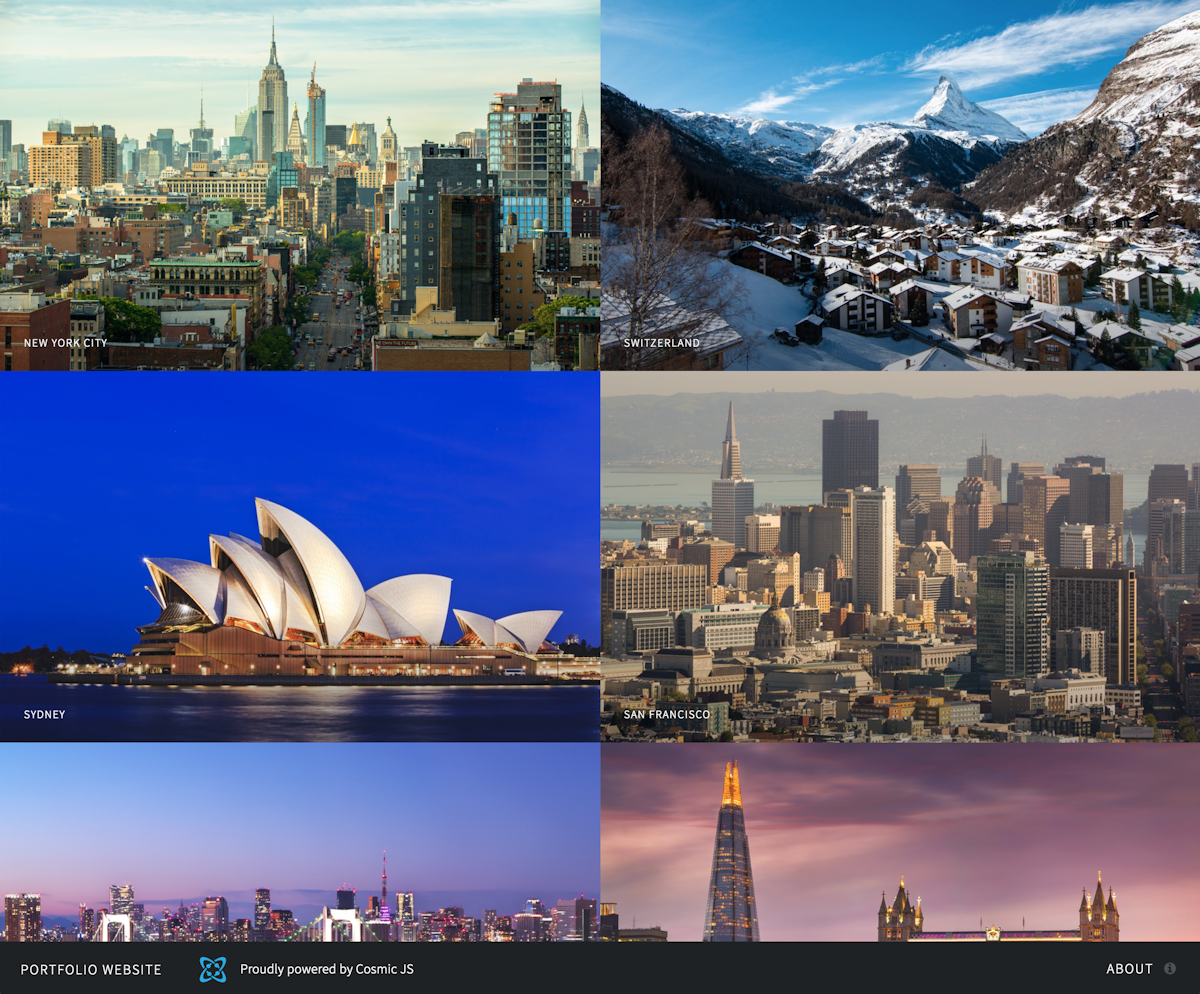
View Demo
Portfolio website powered by Cosmic JS using the GraphQL API. Includes portfolio management and contact form (powered by MailGun).
- Log in to Cosmic JS.
- Create a Bucket.
- Go to Your Bucket > Apps.
- Install the Portfolio Website App.
- Deploy your Email Capture App to the Cosmic App Server at Your Bucket > Web Hosting.
Getting Started
git clone https://github.com/cosmicjs/portfolio-website
cd portfolio-website
yarn
Config
Copy the config/production.js, add your config values and save as a development config file config/development.js (Never push config to your GitHub repo). This follows the 12 Factor App guidelines.
Run in development
yarn development
Run in production
yarn start
Start app connected to your Cosmic JS Bucket
COSMIC_BUCKET=your-bucket-slug yarn start
Open http://localhost:3000.
Setting up MailGun
- Go to MailGun and login to your account or setup a new account.
- Get your api key and domain.
- Add your api key and domain to your environment valiables, or hard code them into
config/production.js(not advised).