CH
Demo Revit Add-in Autodesk Desktop Authentication PKCE
Introduction The purpose of this sample is demonstrate a quick way to test and obtain your three legged tokens using PKCE method in the context of a single page app (you can refer here for more details).

Description
The add-in is a simple Revit add-in that will authenticate with Autodesk Desktop Authentication using PKCE method. The add-in will open a browser window to authenticate with Autodesk Desktop Authentication. Once authenticated, the add-in will obtain the access token and refresh token and store them in the Revit document.
Usage
- Create a application from website
aps.autodesk.com

- Copy the
client_idvalue to environment variableCLIENT_IDor use command line to set the value
set CLIENT_ID=your_client_id- Create a callback URL in the format
http://localhost:8080/api/auth/callbackand add it to theRedirect URIsin the application settings, and then replace inside the code at command
string callBackUrl = "http://localhost:8080/api/auth/callback";- Debug the add-in and run command demo example to see the authentication process and token.
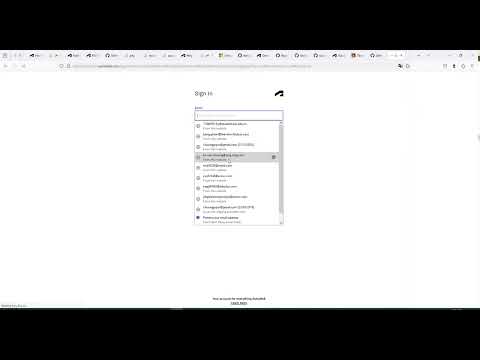
Video Demo
License MIT
The repository is licensed under the MIT license. For more information see the LICENSE file.
Learning Resources
- Github 3Leg CSharp - https://github.com/chuongmep/aps-toolkit-3leg-csharp
- Auth PKCE Csharp - https://github.com/chuongmep/aps-tookit-auth-3leg-pkce
- Auth 3Leg Python Autodek - https://chuongmep.com/posts/2024-05-01-get-3leg-aps-with-python.html
- https://github.com/ricaun-io/ricaun.Revit.UI.Tasks
- https://github.com/autodesk-platform-services/aps-pkce-desktop-app
- https://github.com/autodesk-platform-services/aps-pkce-webapp
- https://aps.autodesk.com/blog/new-application-types
- https://github.com/JoaoMartins-callmeJohn/PKCE-TEST