Netlify Theme for Visual Studio Code
A theme for Visual Studio Code using Netlify's color palette.
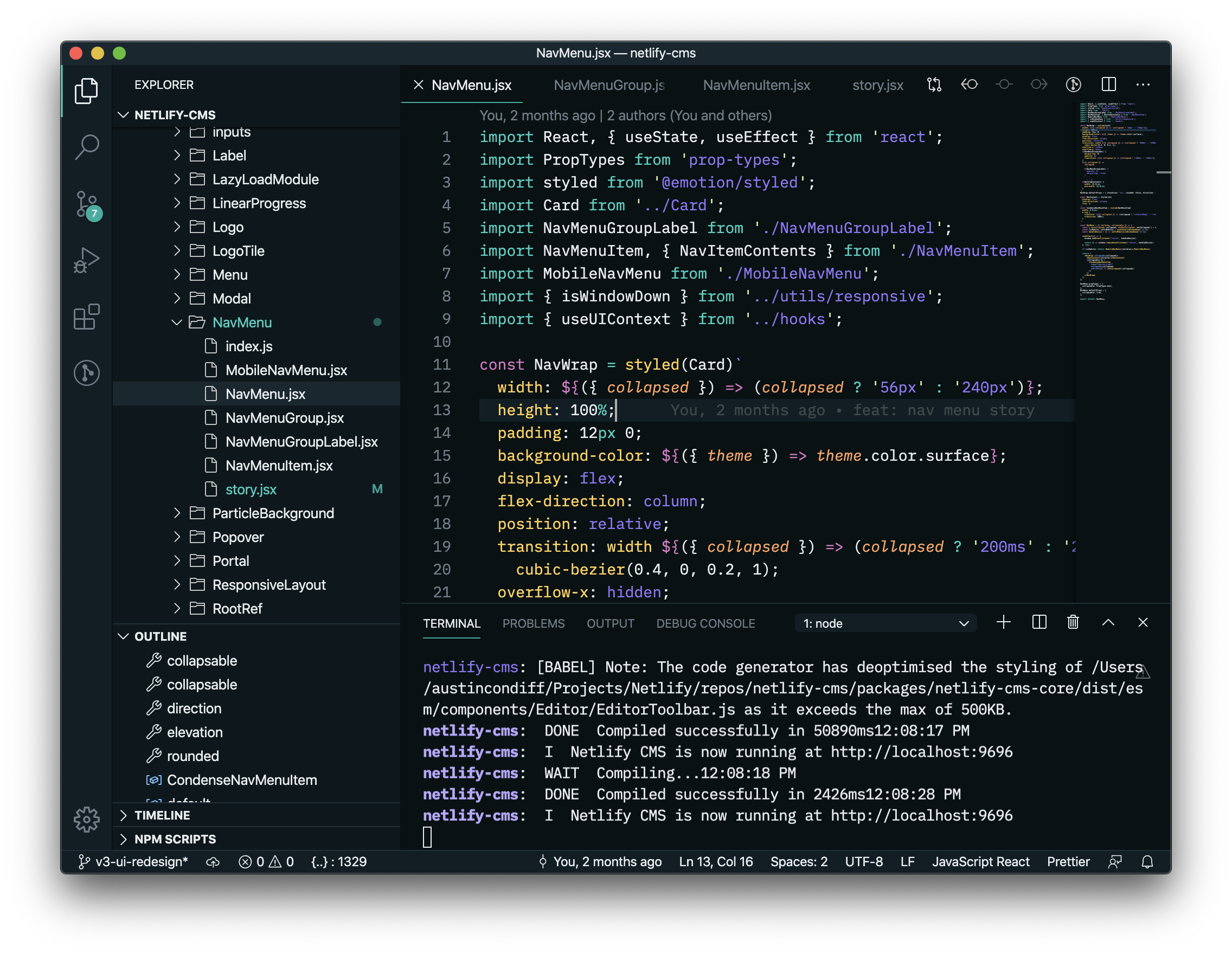
Install
📂 Open the Extensions sidebar in VS Code. View → Extensions
🔍 Search for Netlify, choose "Netlify Theme" by austincondiff
📦 Click Install to install it
🔄 Click Reload to reload your editor
🎨 Navigate to File → Preferences → Color Theme → Netlify Theme or any of the variants listed
🎉 Yay! You're all set, enjoy!
Maintainers
This theme is maintained by Austin Condiff.
@austincondiff
Contributing
If you'd like to contribute to this theme, please read the contributing guidelines.