SmartAccountsBot
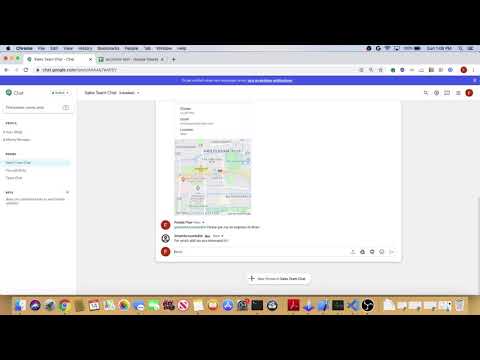
Smart accounts bot is an example Dialogflow chat bot that extracts information
a sales team uses in a Google Sheet. The user can quickly figure out the best
contact for any account requests they might encounter.
Co-Authors: Anu Srivastava, Lee Boonstra
Prerequisites
The set up instructions are below assume experience with Google Cloud and Dialogflow.
We suggest completing this codelab on fulfillment with Dialogflow prior to
setting up this demo.
Set up
-
Download the zip file of the Dialogflow agent and import into your own project
in the Dialogflow console. -
Find the GCP project for your agent and enable the Maps Static API and create
an API key. Copy this API key into thecardBuilder.jsfile. -
Enable fulfillment through Dialoglow console and run the default function for set up.
Next deploy this function to your project.
gcloud functions deploy dialogflowFirebaseFulfillment -
If your code encounters permissions issues for the source sheet, make a copy of
the sheet in your Drive:
https://docs.google.com/spreadsheets/d/1HBcfIJMv7xhucMnAFrrXzjmRvbwz1iVpc-rfb26RAFg/copy
Then share the Sheet with the service account your function runs as. You an find the
account in theSettingspage of the Dialogflow console for your agent.
For questions or set up help, tweet at us: @ladysign and @asrivas_dev