👽 Welcome!
Why is this boilerplate the best? Because all the top eth boilerplates on github right now are created by companies who integrate every aspect of their product/service into the boilerplate, making it all but unusable unless you sign up for their service!
Not this one. Enter ilyxium:
⭐️ Star this repo!
If this boilerplate helps you build Ethereum dapps faster - please star this project, every star makes me very happy!
🤝 Need help?
If you need help with setting up the boilerplate or have other questions - reach out on twitter
🚀 Quick Start
git clone https://github.com/ilyxium/eth-nextjs-boilerplate.git
# then
npm install
# then
npm run dev
# or
yarn dev
Open http://localhost:3000 with your browser to see the result.
🛠 What's under the hood
This boilerplate uses the following open source libraries to bring you a fully functional, mobile optimized dApp:
💎 What you get
- Connect Wallet + One example transaction 💲
- Scalable header + mobile menu
↔️ - Mobile friendly 📱

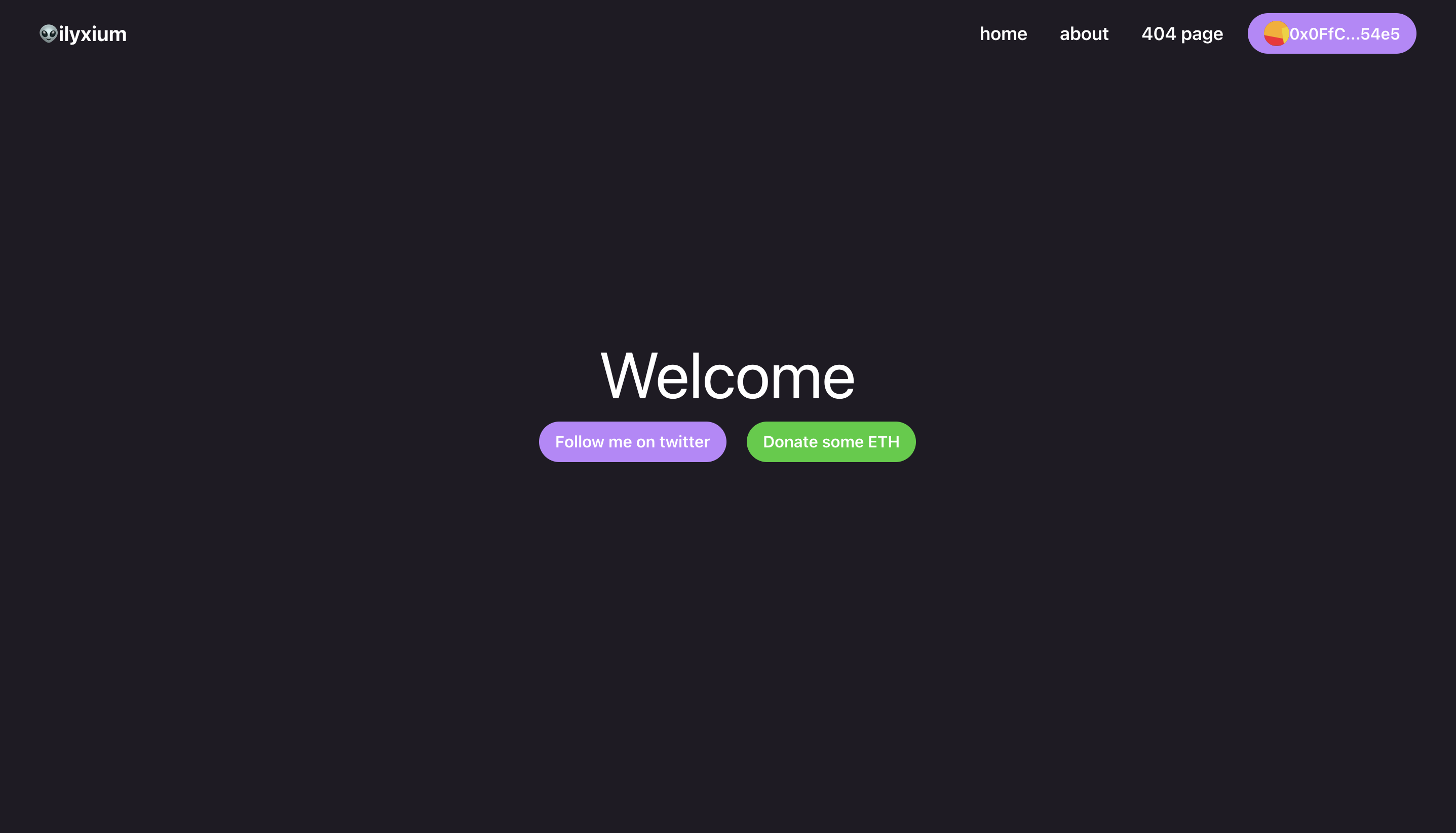
- 3 pages, including a 404 page, and routing done ✅
- Examples of buttons and links 👽
🔌 Add Wallet Connections
The boilerplate already has an injected wallet [metamask] integrated. The code for this can be found in src/components/Header/index.js:
const [{ data: connectData, error: connectError, loading: connectLoading }, connect] = useConnect()

...

const connector = new InjectedConnector({
  chains: [...defaultChains, ...defaultL2Chains],
})

...

 <NavButton ml="30px" onClick={() => connect(connector)}>

...
However, you may want to use a different wallet connector, such as WalletConnect or WalletLink. For that, I have already included the code for the connectors:
const walletConnector = new WalletConnectConnector({
  options: {
    qrcode: true,
  },
})

const linkConnector = new WalletLinkConnector({
  options: {
    appName: 'Mirror.xyz',
    jsonRpcUrl: 'https://mainnet.infura.io/v3',
  },
})
You just need to pass your desired connector to connect() here:
<NavButton ml="30px" onClick={() => connect(connector)}>
If you want to offer multiple connectors, you can do something like this:
{data.connectors.map((x) => (
  <button key={x.name} onClick={() => connect(x)}>
    {x.name}
  </button>
))}
More information on connectors can be found here.
😃 Connect with me
Feel free to reach out on twitter @ilyxium and drop your questions, comments or suggestions on how I can improve this!