Zujaj/Text-Extraction-From-Adobe-Illustrator---Photoshop-To-Notepad
Code Scripts to export text from Adobe Illustrator & Photoshop into Notepad.
Text Extraction From Adobe Illustrator & Photoshop To Notepad
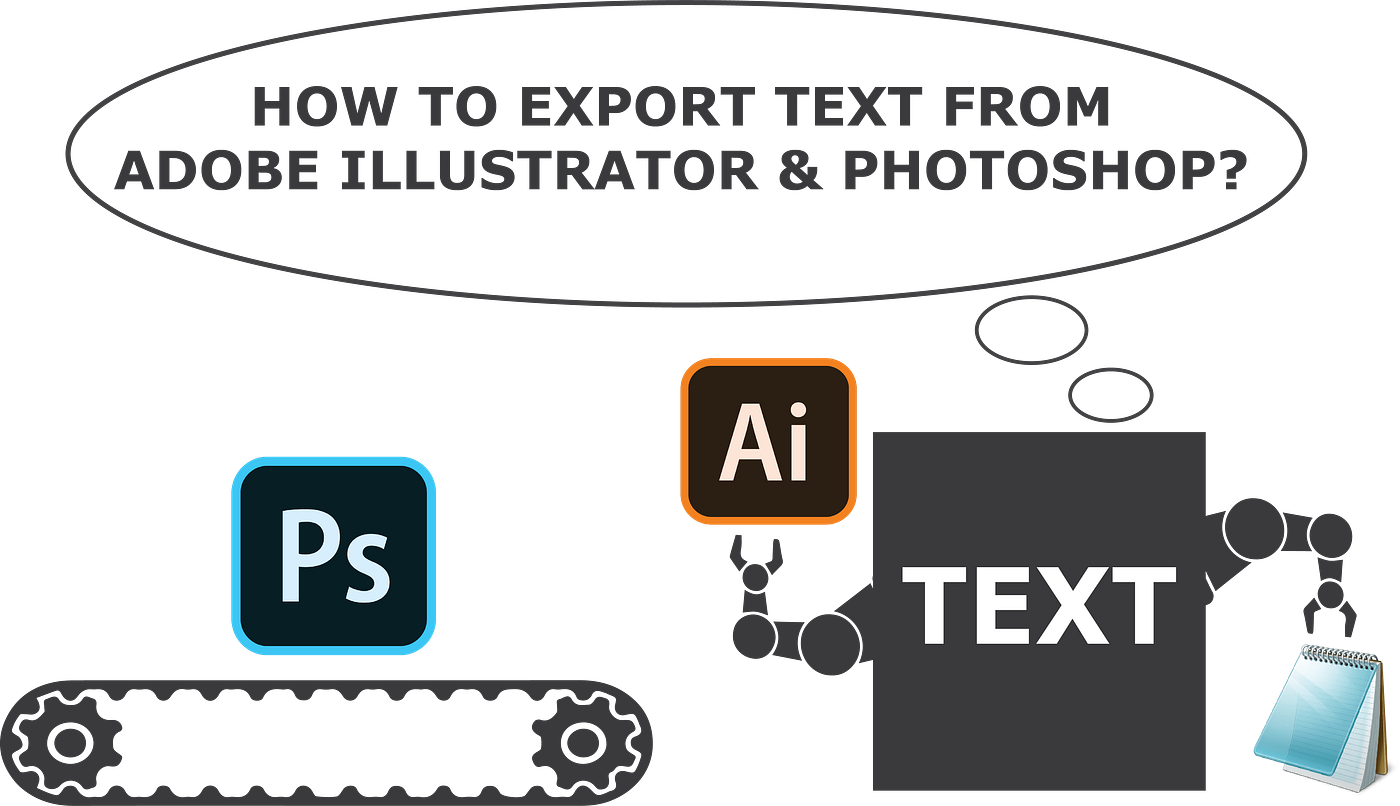
Code Scripts to export text from Adobe Illustrator & Photoshop into Notepad.
The Problem
As a graphic designer, during extensive typing work, there comes a time when you want to copy-paste a large pile of text from the layers or artboard. So you might wonder how would you:
⌨️ Keep yourself relaxed while typing?
📝 Extract out all the text within just a few clicks?
🗒️ Automatically save the extracted text in a notepad file?
To get into more details, read this medium article.
The Solution
Download this repository as a ZIP file and follow the below steps.

Exporting Text in Adobe Illustrator
-
Close
Illustratorand extract theIllustratorTextExtractor.jsxfile inside theScriptsfolder.C:\Program Files\Adobe\Adobe Illustrator 2021\Presets\en_US\Scripts -
Open up the
Test.aifile and navigate toFile/Scriptsto execute the script.

Exporting Text in Adobe Photoshop
-
Close
Photoshopand extract thePS_Bramus.TextExportWithUTF-1.3.jsxfile inside theScriptsfolder.C:\Program Files\Adobe\Adobe Photoshop 2021\Presets\Scripts -
Open up the
Test.psdfile and navigate toFile/Scriptsto execute the script.

Result
After a successful export, your text would pop up in Notepad. Change the text alignment from left to right to view the Urdu text correctly.

Fun Facts
Below are some interesting facts that you can try out.
-
To change the order of the text, switch the layer order.

-
Open up multiple files & export them within a single click shown in the below image.

-
Run the scripts with other languages by changing the file encoding; refer to the below snippet.


fileOut.encoding = "UTF-16"; // Change it to UTF-8 or UTF-32Acknowledgment
Thanks to Bramus for sharing the script code on GitHub.
Contribution
Feel free to contribute to this repository by submitting a pull request or opening an issue. Your contributions are welcome!