StoneMoney/FRCDashboard
:video_game: Extensible, JavaScript-based driving dashboard framework for the FIRST Robotics Competition.
FRC Dashboard
FRC Dashboard is a fully customizable dashboard for FIRST Robotics Competition (FRC) which is based on web languages (JavaScript/CSS/HTML). It's completely legal for competition, and can be used to give your whole drive team significantly richer control of your robot.
The dashboard's code is designed to be 100% accessible, tweakable, and expandable. To help in this aim, the code is rigorously commented and a set of training exercises have been prepared to orient new users. In addition, the base system comes with several functioning example widgets and features, and we've build several helpful addons to speed up the development of your team's dashboard.
Contributions are VERY welcome! Please feel free to open a pull request or issue!

Click to view some example implementations of FRC Dashboard

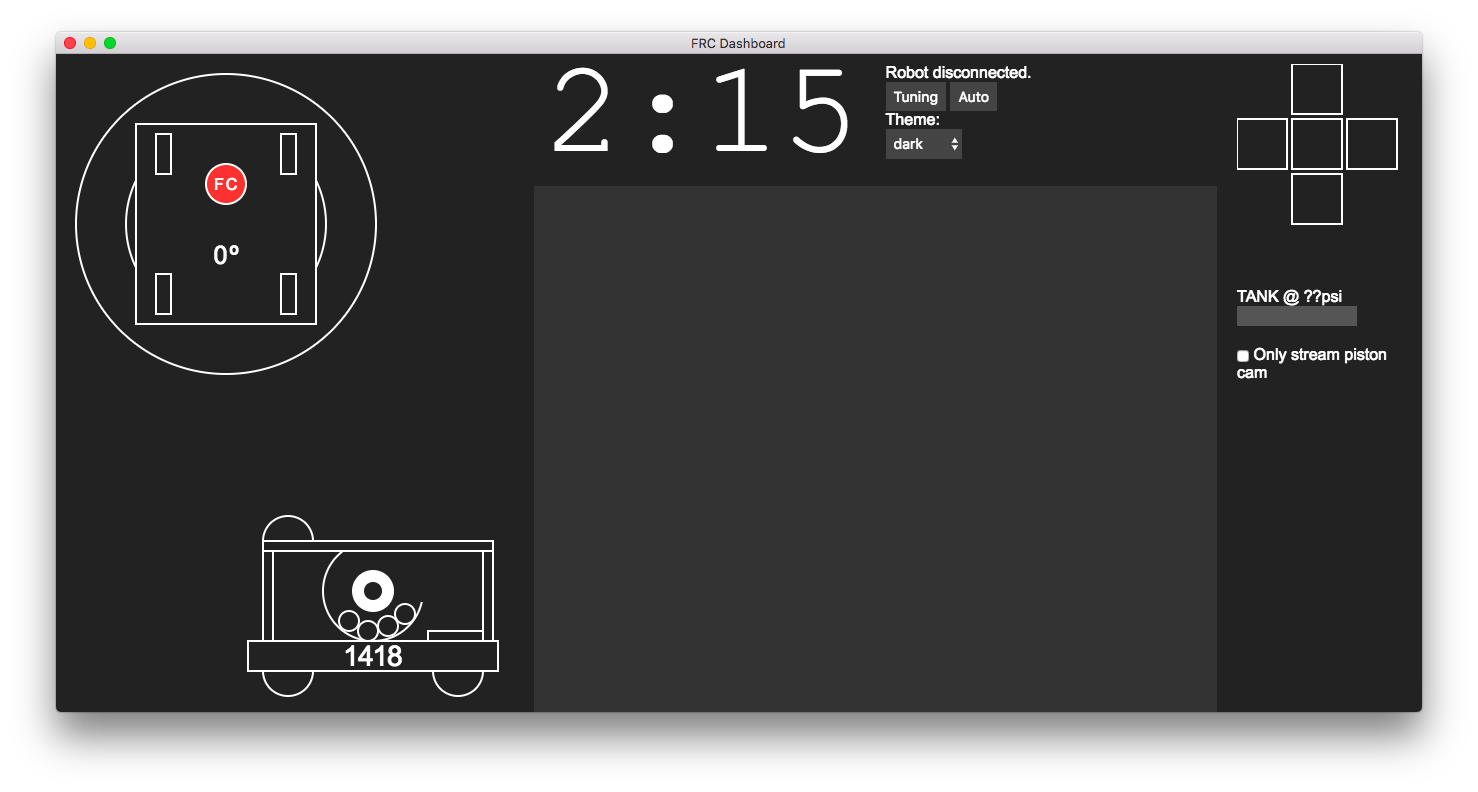
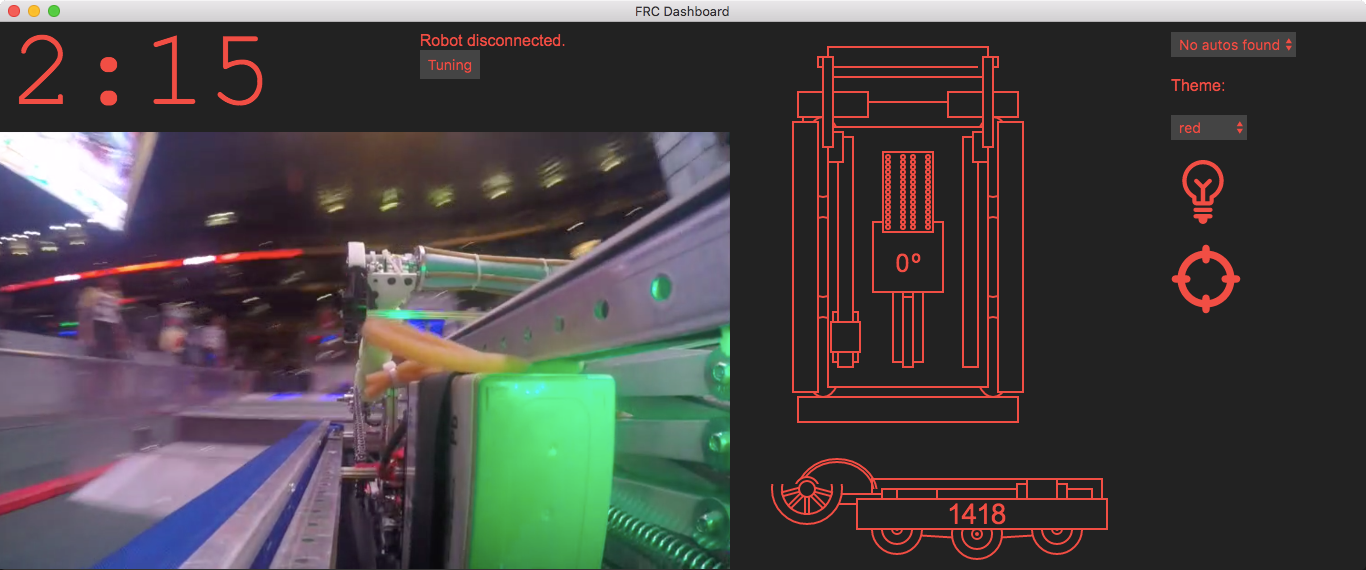
Setup
Dependencies
nodejs&npm- If you don't have permission to install these, see this gist for a workaround.
- Node dependencies (to install,
cdinto dashboard directory and runnpm install) - Python 3
- If you are installing
mjpg-streameror are using this aplication throught the browser
- If you are installing
Configuration
- In
ui.js, there are a bunch of key handler functions which controls the updating of control elements in the dashboard. Example NetworkTables key names are used, but you'll need to change them to match those used in your team's robot code for them to affect anything on your robot.
Configuring Camera feed
In order to run the camera, you must start an mjpg-streamer server on the RoboRIO. To install mjpg-streamer:
-
Download this installer script from GitHub. This script is for downloading and installing packages to the RoboRIO.
-
While in the directory where you downloaded the installer script, run:
Windows:
 py -3 installer.py download-opkg mjpg-streamer
 py -3 installer.py install-opkg mjpg-streamer
Mac/Linux (using bash):
python3 installer.py download-opkg mjpg-streamer python3 installer.py install-opkg mjpg-streamer -
Update
style.cssto use the IP of your live camera feed. Usually this is something likeroborio-XXXX-frc.local:5800/?action=stream, whereXXXXis your team's number. The port may vary.
Building
- Get
npm - Run
npm ito install all of the dependencies - Run
npm run distto pack the entire application into a single file - The Run the setup file located in dist/ on the system where you want to install the dashboard
- Warning currently there is no cross compilation
Running
- Connect to your robot's network if you haven't already. (If you're just testing the dashboard and don't currently need to use it with your robot, you can skip this step.)
- If you are able to use node/npm, use the section below labeled "Using dashboard as Application." If not, use the section titled "Using dashboard through web browser."
Using dashboard as Application
The preferred method of using the dashboard is to run it using the Electron framework. Your dashboard will be its own application, and will be easy to manipulate.
While in the dashboard directory, run:
npm start
This will start a Python server and open the dashboard application. Note that you don't have to close and reopen the application every time you make a change, you can just press Ctrl+R (Cmd+R or ⌘+R on Mac) to refresh the application.
Using dashboard through web browser
The less desirable, but perfectly functional method of viewing your dashboard is to use it like a webpage. This method will work even if you don't have the privileges to install node.js and npm. The standard toolbars from your browser will still be shown and will take up space on the screen, and the experience will be a bit less fluid, but it will work.
-
Start the Python server independently:
Windows:
py -3 -m pynetworktables2jsMac/Linux (using bash):
python3 -m pynetworktables2js -
To view the dashboard, use your browser to navigate to
http://localhost:8888.
It is recommended that while using the dashboard on your driver station, you close the top panel of the FRC DriverStation to make room for the dashboard.
Authors
- Erik Boesen is the primary developer of FRC Dashboard.
- Team 1418 used earlier versions of this code in 2015 and 2016.
- Leon Tan led the original 1418 UI team, coded pynetworktables2js, and developed a browser-based UI which was years later reworked to create FRC Dashboard.
- Dustin Spicuzza leads the RobotPy project mentored team 1418 through much of FRC Dashboard's genesis.
Modifying
FRC Dashboard is designed to be modified for your team's purposes, so you're allowed to do whatever you think is best for you. However, it would be good if you could fork this repository or copy it to another. This will allow you to easily pull updates when they occur, and if you fork it it helps us tell who's using it.
This software is licensed under the MIT license. Basically, modify as much as you like, as long as you give credit where it's due and don't hold us accountable for anything. More information in LICENSE.