SalahudinMalik/backup_docker_to_s3
backup your docker container to aws s3
Backup Script
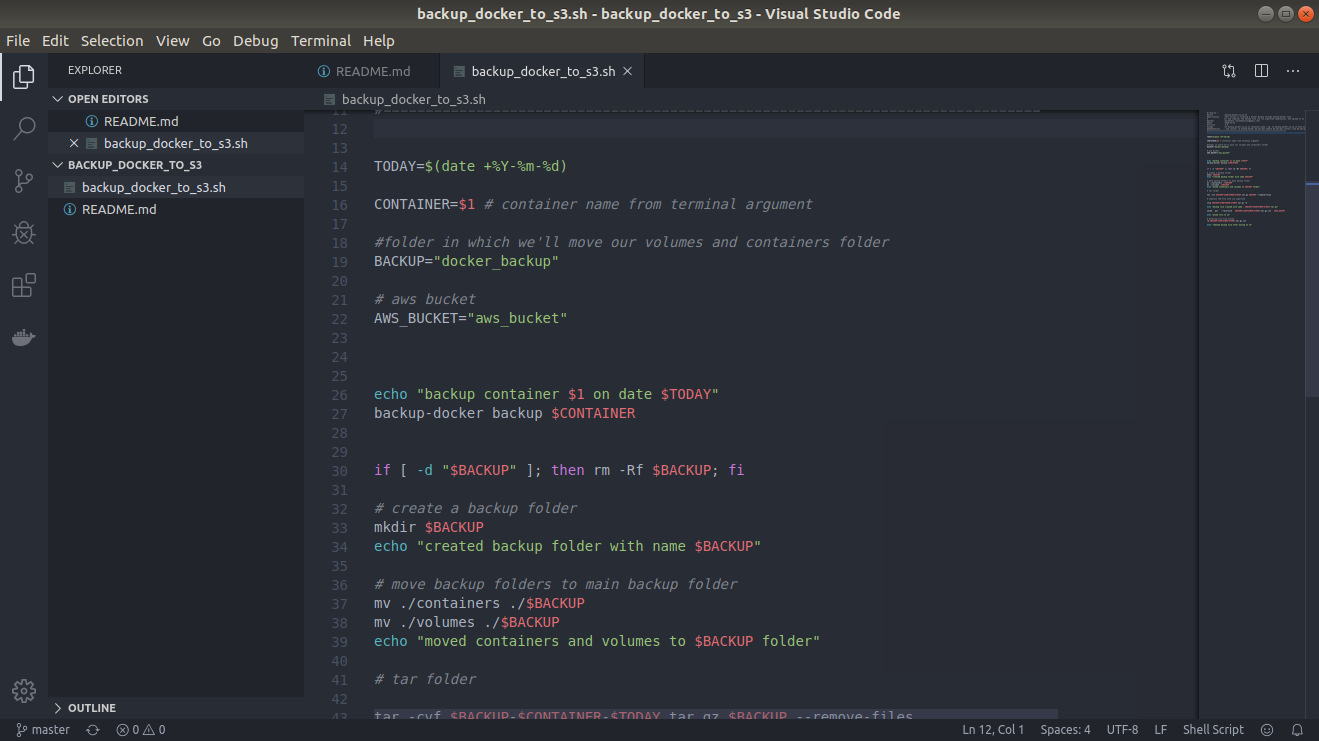
Backup script of this project is written in backup_docker_to_s3.sh file
First you'll have to install backup-docker npm backage using command npm i -g backup-docker
To run this in terminal: sudo ./backup_docker_to_s3.sh container_name
i.e sudo ./backup_docker_to_s3.sh your_docker_container_name
This command will create and store backup to aws s3
Restore backup
To restore backup you need to unzip backup zip file in a folder and then open terminal in that folder and run sudo backup-docker restore container_name
i.e sudo backup-docker restore your_docker_container_name
Make sure you have changed network ID to your docker network ID in containers/container_name.json file
AWS S3 Backup
To backup to s3 you need to install s3cmd command line interface and add your s3 credential in it. here is the doc to set that.
Contributing
Please read CONTRIBUTING.md for details on our code of conduct, and the process for submitting pull requests to us.
Authors
- Salahudin Malik - Initial work - SalahudinMalik
See also the list of contributors who participated in this project.
License
This project is licensed under the MIT License - see the LICENSE.md file for details