P-Shakibafar/modular
Modularize your Laravel application
InterNACHI/Modular

InterNACHI/Modular is a module system for Laravel applications. It uses
Composer path repositories for autoloading,
and Laravel package discovery for module
initialization, and then provides minimal tooling to fill in any gaps.
This project is as much a set of conventions as it is a package. The fundamental idea
is that you can create “modules” in a separate app-modules/ directory, which allows you to
better organize large projects. These modules use the existing
Laravel package system, and follow existing Laravel
conventions.
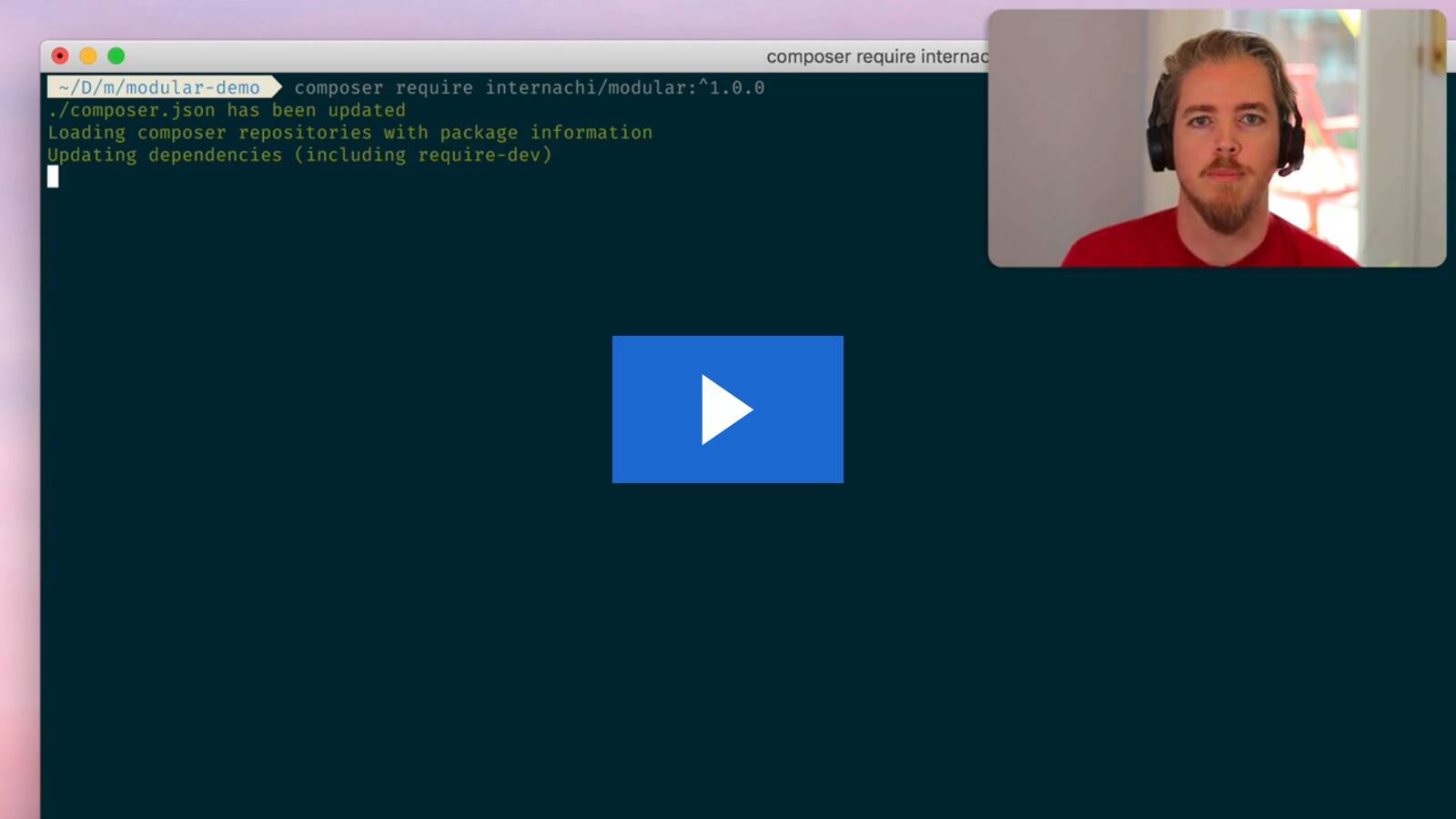
Walkthrough Video
Installation
To get started, run:
composer require internachi/modularLaravel will auto-discover the package and everything will be automatically set up for you.
Publish the config
While not required, it's highly recommended that you customize your default namespace
for modules. By default, this is set to Modules\, which works just fine but makes it
harder to extract your module to a separate package should you ever choose to.
We recommend configuring a organization namespace (we use "InterNACHI", for example).
To do this, you'll need to publish the package config:
php artisan vendor:publish --tag=modular-configCreate a module
Next, let's create a module:
php artisan make:module my-module Modular will scaffold up a new module for you:
app-modules/
  my-module/
    composer.json
    src/
    tests/
    routes/
    resources/
    database/
It will also add two new entries to your app's composer.json file. The first entry registers
./app-modules/my-module/ as a path repository,
and the second requires modules/my-module:* (like any other Composer dependency).
Modular will then remind you to perform a Composer update, so let's do that now:
composer update modules/my-moduleOptional: Config synchronization
You can run the sync command to make sure that your project is set up
for module support:
php artisan modules:syncThis will add a Modules test suite to your phpunit.xml file (if one exists)
and update your PhpStorm Laravel plugin
configuration (if it exists) to properly find your module's views.
It is safe to run this command at any time, as it will only add missing configurations.
You may even want to add it to your post-autoload-dump scripts in your application's
composer.json file.
Usage
All modules follow existing Laravel conventions, and auto-discovery
should work as expected in most cases:
- Commands are auto-registered with Artisan
- Migrations will be run by the Migrator
- Factories are auto-loaded for
factory() - Policies are auto-discovered for your Models
There is currently one exception:
- Event discovery (which is optional
and disabled by default in Laravel) is currently not supported.
Commands
We provide a few helper commands:
php artisan make:module— scaffold a new modulephp artisan modules:cache— cache the loaded modules for slightly faster auto-discoveryphp artisan modules:clear— clear the module cachephp artisan modules:sync— update project configs (likephpunit.xml) with module settingsphp artisan modules:list— list all modules
We also add a --module= option to most Laravel make: commands so that you can
use all the existing tooling that you know. The commands themselves are exactly the
same, which means you can use your custom stubs
and everything else Laravel provides:
php artisan make:controller MyModuleController --module=my-modulephp artisan make:command MyModuleCommand --module=my-modulephp artisan make:channel MyModuleChannel --module=my-modulephp artisan make:event MyModuleEvent --module=my-modulephp artisan make:exception MyModuleException --module=my-modulephp artisan make:factory MyModuleFactory --module=my-modulephp artisan make:job MyModuleJob --module=my-modulephp artisan make:listener MyModuleListener --module=my-modulephp artisan make:mail MyModuleMail --module=my-modulephp artisan make:middleware MyModuleMiddleware --module=my-modulephp artisan make:model MyModule --module=my-modulephp artisan make:notification MyModuleNotification --module=my-modulephp artisan make:observer MyModuleObserver --module=my-modulephp artisan make:policy MyModulePolicy --module=my-modulephp artisan make:provider MyModuleProvider --module=my-modulephp artisan make:request MyModuleRequest --module=my-modulephp artisan make:resource MyModule --module=my-modulephp artisan make:rule MyModuleRule --module=my-modulephp artisan make:seeder MyModuleSeeder --module=my-modulephp artisan make:test MyModuleTest --module=my-module
Comparison to nwidart/laravel-modules
Laravel Modules is a great package that’s been
around since 2016 and is used by 1000's of projects. The main reason we decided to build
our own module system rather than using laravel-modules comes down to two decisions:
- We wanted something that followed Laravel conventions rather than using its own
directory structure/etc. - We wanted something that felt “lighter weight”
If you are building a CMS that needs to support 3rd-party modules that can be dynamically
enabled and disabled, Laravel Modules will be a better fit.
On the other hand, if you're mostly interested in modules for organization, and want to
stick closely to Laravel conventions, we’d highly recommend giving InterNACHI/Modular a try!