Guerra24/Firefox-UWP-Style
Sun Valley + MDL2 Theme for Firefox
Firefox UWP Style
A theme that follows UWP styling.
Install
Select the appropriate file:
Copy the content inside the folder where userChrome.css file is located into your chrome folder.
Toggle toolkit.legacyUserProfileCustomizations.stylesheets pref in about:config and restart Firefox.
Styles
MDL2
The original 2015 UWP design. Follows MDL2 styling with the accent color and gray-on-black or gray-on-white elements.
Enabled by default.
Sun Valley
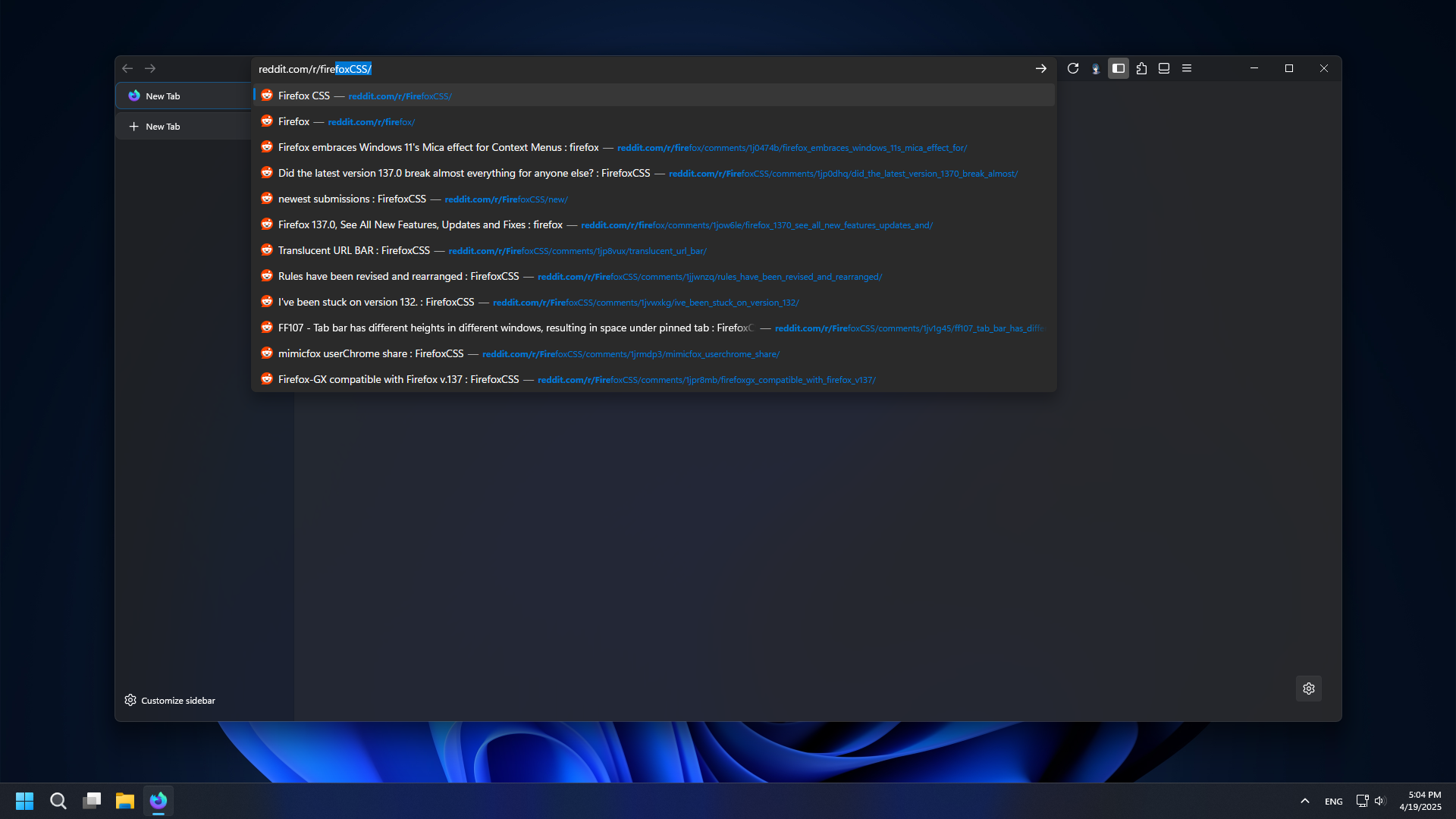
The 2021 Fluent Design refresh. Features heavy use of rounded corners and smoother colors.
Create boolean uwp.sun-valley pref to enable.
Create boolean uwp.sun-valley.font pref to enable Segoe UI Variable.
Create boolean uwp.sun-valley.round-tabs pref to enable rounded tabs.
Create boolean uwp.sun-valley.colored-tabs pref to enable colored tabs. It uses the container color or the accent color in default tabs. Only works with rounded tabs since the default ones have the tab line.
Customize
Toggle widget.non-native-theme.use-theme-accent pref to enable accent color in all about:* pages.
Acrylic and Mica only work with the Sun Valley style.
Acrylic
Set widget.windows.mica.popups pref to 2 to enable. Some Firefox versions might come with it already enabled.
Mica
Requires MicaForEveryone.
In MicaForEveryone create a process rule and select firefox then set the backdrop type to your preferred one.
Create boolean uwp.sun-valley.mica pref to enable.
Toggle browser.tabs.allow_transparent_browser pref to enable transparency support in all pages.
Custom CSS
If you want to change any rules or use additional css please use customChrome.css and customContent.css.
Accent Color
If you want to override the accent color create two new prefs, both string type set to RGB Hex values.
ui.accentcolor=#FF00FF Accent color
ui.accentcolortext=#FFFFFF Text color when the background is the accent color.
Screenshots (Sun Valley)