VWsFriend











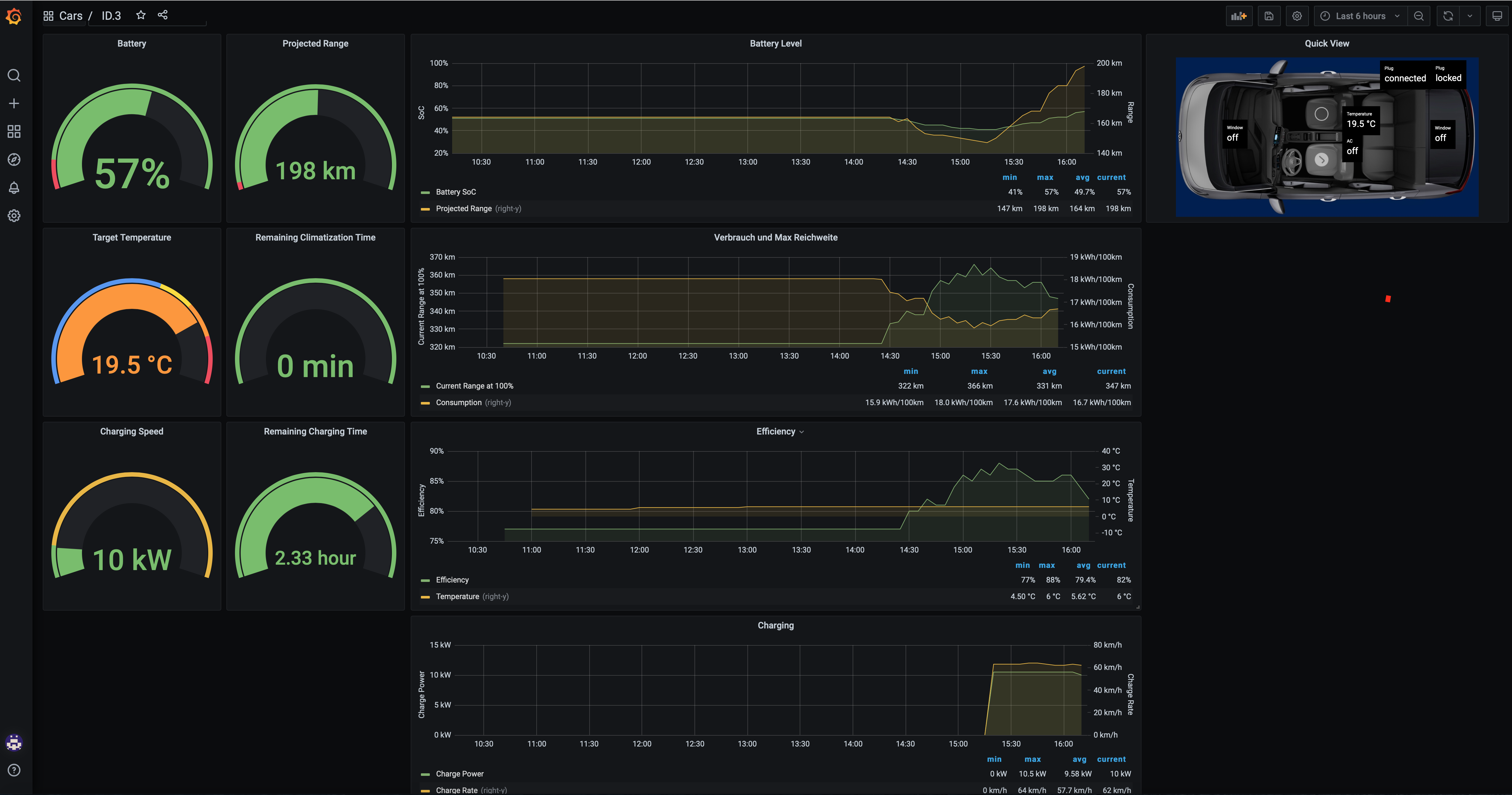
Volkswagen WeConnect© API visualization and control (HomeKit) inspired by TeslaMate https://docs.teslamate.org/
What it looks like
Requirements
- Docker (if you are new to Docker, see Installing Docker and Docker Compose)
- A Machine that's always on, so VWsFriend can continually fetch data
- External internet access, to talk to the servers
Login & Consent
VWsFriend is based on the new WeConnect ID API that was introduced with the new series of ID cars. If you use another car or hybrid you probably need to agree to the terms and conditions of the WeConnect ID interface. Easiest to do so is by installing the WeConnect ID app on your smartphone and login there. If necessary you will be asked to agree to the terms and conditions.
How to start
- Clone or download the files docker-compose.yml and .env
- To create myconfig.env copy .env file and make changes according to your needs
- Start the stack using your configuration.
docker-compose --env-file ./myconfig.env up- Open a browser to use the webinterface on http://IP-ADDRESS:4000
- Open a browser to use grafana on http://IP-ADDRESS:3000 with the user and password you selected
More information
More information can be found in the Wiki: https://github.com/tillsteinbach/VWsFriend/wiki
Update
- To update the running VWsFriend configuration to the latest version, run the following commands:
docker-compose pull
docker-compose --env-file ./myconfig.env up
ABPR (A better Route Planner) support
VWsFriend supports sending its data to ABPR out of the box. You just have to generate a user-token in ABRP and configure it for your car in the UI.
Connecting VWsFriend to ABRP enables you to use the current SoC, position, parking and charging state (feature availability depends on your car!) when planning routes in ABRP
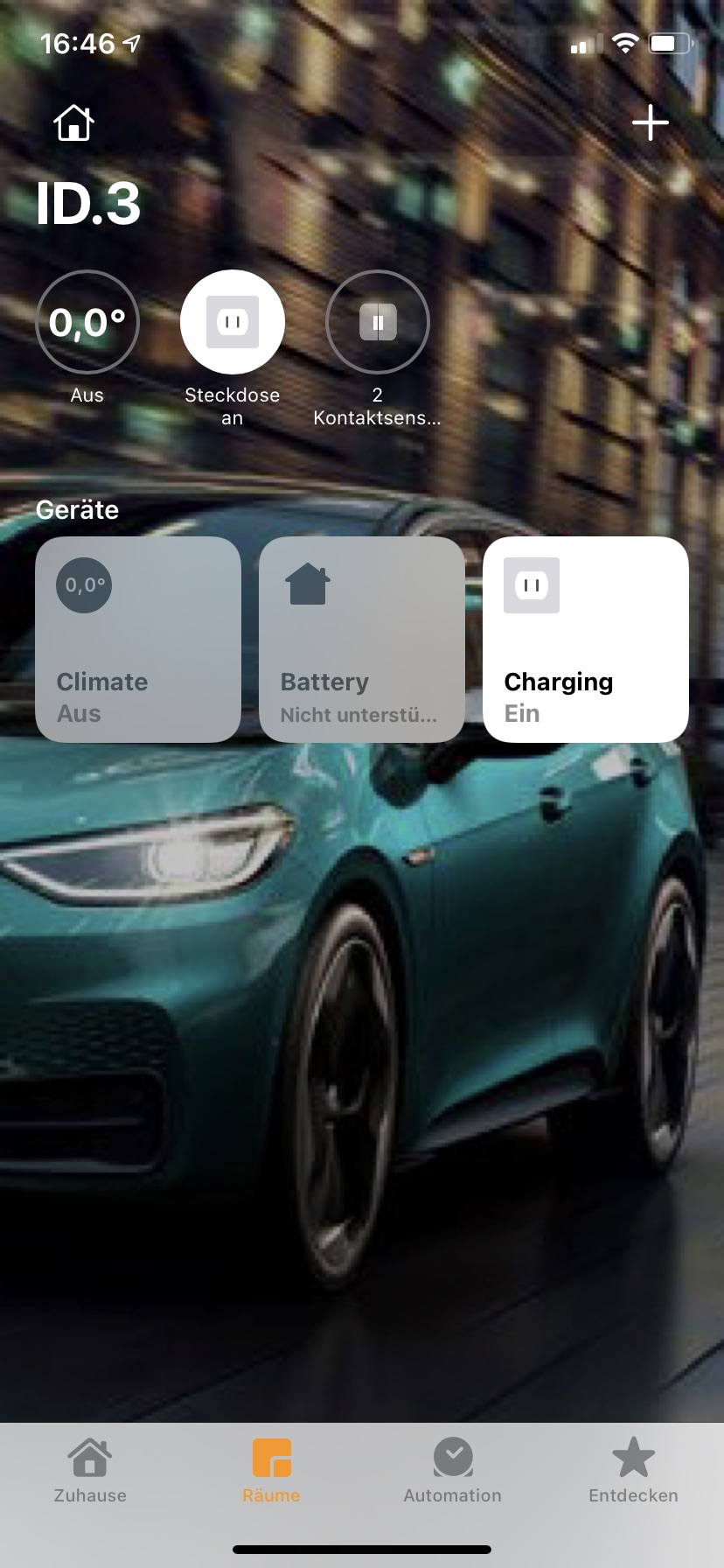
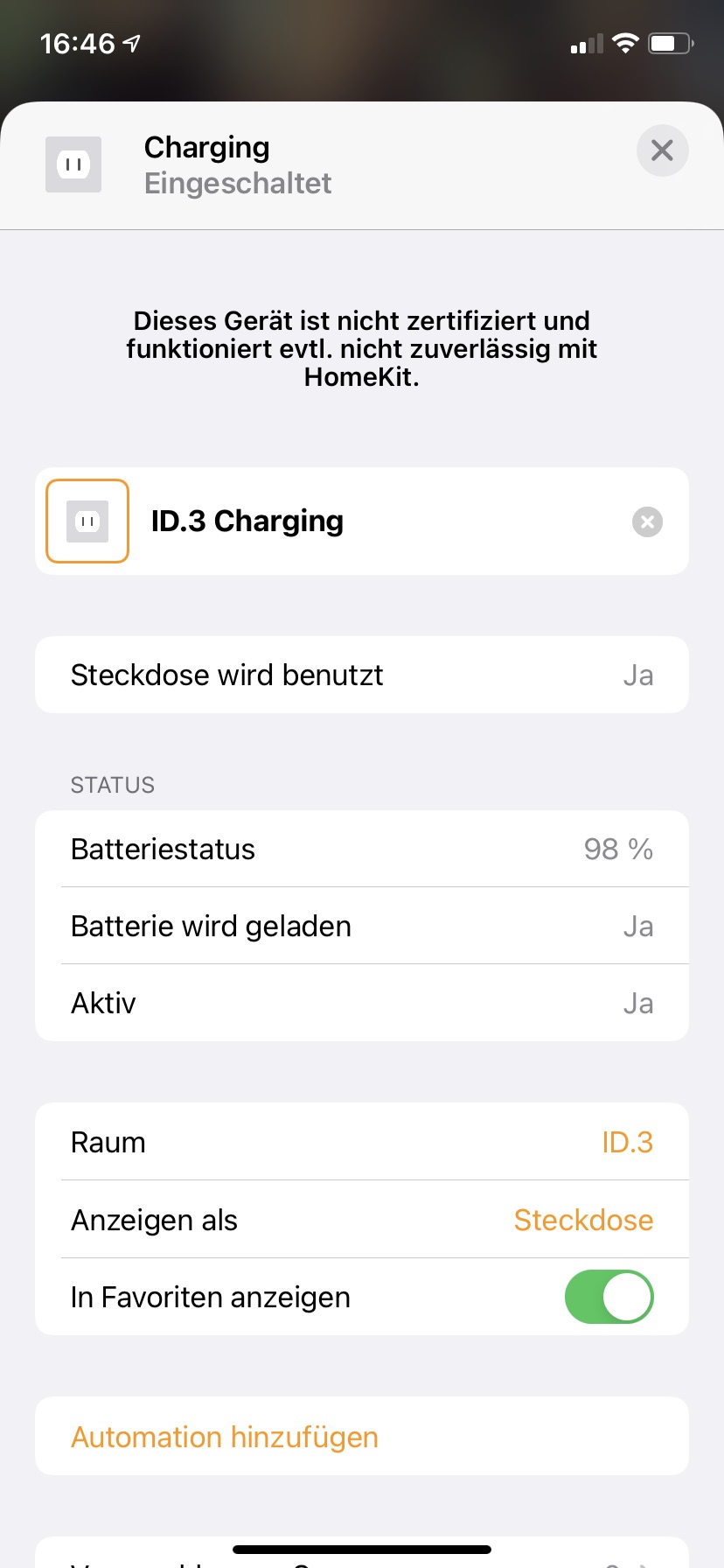
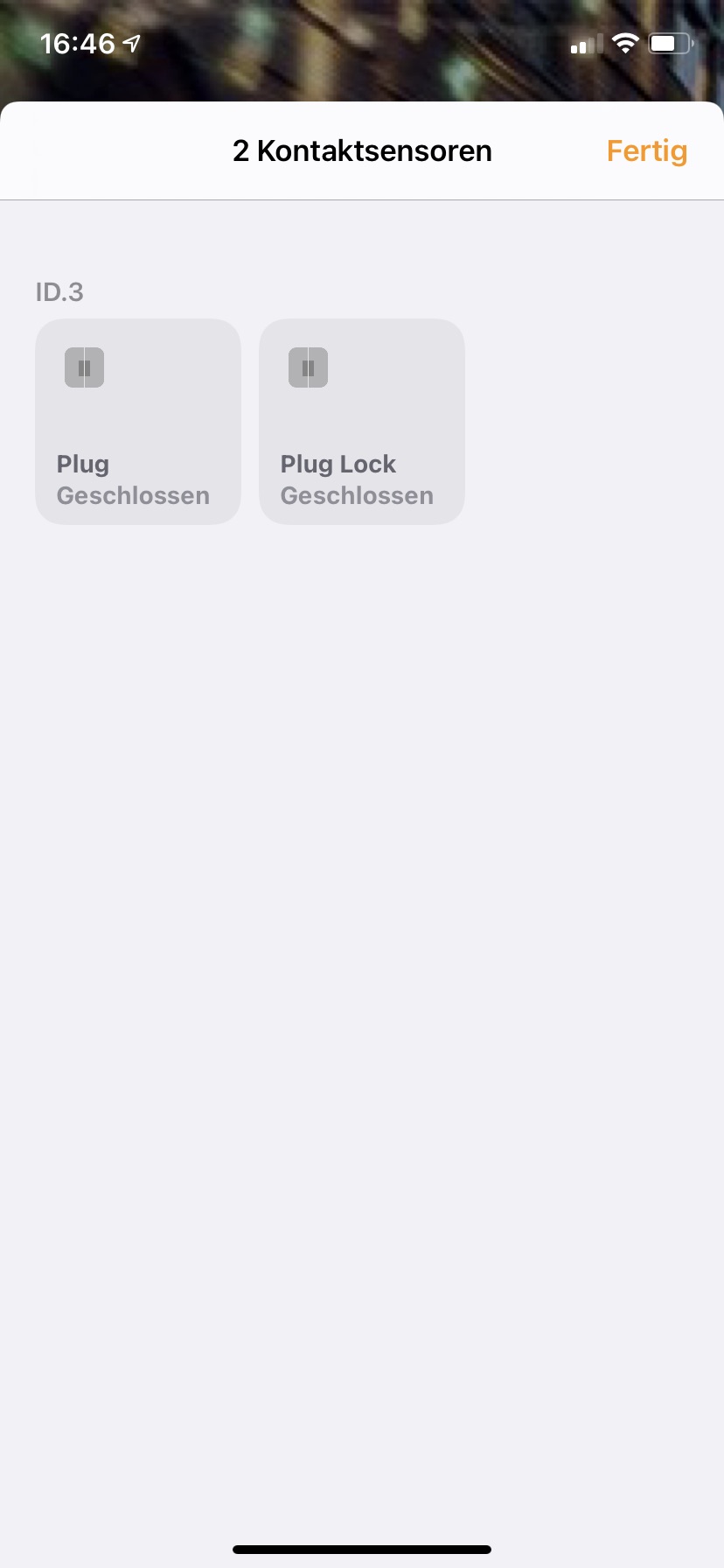
VWsFriend with Apple Homekit support
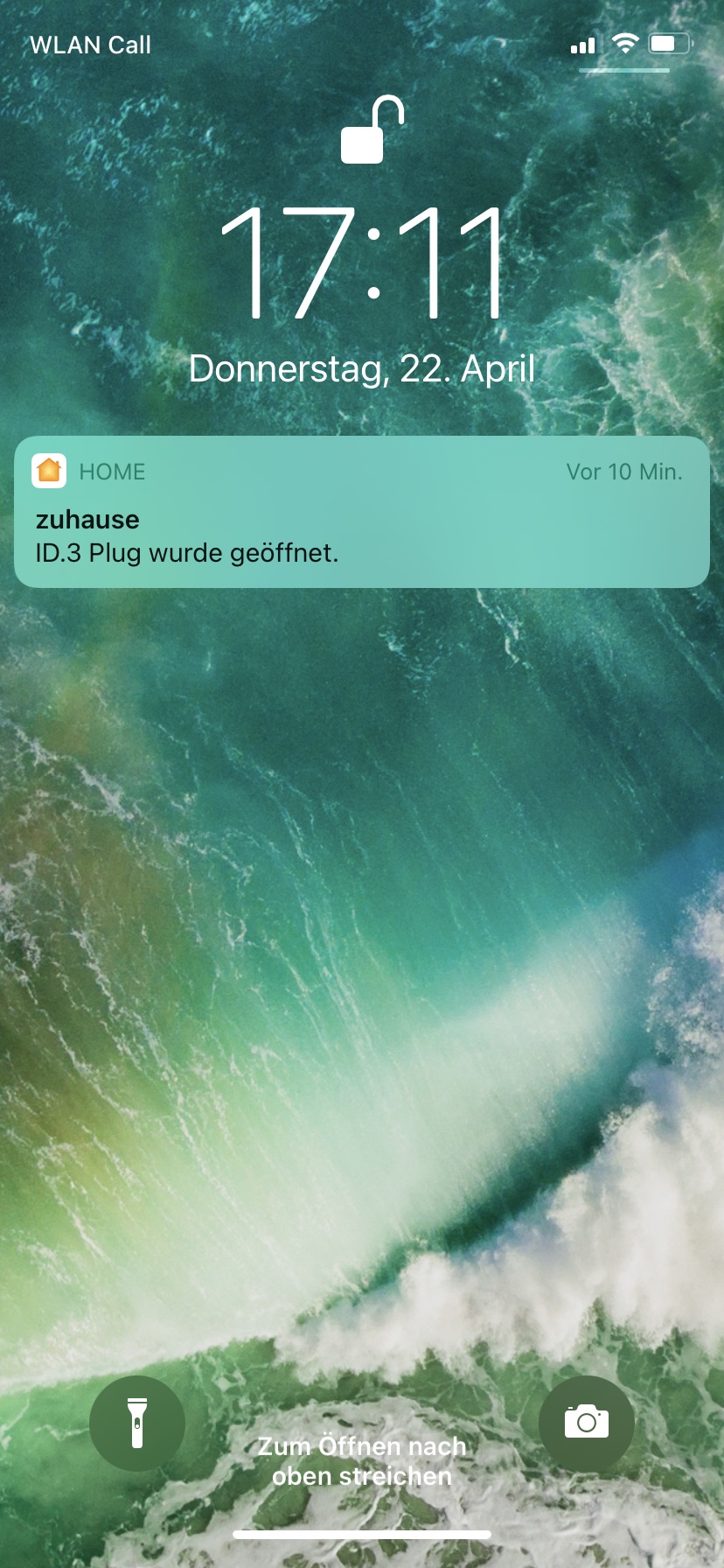
- Replace the docker-compose file by docker-compose-homekit-host.yml to use the homekit override
docker-compose -f docker-compose-homekit-host.ymlThis will use host mode for vwsfriend. This is necessary as the bridge mode will not forward multicast which is necessary for Homekit to work.
Host mode is not working on macOS. The reson is that the network is still virtualized. See also Known Issues.
If you do not like to share the host network with vwsfriend you can use macvlan mode docker-compose-homekit-macvlan.yml:
docker-compose -f docker-compose-homekit-macvlan.ymlMacvlan needs the variables for the IP to choose, the subnetmask and the gateway to be set in your configuration.
Macvlan mode is not supported on macOS! See also Known Issues.
Automated Updates
As there are continuously updates to the WeConnect API VWsFriend my stop unexpectedly working. I try to push updates in this case as fast as possible. You can configure to get these updates automatically by adding watchtower to your docker-compose.yml file:
watchtower:
    image: containrrr/watchtower
    volumes:
      - /var/run/docker.sock:/var/run/docker.sock
    command: --interval 3600 --cleanup
If you want to be sure that the update only happens at a certain time of the day to prevent updating in times where you use the car you can also schedule update times like this:
command: --schedule "0 0 2 * * *" --cleanupThe example shifts the update time to 2:00 (UTC)
Known Issues
- Ironically you cannot host VWsFriend with Homekit support on a macOS machine. The reason is that there is no way to get the advertisements via multicast out of the container into the network. If you want to use the Homekit feature you have to host VWsFriend on a Linux machine. If someone is able to make a setup work on macOS, please let me know to allow me to update the documentation!
Open improvements
- Deploy datasource and dashboard as grafana app (allows better control)
- Change update frequency based on the cars state (more often when car is online)
Credits
- Software used in VWsFriend:
- Docker and Docker compose
- PostgreSQL
- Grafana
- HAP-python
- And several more
Related projects
- WeConnect-cli: A commandline interface to interact with WeConnect
- WeConnect-MQTT: A MQTT Client that provides WeConnect data to the MQTT Broker of your choice (e.g. your home automation solution such as ioBroker, FHEM or Home Assistant)
Other
We Connect© Volkswagen AG